


249Xeno
Members
-
Joined
-
Last visited
Everything posted by 249Xeno
-
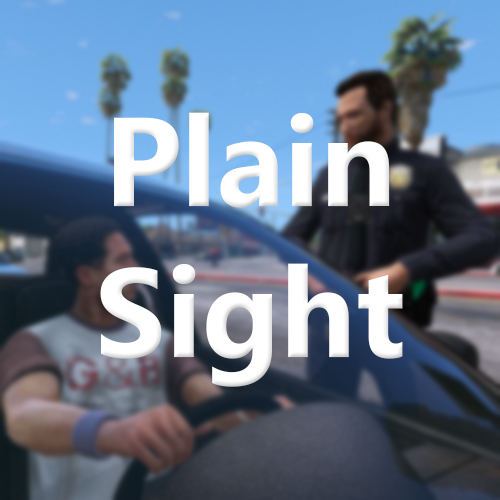 I like the script for this plain sight. It works pretty well and I have no issues with it. I am giving this 4/5 because each time I am on a traffic stop, it always tells me that it does not see anything within the vehicle. I don't know if it's because it's a default or it acts like it's observing what's inside the vehicle and it does not see anything that catches the officer's attention.
 -
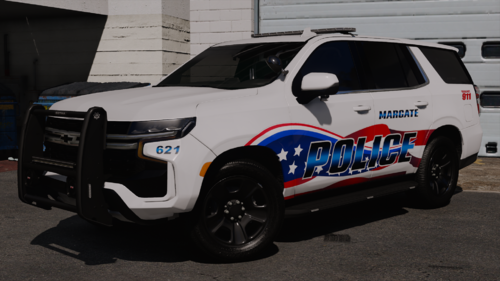 can you rephase your question... I dont understand it
 -
I was going to post this too... beat me to it lol. Also, it needs to be slowed down a bit.
-
.thumb.png.690bfb8c6c92713acd8716b381d9e3ca.png) oh dang. You can always make it for the side with Charger lol...
oh dang. You can always make it for the side with Charger lol... -
dang... Its too bad, because that lightning looks well on the FPIU and I would think they have a Charger. Is this based off of a department agency or not?
-
@SparkyMalarkey Are you going to do a charger or any other vehicle besides FPIU? I like your lightning and would like to see more of it.
-
-
 wait what??? I am totally lost on your question... first of all, RPH is a launcher... and SHV is a script that helps for the asi files to run. Without SHV, the script will not work. that'sYou can't make a RPH version of this if that what you want. It would not make sense.
- 540 comments
- 26 reviews
-
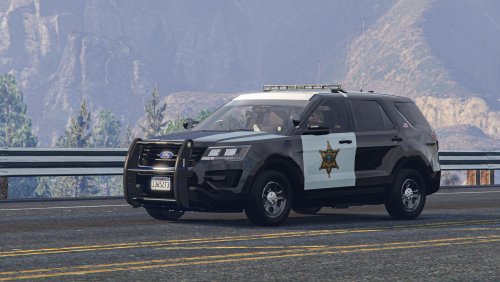 @KLE0 Hey. How are ya? So I have an issue. For some reason, The push-bar lights are not functioning and the ions on the side mirror are dim. I even tried to increase the number for the lightning on the carols and the carve rations but it's not working, is that an issue from the files themselves or from Zmod? Also, at night. I notice that there are lights in the back of the vehicle like a headlight shining off of the rear of the vehicle and the left tailight does not flash like the right tailight.
- 71 comments
- 16 reviews
-
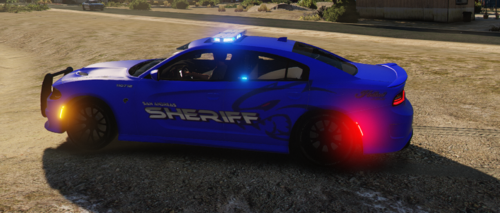 Hey guys, This is my first upload for vehicle textures. I know it isn't that good but I hope you guys enjoy it and let me know what ya think. Vehicle that I used for the vehicle texture. Link:
 -
-
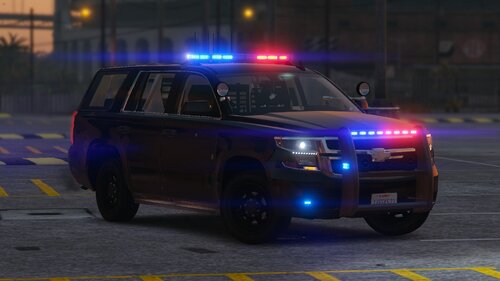 @Pusasaurus hey, so I am having an issue with your XML for your lightning. For some reason, I could not have a steady burn for code 2 and SCAN for code 3. Even after I set it that way, the minute I exit the vehicle while in code 3, it goes straight to steady burn because I set code 2 (PRML) to steady burn. Also, I can't set the SECL to the pattern I want, and will not work in-game until I go to the PRML and paste the same thing from SECL. I think you had merged PRML and SECL where SECL does not work as code 3 but the PRML is. It means that codes 2 and 3 are together where that should not have happened. I confirmed this by testing it out by switching SECL to steady burn and PRML to SCAN on (Out of Vehicle). I went back in-game and observed my findings.
- 26 comments
- 3 reviews
-
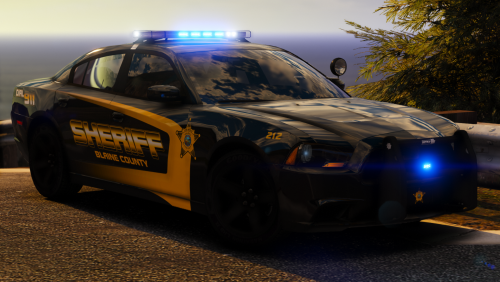 Running short gameplay with 2016 FPIU with NvE (Natural Vision Evolve). No Reshade is involved with this. The texture looks amazing.
- 14 comments
- 9 reviews
-
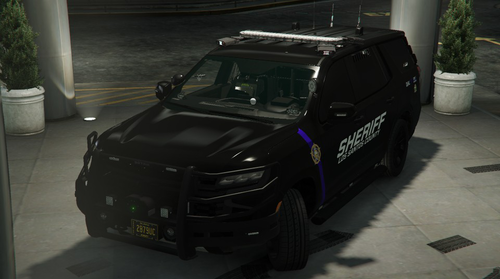 It work in most FPIU but not Tahoe. You will have to change the offset in the vehicle.meta for Tahoe too.
- 61 comments
- 12 reviews
-
 Is there an in-game menu or anything that allows us to reduce the pursuit? It's like happening ever 2 minutes before the first chase. I would turn that off if I could too. Everything else looks fine, just the pursuit.
- 84 comments
- 9 reviews
-
-

-

- 2
-
-
-
No need bro. Anything to make this car look beautiful. I just finished making a vehicle texture for this vehicle too for Fresno Sheriff County. The old version was before they removed the strip off of the vehicle.
-
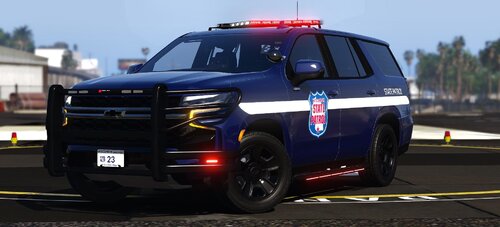 what car did you use for this livery? Could we get the link to that car?
 -
I already fixed the hybrid issue and it's working just fine on my ends =).
-
@SparkyMalarkey So I caught a mistake in the .xml for the lights. When I went to code 2 (stage 2) (I don't understand why people called that. It's code 2). I fixed and now the color flashing is at the right location. The issue is that the blue flashing light should not be flashing and should stay solid since the blue light on the code 3 light bar is solid and not flashing at all. I have attached the picture and also the .xml to this message. I called Venturapd23fpiu but I will be changing it to 23unmarkedunitfpiu since I use it for highway patrol and not local. Venturapd23fpiu.xml
-
I dont think we need all that, but probably the template and that is about it. Players that do livery texture can always add reflective livery.
-
I like the code 3 R21 lightbar. It looks sexy and how the light pattern is on this vehicle. I like the skin but it's too bad that there is no template in the file so we can do our skin for the vehicle. I am glad that someone put out a 2022 FPIU
-
It's beautiful! I love the lightning on it, but I wish there was a template for this vehicle too.
-
I know, it is soo sick! yah, i know! I love it. @OfficerArk is awesome! I love his car and make video out of it
- 61 comments
- 12 reviews
-

.thumb.png.690bfb8c6c92713acd8716b381d9e3ca.png)



