
0pheIia
Members
-
Joined
-
Last visited
Everything posted by 0pheIia
-
.thumb.png.04d34e402e1b5c69bba1e7f450179ac7.png) this caused my lspdfr to crash after playing with it for a 3rd time. Not sure whats going on but I seen it cause a crash in my rph.log I'll reinstall it tomorrow get a copy of the crash log and send it here.
this caused my lspdfr to crash after playing with it for a 3rd time. Not sure whats going on but I seen it cause a crash in my rph.log I'll reinstall it tomorrow get a copy of the crash log and send it here.- 81 comments
- 3 reviews
-
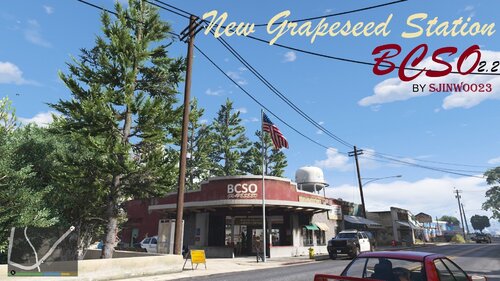 when you add interiors will you post that version to lcpdfr.com or will you post it too patreon?
 -
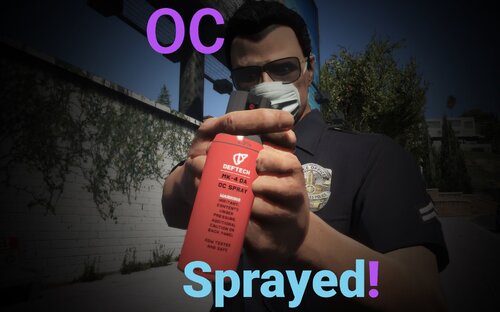 omggggg thank you so muchhhhhhhh i have been searching for thisss
 -
 ik you said you dont believe its RTAI Related but I do. I uninstalled RTAI and it stopped locking my speed to 45mph (45mph also is the highest speed I have for ai in RTAI.ini while riding in the city on certain roads/streets) I didn't have issues using RTAI with lspdfr or any other mod. I think it has something to do with POC because it allows you to do anything you can do in GTAO while also changing character hashes and some other things.
- 159 comments
- 7 reviews
-
 espada I love this great job. Im happy to see that your back :) !!! Can you please fix SP Chat script? the /do command is broken. If i say "/do did i touch? it wont give me my yes or no answer. I been working around it with /try but having a working /do would be extraordinary 🤩
 -
idk if its just on my end but after getting POC (Playable Online Character) to work I can't go faster than 45mph.
- 159 comments
- 7 reviews
-
 yeah I am on the latest. I'll investigate more and see if its still happening with the newer version.
- 66 comments
- 1 review
-
-

- 1
-
-
 I used this for a while but it doesn't seem to work very well with pr backup.
- 29 comments
- 2 reviews
-
-
- 1
-
-
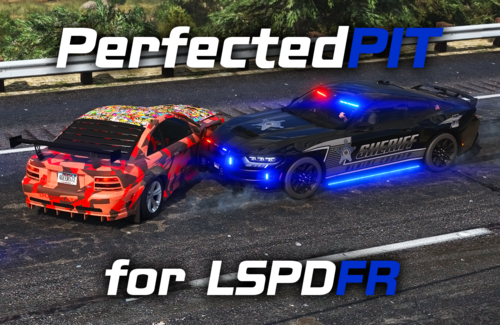 this is awesome! I was upset the other night because my pits weren't working as intended. Now they do thank you;)
- 10 comments
- 1 review
-
-
- 1
-
-
this caused my game to crash. Im not sure why I haven't done much investigating. Just wanna lyk :). If you'd like I can investigate more and see if I can figure out what was going on with the script when I installed it earlier.
- 66 comments
- 1 review
-
-
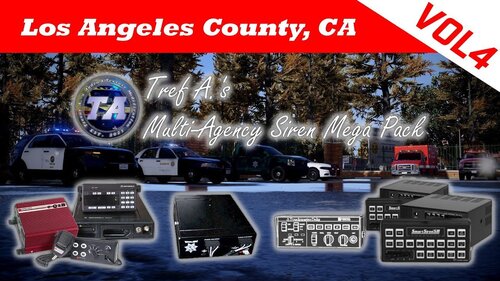 bro your skilled asf. I tried this in my own way and couldn't get custom horns for every department and I couldn't get quick and siren 04 to work.👏
 -
-
-
-
-
I use this script with RTAI Plugin and its genuinely amazing. I love how things work and I love that traffic is genuinely realistic with speeds. Thank you for making this script and releasing it to the public :)
- 159 comments
- 7 reviews
-
-
 the peelian way is an amazing and required mod for pr but some questions cause LSPDFR Crashes whenever their pressed. I have noticed it only with commercial vehicle inspection/enforcement questions.
- 179 comments
- 4 reviews
-
 same @Sohl can you please share the template?
 -
This script is so important to me due to how I play lspdfr and Im so grateful there are people in this world who make scripts like this. I could cry right now because im so happy to see this script come to light. I can't wait to try this here in a little bit when I get out and patrol. Thank you for making this your such a great guy🥹
- 159 comments
- 7 reviews
-
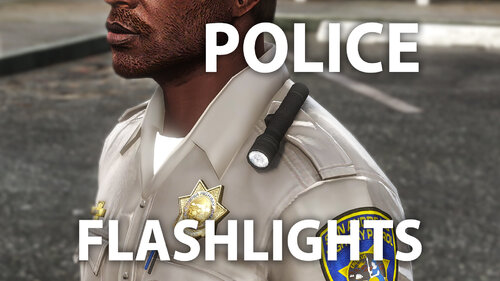 This is awesome! Thank you for releasing it for free. Now to anyone playing lspdfr if you have PoliceMenu installed you can use that to turn the flashlight on and off again.
 -
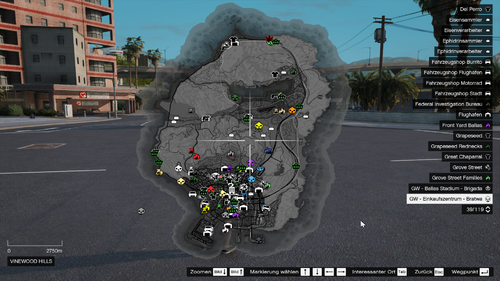 alright great now slap some postals on their then make an xml that has the postals for calloutinterface and or simplehud
 -
It was kinda successful. Some of the AI didn't sync but that may be my fault for not having proper configs in that departments els vcf's. Also thank you for his plugin its long long long long long overdue.
- 29 comments
- 2 reviews
-

.thumb.png.04d34e402e1b5c69bba1e7f450179ac7.png)