
0pheIia
Members
-
Joined
-
Last visited
Everything posted by 0pheIia
-
-
-
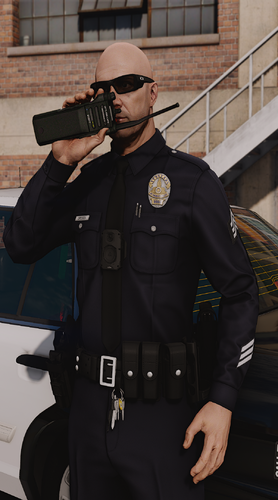 @PHENOM00 can you please provide a screenshot? so I may see what is happening. also please use the comment section to explain your issues. instead of the review section.
- 77 comments
- 7 reviews
-
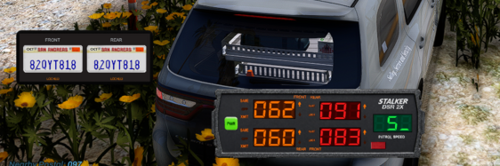 I have sent a friend request to your account. I'll look into this thanks for the idea. I think I'll add this as a boolean that way it can be turned on and off. At some point yes I will. Im not sure when though. The radar is still in development. The one I used in this showcase works good but its only available privately through discord.
- 29 comments
- 2 reviews
-
 thank you for making a female version. people always forget us😭
 -
have you joined our discord server? I haven't heard of this issue. If you haven't please join that way we can provide you with support :D
- 77 comments
- 7 reviews
-
-
-
-
thank you so much for your support! I will have to apologize though, the photos provided in the showcase. Are not photos taken by me. They were taken by SliceRider. Here is his youtube channel so you can reach out to him. https://www.youtube.com/@slicegaming-lspdfr
- 77 comments
- 7 reviews
-
Thank you for your support with vantage striker! Im sorry to hear that your having that issue. I haven't had this issue on my end. Can you dm me or leave your discord user in this comment section? I would like to reach on there to investigate further :)
- 29 comments
- 2 reviews
-
-
-
-
theres a link to customanims in the readme at the top where all the requirements are listed :) please make sure you read the readme all the way through.
- 77 comments
- 7 reviews
-
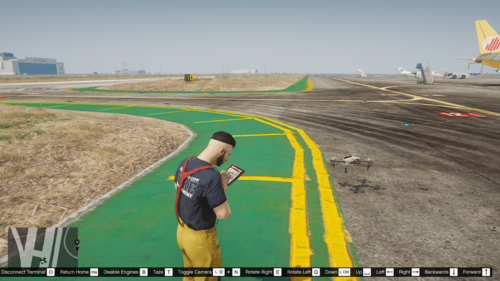 is anyone else having a problem with the keybinds not working? Edit: Got it working again, found out my ini was busted.
 -
-
-
ahhh my mistake, im not sure honestly. You would have to message slice rider about that. He took the screenshot photos. He has a youtube channel "slicegaming" I think. You should post a comment there or see if you can find him on lcpdfr. Alternatively you could find a free one on lspdfr or buy pacific pigs ultimate prop pack (what I use).
- 77 comments
- 7 reviews
-
all radio animations displayed in the screen shot are public and posted inside of the radio roleplay package.
- 77 comments
- 7 reviews
-
-
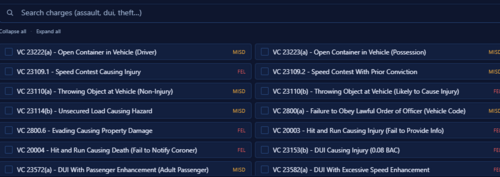 Thank you for this. I really didn't wanna make this myself😭
 -
Thank you for supporting RR. Unfortunately, I do not know how to make animations. But you can still get more by going on Tebex or other online stores hosting fivem assets and purchasing paid or downloading free animations there. CrunchyCat also has some more animations that you could use. Radio Roleplay is heavily customizable, so you can manually add more animations by yourself through the ini file.
- 77 comments
- 7 reviews
-
-

- 1
-
-
I see, in this case, I'll just include this option in the next update. Thank you for bringing this to my attention. I understand not everyone wants everything a plugin may have to offer. I hope you have a nice night.
- 77 comments
- 7 reviews
-
-

- 1
-
-
Mmhm. Do you use first person very often? This is very minor idk if I'd implement this. Can you see if it is possible for you to tweak the fov / settings for your first person camera through the DVFP menu?
- 77 comments
- 7 reviews