



Officerphillips69
Members
-
Joined
-
Last visited
Everything posted by Officerphillips69
-
I enjoy your videos very much Benzo. I subscribed a long time ago! Thanks for doing these, your a hell of a fun guy to listen to.
-
-
.thumb.png.32dad7d0e1361b7e7c59452b0b8f479d.png) Thanks man, ya I tried several paths on my own but couldn't figure out where the .wtd thing you speaking of. I will take a look at that vid and post back so others that are not as good at this stuff can benefit and I will explain what I did.
Thanks man, ya I tried several paths on my own but couldn't figure out where the .wtd thing you speaking of. I will take a look at that vid and post back so others that are not as good at this stuff can benefit and I will explain what I did. -
Thanks will look into this
-
Can you point me to the right path please. I can't seem to find the correct one for Open IV to reskin these and its not in the readme or description on page. Thanks!
-
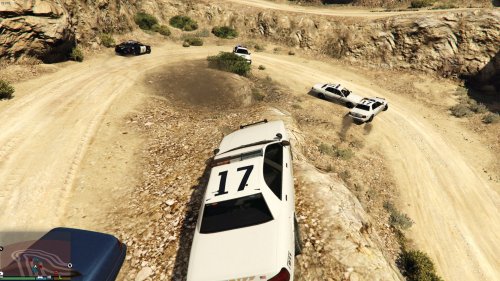 nice work
 -
I agree and thank you for that introduction. I have already uploaded some Tutorial videos as well with Install of LSPDFR / Rage Hook and also another one involving Plugin install, Its fairly detailed and its growing in popularity. I just want to give back to the community in someway. Glad you have this job of updates and its an awesome idea. If you would like I will mention this info in my next tutorial video that way it drives more traffic to the site and modders. My biggest ambition is to just give back to the community and also hopefully drive some people to help donate to the modders here on the site.
-
-
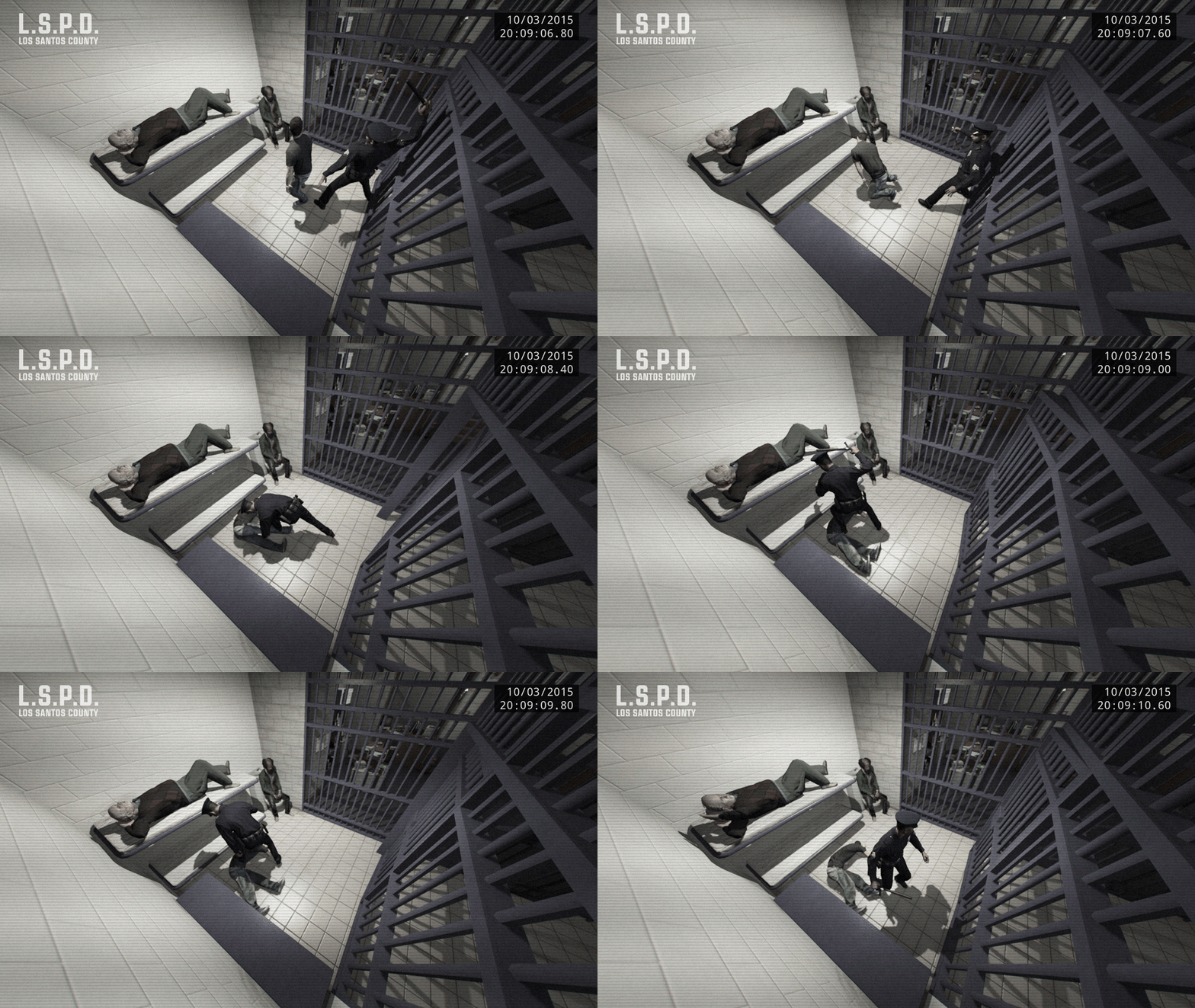 LMAO!
LMAO! -
 Tutorial here if you want https://youtu.be/H5lB5NwrbMk how and why to overwrite the LSPDFR Rage Hook Plugin.
- 3,646 comments
- 306 reviews
-
-

- 1
-
-
This is definitely chalked up to full awesomeness! Good work guys!
-
.thumb.PNG.af07c1ba4e56e747e420ef5393b352d0.PNG) I am gonna give this mod a try and if I can make it do what I want, I will make a High Quality Vid showcasing your mod. I will try it out a bit and make a review, but it looks promising.
I am gonna give this mod a try and if I can make it do what I want, I will make a High Quality Vid showcasing your mod. I will try it out a bit and make a review, but it looks promising.- 68 comments
- 14 reviews
-
 My boy Albo1125 has done it again! Nice update, lovin it man. Gonna be making more vids soon (got some really nice hardware that I think you will love) Gonna showcase your mod a lot. Give me a few days and I will PM you. Might sound like a sponsorship or a commercial for you, but I really wanna drive people to your mod and hopefully donate to you. Keep it up!
- 1,915 comments
- 242 reviews
-
-
- 1
-
-
Thanks ineseri for the info. I was always curious. I was kinda lurking a bit on the old GTA IV forums back in the day but was not as involved as I am now.
-
Your not looking hard enough ;) Just patrol man, you will see the speeders and the people blow through red lights. If you truely want what you said then go get Albo1125 Traffic Policer go into the Traffic Policer .ini and turn off blips and turn off notifications set to =false. You will see all kinds of people doing stupid things right in front of you without a call out, just people being dumb.
-
"by then ive already killed everyone in the area." Show off... lol j/k Nah I see your point, you just have to role play better man. Being serious too. I could put my videos from my channel on here, but advertising is not allowed. But here is what I do. I know its gonna sound cheesy but hey its a game. Example #1 If I am pulling someone over, and I 'know' I am gonna draw on a guy in a bad neighborhood, then I call for back up for 2 minutes ahead of time if needed. THEN i draw. #2 is even more cheesy. The first example I gave doesn't always work out because you chase someone into an area and you draw etc. So when I see 8 blips of red on my screen, I just hide. Don't shoot but maybe around them. The one flaw this game has is that headshots are too easy to pull off, so I shoot around them to make them duck behind things. Then when my swat arrives, I cap 1 or 2 and let them handle the rest. It feels more natural, try it next time. Takes patience though.
-
@Sam quick easy question Your statement here "customization of responding police units simply had to be near the top of our list." I was always curious as to, do you write the code for the LSPDFR by yourself? Or do you have a whole team helping out. I think its LSPDFR that brings more life to GTA V besides the story mode anyways. I could never get into the online play, just seemed out of place for me. But the LSPDFR, I mean hell who doesn't wanna be a cop in their life at least one point or another?
-
 I just want to know if the call outs are closer now. As in a few blocks away and not 10 min away across the map where I have to use a Native Trainer to spawn closer. If that has been fixed, then I will redownload :)
- 84 comments
- 22 reviews
-
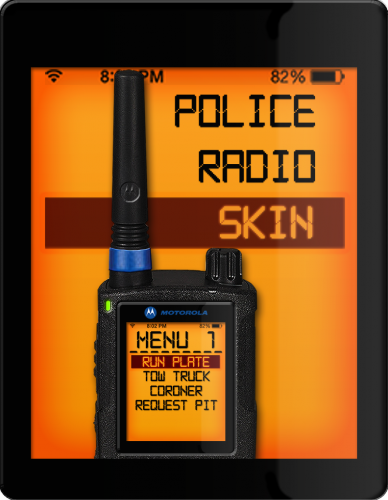 Hey there gerlach, Not sure the path is correct for the actual Plugin, not a big deal as we all should know which one it goes in. You have Plugins > Policeradio > GUIRelated Correct path is Plugins > LSPDFR > Policeradio > GUIRelated Not a big deal like I said, I think we all know how to install correctly, just thinking of the newcomers. Great looking Model btw EDIT: Please feel free to correct me if I was wrong on the path though, thanks
- 7 comments
- 3 reviews
-
-
I am pretty sure this is part of your Mod Albo. I got a ANPR Callout. Link here below: Enjoy the outcome lol. Warning has a bit of bad language. I usually do not cuss in my channel, but thanks to Albo.... nah I can't blame him. Hope this was part of your mod. Either way its pretty awesome. ANPR CALL OUT MUST SEE, Action starts close to 3:20 into the video. Enjoy!
- 3,646 comments
- 306 reviews
-
-
- 2
-
-
 One suggestion if you can fix this, it would be great. Have the calls just a tad bit closer. Sometimes they spawn pretty darn far away and before you can half way there, they escape or it ends. Don't feel bad as even with LSPDFR as great as a mod it is, they still spawn pursuits so far away that its impossible to catch up. Hope this gets fixed in 0.3 ;)
- 156 comments
- 19 reviews
-
-
Will do, was it the ArrestWarrantCallout_0_1_8-33beta.7z ? Also thanks for the info on the 7z zip file download. Looks like it compresses licely. never worked with it before, I usually use Winrar.
- 156 comments
- 19 reviews
-
I will try it out and see how it looks, if it turns out good, I will post it in my video channel
- 156 comments
- 19 reviews

.thumb.png.32dad7d0e1361b7e7c59452b0b8f479d.png)
.thumb.PNG.af07c1ba4e56e747e420ef5393b352d0.PNG)
