



Mr.Quiggles
-
Joined
-
Last visited
Everything posted by Mr.Quiggles
-
From the album: Mr.Quiggles's LCPDFR Gaming Commentaries
-
From the album: Mr.Quiggles's LCPDFR Gaming Commentaries
-
Honestly, Windows 8 Desktop Mode with Start8, or whatever you use is exactly Windows 7 just better because it'll support more stuff in the future. Disable all metro things, I've never even realized I'm running Win8 with metro a click away because I never have to use it. Win8 Desktop different is no different than Win7. I mean yes it is I'm not going to argue but in general it's all the same. In that sense, downgrading to Windows 7 was be a bad decision in my opinion.
-
From the album: Mr.Quiggles's LCPDFR Gaming Commentaries
-
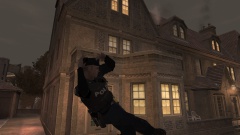
From the album: Mr.Quiggles's LCPDFR Gaming Commentaries
-
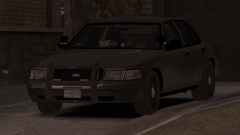
From the album: Mr.Quiggles's LCPDFR Gaming Commentaries
-
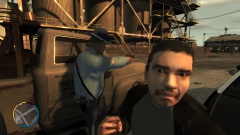
From the album: Mr.Quiggles's LCPDFR Gaming Commentaries
-
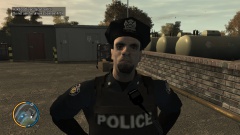
From the album: Mr.Quiggles's LCPDFR Gaming Commentaries
-
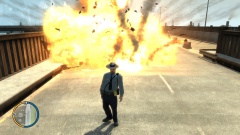
From the album: Mr.Quiggles's LCPDFR Gaming Commentaries
-
From the album: Mr.Quiggles's LCPDFR Gaming Commentaries
-
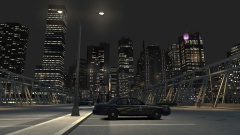
From the album: Mr.Quiggles's LCPDFR Gaming Commentaries
-
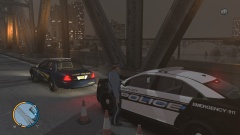
From the album: Mr.Quiggles's LCPDFR Gaming Commentaries
-
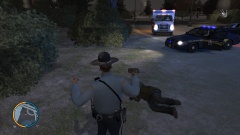
From the album: Mr.Quiggles's LCPDFR Gaming Commentaries
-
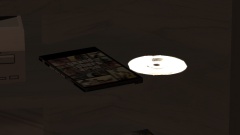 There's a few locations, I think this one was in Michelle's apartment. :D
 -
From the album: Mr.Quiggles's LCPDFR Gaming Commentaries
-
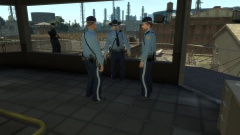
From the album: Mr.Quiggles's LCPDFR Gaming Commentaries
-
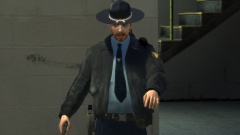
From the album: Mr.Quiggles's LCPDFR Gaming Commentaries
-
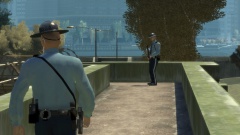
From the album: Mr.Quiggles's LCPDFR Gaming Commentaries
-
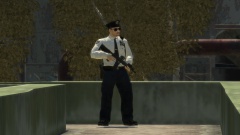
From the album: Mr.Quiggles's LCPDFR Gaming Commentaries
-
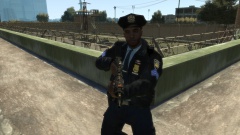
From the album: Mr.Quiggles's LCPDFR Gaming Commentaries
-
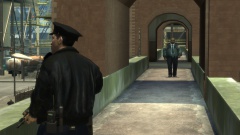
From the album: Mr.Quiggles's LCPDFR Gaming Commentaries
-
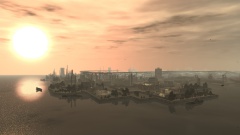
From the album: Mr.Quiggles's LCPDFR Gaming Commentaries
-
From the album: Mr.Quiggles's LCPDFR Gaming Commentaries
-
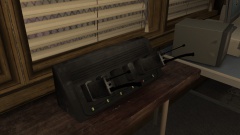
From the album: Mr.Quiggles's LCPDFR Gaming Commentaries
-


