



Mr.Quiggles
-
Joined
-
Last visited
Everything posted by Mr.Quiggles
-
-
From the album: Mr.Quiggles's LCPDFR Gaming Commentaries
-
From the album: Mr.Quiggles's LCPDFR Gaming Commentaries
-
From the album: Mr.Quiggles's LCPDFR Gaming Commentaries
-
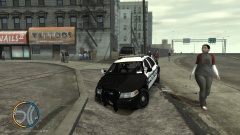
From the album: Mr.Quiggles's LCPDFR Gaming Commentaries
-
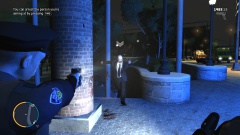
From the album: Mr.Quiggles's LCPDFR Gaming Commentaries
-
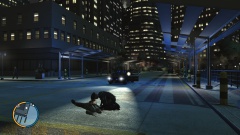
From the album: Mr.Quiggles's LCPDFR Gaming Commentaries
-
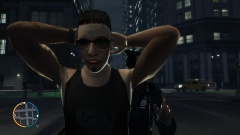
From the album: Mr.Quiggles's LCPDFR Gaming Commentaries
-
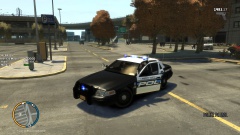
From the album: Mr.Quiggles's LCPDFR Gaming Commentaries
-
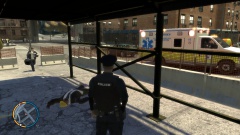
From the album: Mr.Quiggles's LCPDFR Gaming Commentaries
-
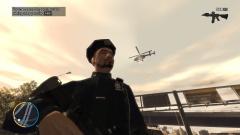
From the album: Mr.Quiggles's LCPDFR Gaming Commentaries
-
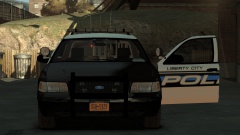 Yeah, I doubt that. :P
 -
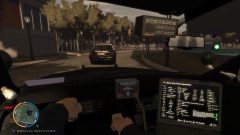
From the album: Mr.Quiggles's LCPDFR Gaming Commentaries
-
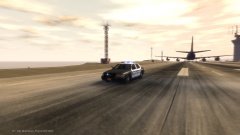
From the album: Mr.Quiggles's LCPDFR Gaming Commentaries
-
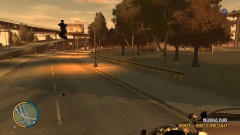
From the album: Mr.Quiggles's LCPDFR Gaming Commentaries
-
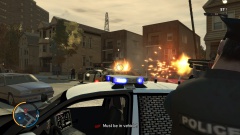
From the album: Mr.Quiggles's LCPDFR Gaming Commentaries
-
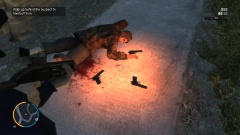
From the album: Mr.Quiggles's LCPDFR Gaming Commentaries
-
Coming from an era being raised by Crown Victorias, I like my police cars not to be flashy and just be traditional workhorse vehicles. The new Taurus is about as "Hip" and "Flashy" I'll go. The 2007 Charger was very nice, it looked very traditional and looked like a conventional sedan. The 2012 looks like any other Charger series, a cheap sports/flashy car. And I don't like it.
-
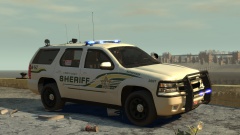 Thanks! It's not my skin however, but I thought it went along quite nice. Thanks for making the model!
 -
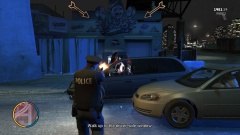 Agreed! This view gives a bigger FOV when aiming down the sights, but less zoomed in on the target. It's just personal prefernece whether or not you like it. As to get it into this view, aim down the sights with a gun, and then press V or whatever the change camera button is.
 -
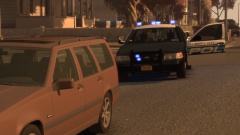 Except the amazing ENB Shots. I try. :D
 -
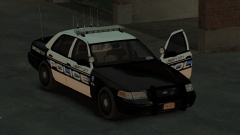
From the album: Mr.Quiggles's LCPDFR Gaming Commentaries
-
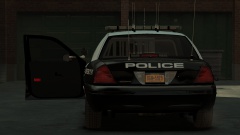
From the album: Mr.Quiggles's LCPDFR Gaming Commentaries
-
From the album: Mr.Quiggles's LCPDFR Gaming Commentaries
My love. <3 -
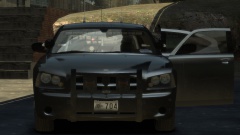
From the album: Mr.Quiggles's LCPDFR Gaming Commentaries
Manacing.


