
TrivialXHippo
Members
-
Joined
-
Last visited
Everything posted by TrivialXHippo
-
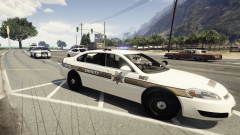
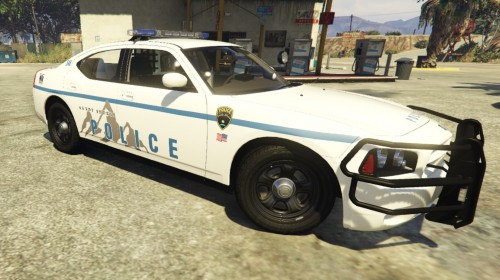 This is a very simple texture I made for Sandy Shores PD. I was going for a minimal, low budget, department look. It uses the 2009 Charger in the Blaine County Sheriff Pack 1.1.2 by kilroy95
 -
-
-

From the album: Drunk suspect attempted knife attack.
-
From the album: Drunk suspect attempted knife attack.
-
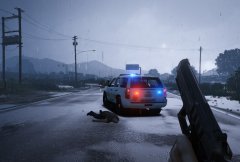
From the album: Drunk suspect attempted knife attack.
-
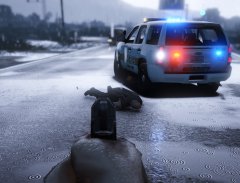
From the album: Drunk suspect attempted knife attack.
-
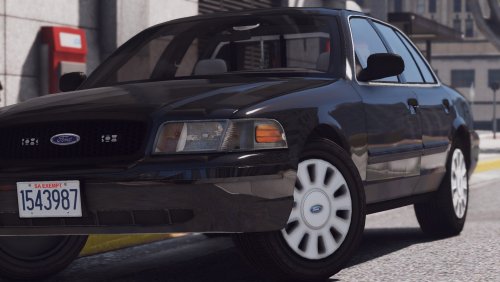 So far, this hasn't helped. I have a feeling it's something on my end but I'm not too sure.
- 19 comments
- 10 reviews
-
Great car! It's awesome to see some minimal options being made. Don't change a thing bro. I'm not sure if anyone else is having this issue, but the height of the viewpoint for the interior view is too high. I'm getting all visor.
- 19 comments
- 10 reviews
-
-
 Serious is killin it! He put a lot of work into this and it shows. (Nice CVPI btw) ;)
- 22 comments
- 10 reviews
-
-
From the album: 18 Wheeler crash and traffic management
-
From the album: 18 Wheeler crash and traffic management
-
From the album: 18 Wheeler crash and traffic management
-
-
-
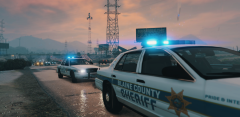
From the album: Whelen Edge love
-

From the album: Whelen Edge love
-
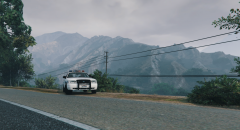
From the album: Whelen Edge love
-
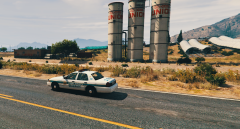
From the album: Whelen Edge love
-
From the album: Whelen Edge love
-
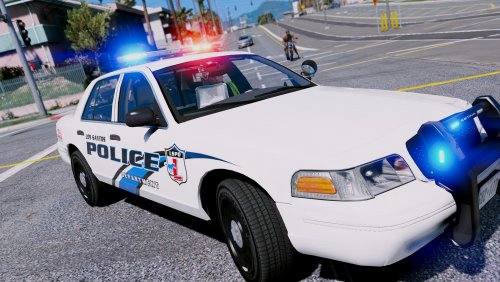 Finally! A modest lighting approach to an LSPD pack... You have no idea how long I've been waiting for this. A few things to check out: 1. Rambar textures on CVPI are a bit shiny on the right side (from driver perspective) 2. Laptop textures on CVPI are all shiny. 3. Lightbar on Explorer doesn't work for me... may be my fault but I'm not too sure. Overall this is an EXCELLENT pack and I can't wait to see what you do next!
- 27 comments
- 8 reviews
-
-

- 2
-
-
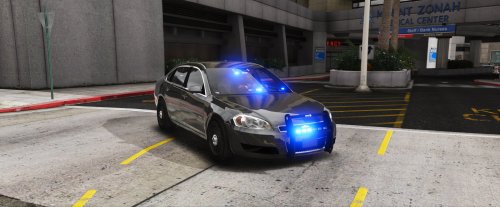 I placed in police4 but the driver side dash avenger isn't working. Problem on my end or what?
- 34 comments
- 13 reviews
-
-
- 1
-
-
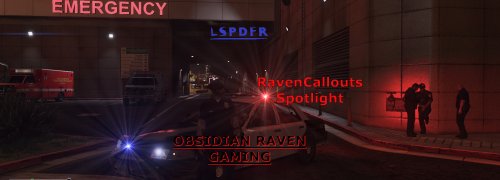 While some of these callouts have been implemented in other mods, it's still good, imo, to have a variety of similar callouts. Adds to the unknown. Which disturbance is it this time? This definitely seems promising, and I look forward to seeing where it goes. Going to keep these implemented until the new release comes out!
- 22 comments
- 10 reviews
-
-
- 1
-