Everything posted by Michael21107
-
 isnt https://www.gta5-mods.com/scripts/enable-all-interiors-wip enough?
 -
 what exactly does this do? like settings wise etc
 -
-
-
-
-
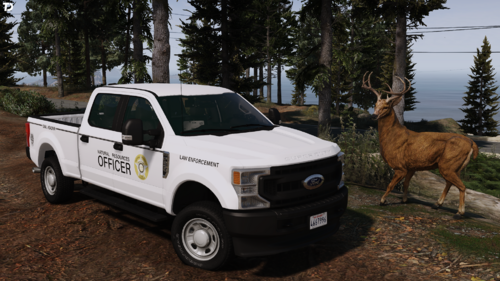 its meant for a paid package but will likely fit most models
 -
-
-
make callout interface integration
-
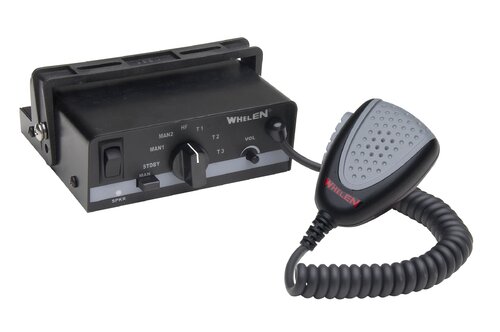 what is new here in comparison to realistic american sirens?
 -
-
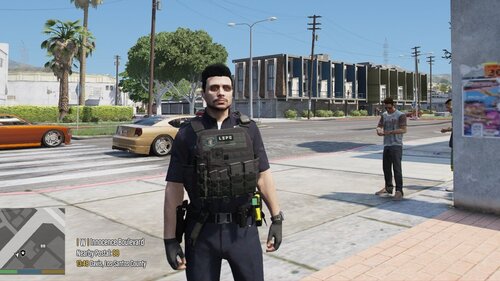 lspd patch looks low quality ngl
 -
 a standalone keybinds would be better imo
- 201 comments
- 18 reviews
-
- rph
- lspdfr callout
- legacy
- rph
-
Tagged with:
-
 preview would be nice
 -
-
-
when u adding Callout Interface support?
- 201 comments
- 18 reviews
-
- rph
- lspdfr callout
- legacy
- rph
-
Tagged with:
-
-
-
-
-
-
-