



SkittleKicks Plays
-
Joined
-
Last visited
File Comments posted by SkittleKicks Plays
-
-
Edited by SkittleKicks Plays
Currently this is blacked out in the car once I began driving. As posted in another comment, it can't be fixed in Simple Trainer or in the vehicles.meta file. When I spawn the car in for testing you can see the rear arrow bar, but once I started driving it blacked the windows out (rear drv/pass doors and rear windshield). I'd recommend a lighter tint for those windows. It needn't be clear.

-
On 6/18/2023 at 8:29 PM, javier0911 said:
it crash when when i call heli assitance can someone help me how to fix it.. or is it because all the new update
does it also crash when you call heli assistance? maybe because of the new update.. i am in the same boat need help how too fix it.. it crash
It crashes when going on duty. Removing the plugin fixes the issue so it's why I ruled out everything since all plugins are updated and I only use ones for LSPDFR 0.4.9.
I also misspoke I am on the latest GTAV release 2944 not 2845 as in my original post.
-
Hi OJdoesit
Through some testing, it now appears that the latest version of RageNativeUI is no longer compatible with Heli Assistant. I'm on GTAV 2845, using RageNativeUI 1.9.2 with a pristine installation of LSPDFR, and the other plugins I used are the most recent. Once forcing duty the console reports that Heli Assistant is what keeps crashing. I verified this by removing the plugin, then reloading all plugins and followed that with ForceDuty. It never crashed again. It shocked me because 1.9.2 is ONLY a minor patch, but I do wonder if something with GTAV 2845 has broken your plugin? No other update did this before.
-
4 hours ago, TornadoMac said:
Appreciate the kind words! I'm new to programming so I made quite a bit of mistakes haha! 1.0.3 coming out in 10 mins with full callout interface support
No problem. We all have to start somewhere. I did notice that when I added the 1.0.3 .dll the file name is different. This time it is TornadoCallout.dll vs TornadosCallout.dll So it won't overwrite the original. Not a big deal, but people will just have to manually delete the older version (or just rename the new file) before launching the game.
-
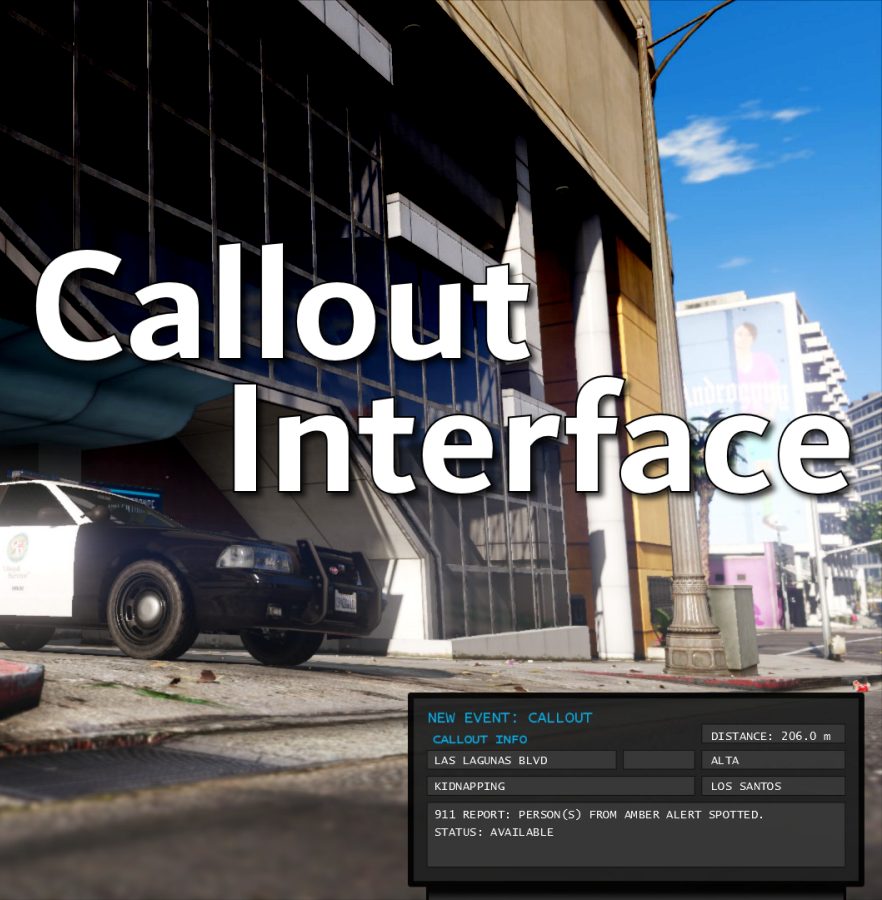
This is a great enhancement for the already awesome Callout Interface. This is a mod I HIGHLY recommend for all LSPDFR players (also check the out the rest of the plugins Opus created, they are just as epic).
Early on in my tests I had forgotten how to activate the cursor so manipulate the interface (just hold A for a tiny bit and the arrow appears), yeah that's operator error. I know Opus will continue making this plugin even better. And I for one can't wait!!!
GRAND SLAM OPUS!!!
SkittleKicks
-
22 minutes ago, TornadoMac said:
Yes, a .ini file will be coming soon! Also, I am just releasing a fixed version system right now for 1.0.2, which should fix the discrepancies between file versions, hope tat clears some confusion sorry about that.
Actually no confusion. Definitely looking forward to the next update. Thank you for your contributions to the the LSPDFR community!
-
14 hours ago, SkittleKicks Plays said:
Just downloaded the folders and zip are correct, but the .dll is still reads 1.0.0.0 in the file properties details.

Hey TornadoMac. No big deal. Just wanted to verify that this was indeed the latest one to add. Will there be a future ini file included so we can control which callouts to enable or disable? Oh and one request. Please don't add the bank robbery where the robber is far too OP. Several callouts copied that into theirs, and it is so annoying when a rocket won't even kill him LOL. I usually disable that one.
-
1 hour ago, SammyFoxx said:
The two versions labels are not related. The DLL file's versioning is updated manually by the author during the build process, and the zip file is done manually at a different point. As a matter of fact, one of them uses traditional semantic versioning and the other doesn't, so they can't be related.
And for me that's a bit confusing when updating. I guess I would relate the version numbers to reflect that, but that's just me. It's the same issue I've seen with EUP. The OIV version is still 8.3 but it is displayed on the site as version 9x in the title. So one assumes that there has been a version change based on the heading. Imagine if our browsers were version 1.1.0 but the download title says 60.5.1
-
8 hours ago, TornadoMac said:
why sad?
thanks! Make sure you have 1.0.1, made some fixes, also note some MDT messages may be kind of basic right now as I continue to convert the plugin to the new Callout Interface API. Thanks!
Just downloaded the folders and zip are correct, but the .dll is still reads 1.0.0.0 in the file properties details.
-
-
Edited by SkittleKicks Plays
This is a fun callout. I did find the issue where it was showing older versions. After the update, I had to ReloadAllPlugins vs just going on duty. No idea why that made a difference since this doesn't sit at the root plugin folder. Now that it's working I am thrilled to continue using this.
-
On 6/8/2019 at 9:07 PM, BrandonYeets1 said:
Hi im new to modding GTA V and stuff and i dont get how to install.. can you please make a vid... i get lost after going to openiv..
Don't know if you figured it out or not, but Geoffrey_Gamer did this very mod tutorial and I highly recommend checking it out. He takes you step by step so pay attention and do EXACTLY what he says.
https://www.youtube.com/watch?v=01rMBmRzEKs -
 2 hours ago, Will1760 said:
Hey,
Little bit of confusion here about what version we are at currently. So the title on this page would suggest that this is 9.3.1 but the download suggests that the version is 8.3. Are you able to clarify this at all? Thanks in advance.
I've noticed this too. I have no idea why the version number on the LSPDFR page would change but not the actual download names. If there are no changes in the uniforms themselves, or no modification to the OIV then there is no point to changing the version name in the title in my opinion. If that needs to be something, then it should remain an internal to the devs not public. And I 100% agree it's far too confusing to those that use EUP to proclaim it is one version, but in reality ther download itself is not. The only thing I can think of is 9.3.1 is for Patreon contributors, but I have no way of knowing this for certain.
I've used EUP for many years, and currently 8.3 seems to be the only OFFICIAL version here on LSPDFR and it's been like that for a while now.
SkittleKicks -
Hi Ricy. I wanted to offer you some feedback on Police Menu. To be honest it's being updated far too frequently, and frankly not everything requested item has to (or should) be added just because one or two people ask for it. If Police Menu was updated once a month (or 6 weeks per cycle) with a manifest of requested updates that would be fine. As a regular LSPDFR player/YouTube content creator getting notified that yet another update has been released is too much now. It makes it look like there will be higher risks for the mod to break or crash LSPDFR. Due to this, I'm gonna have to stick with Compulite full time. Once Police Menu stabilizes, I'll look at adding into my new LSPDFR build.
SKP
-
On 10/17/2022 at 9:50 PM, Alonzo Harris STHP said:
How to custom the Charges?
You have to run Police Menu once in the game. Once that has been done in the Police Menu folder in plugins/LSPDFR/PoliceMenu/Internal you should see citations and charges xml files (edit those), but make a backup of the default files first. This way if you make a mistake you can revert back to the original ones.
SKP -
Will do. I did make a error. It is the BALLER2 that is used for the Tahoe and not the Greesley. Sorry about that.
SKP -
Hey there. Just installed the Charger (non K-9) and Tahoe (K-9). Looking forward creating new video content as a showcase for them. You actually can use the Greesley settings for the Tahoe's handling. It won't flip (this is the one that Emergency Distributors use in their fix files so you could incorporate that into your releases for Tahoe's) when cornering hard. Now it can spin out, but at high speed that is realistic.
The liveries look really good too.SKP
-
-
On 9/24/2022 at 3:39 AM, RicyVasco said:
Most of what you said can't be changed by me.
I akready talked to a Rage developer to see if it's possible to block other plugins key input, which is not possible for me to do. It can only be done by the other plugins developer.
This also includes pausing the game. Even if I were to pause the game, the game still registers inputs even if paused. While the effect wouldn't happen immediately, as soon as the game would resume, everything would then happen at once.
And on the resizing side:
While it is possible to not render the menu fullscreen, it would also mean that everything will be smaller / not just the Police Computer, which would make it extremly hard to interact with smaller buttons. And even then, since I cant cpntrol other plugins it would still trigger those unwanted effects in the background.
The only "good" way to fix it, is to ask the other developer to implement a code that blocks inout while the searchbar is open
Not a problem. I had a feeling that it might be a bit more complex than I thought to work these changes. The mod is still amazing, and I do appreciate your contribution to the LSPDFR community.
SKP -
While I was testing the Police Menu computer last night, I was using my scroll wheel to navigate the left side citations bar. Well that apparently enables/disables the airbreak feature.
(side note) I have yet to figure out how to remove that entire function from Simple Trainer because it's just useless, and no just deleting the instances of it won't work (nor rebinding of the keys) already tried that.
Be aware while using the Police menu Computer. The background image is not transparent and it doesn't pause the game while you are working in it. Which means you can't see what's going on while you are in the computer. Searching for a citation can cause the stopped vehicle to just drive off I noticed (this is due to key binds, which really can't be remapped unless you never use the search citations feature).
This then leads to another effect. It will reset the traffic stop details if you try and stop them again (e.g. you stopped the driver initially for suspended license, they get released, and then you stop again this time it's a valid DL.)
For the background image, while you could take the background texture (it's in the YTD) into PaintDOTnet and lower the opacity it might have other consequences in the over all appearance, and that still will not pause the game (obviously). That's the thing with Compulite is you can still view what's going on, and since you are not typing it's not going to trigger some random thing like the driver taking off.
Probably the best way to design this is make it so that the computer pops up as a window that can be resized (think of a browser window) instead of a static fullscreen background image. This way we can see what is going on, and not lose a stopped vehicle, or a ped leaves.
I view this as something that should be addressed before I can really commit to Police Menu full time and retire Compulite.
SKP -
Just wanted to make you aware, LSPDFR's site has detected an anomaly with your download. I didn't get any alerts from my anti virus software when I downloaded it yesterday nor was there that warning on the site. Might have to look into it.
I did some testing with Police Menu yesterday (after watching Criminal Justice's vid on it), and I noticed something odd. When I installed the mod, the messages that normally appear above the mini map no longer displayed from Immersive Dispatch, Grammar Police, etc). Notifications is enabled in the game settings. Once I removed the plugin, they function as they should. I'm not sure why this happened. It could have been a weird issue on my side, but I'll have to verify that once I reinstall Police Menu.
Hopefully the database will continue to grow or that we will be able to add to it (like through an XML file similar to Compulite). With so many different types of charges, and citations around the US, it might be better to allow us to define these based on our states penal codes and statutes. Not sure if that is possible with your plugin, but I could be wrong.All in all aside from the oddity I dealt with, this mod shows real promise.
SKP
-
-

Edited by SkittleKicks Plays
UPDATE:
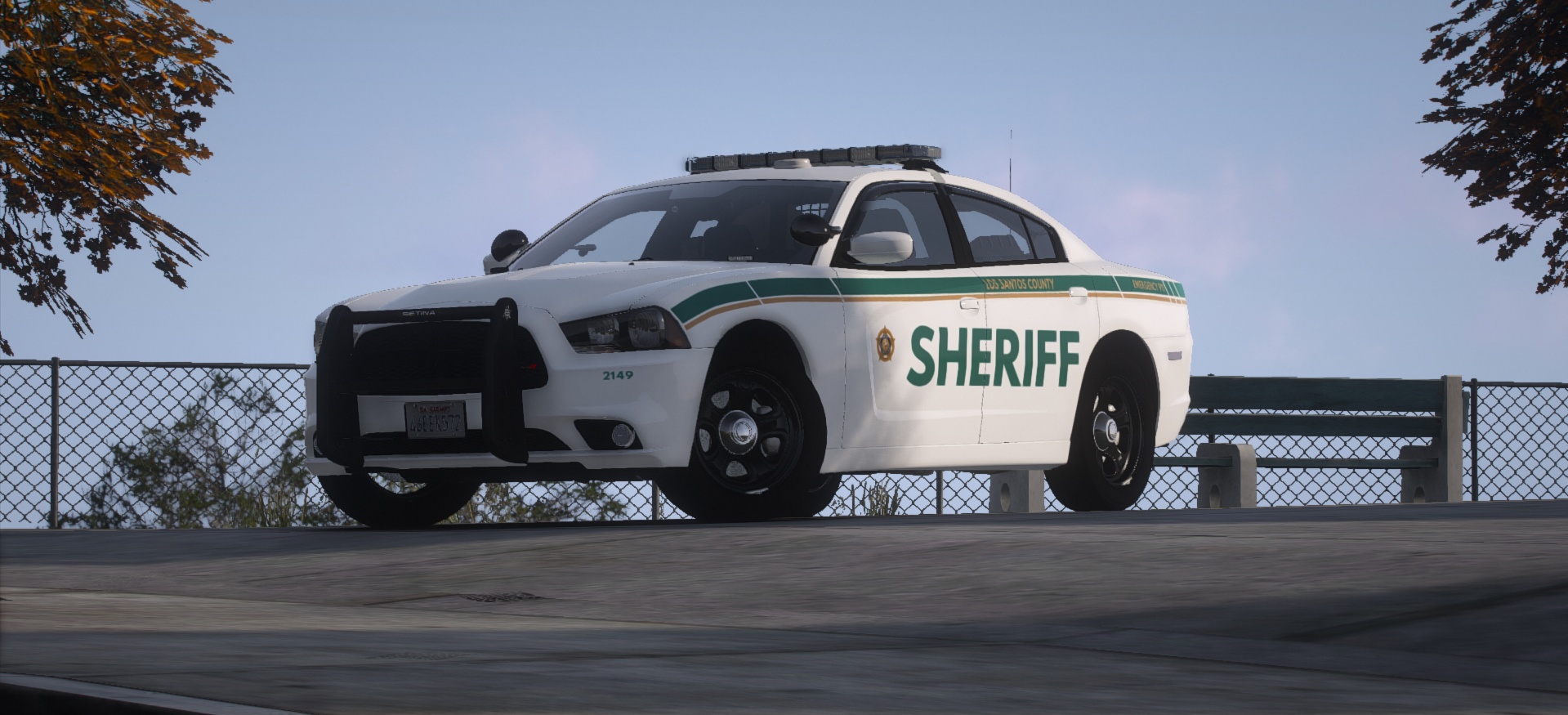
Hey Alex. So the good news is that if I don't ForceDuty whist I am configuring the spotlights x,y,z coords the game won't crash. It does still lag, but I observed that it's only when the GUI is first opened. When I choose the offsets tab, the lag goes away. Other than that, this still a must have mod. Just remember to choose car models that have an upright outward facing spotlight fixture. I have a few cruisers that the spotlights are facing down so I can't this mod on them.
SKP
-
Edited by SkittleKicks Plays
On 5/25/2022 at 10:02 AM, Sereous313 said:Thanks for posting the videos. Leave it here but in the future this the wrong video for this callout pack. You posted under county callouts - and these calls in your vid are city nightz. I also just updated both FYI.
I've removed the video from the original comment so as not to confuse anyone. Again my apologies Sereous.


.png.88da10ffad0ceb6136d82be1151d5dee.png)




[ELS] [DLC] [Reflective] LSPD (Houston Police Dept) Pack
in Vehicle Models
You change that yourself by taking the lighting textures (in the ytd) into PaintDotNet. Carefully highlight a blue section from the texture and move it over to a red section then align it. Do that for all of the lights you want to change to blue. Then go into the ELS file assigned to the vehicle you are working on and change any of the red lighting to blue between the EOVERRIDE tag. Then go into the game and test out the lighting. Just take your time when doing this, and you if you make a mistake just overwrite the ytd with the original (if you saved the zip or made a copy).
You can also change the coloring of the spites for headlights, tailights, front indicators, rear indicators, and reverse lights (though blue behind the red taillight looks like garbage) under CARONAS in ELS to blue.
SK