D3adSh8t
Members
-
Joined
-
Last visited
Everything posted by D3adSh8t
-
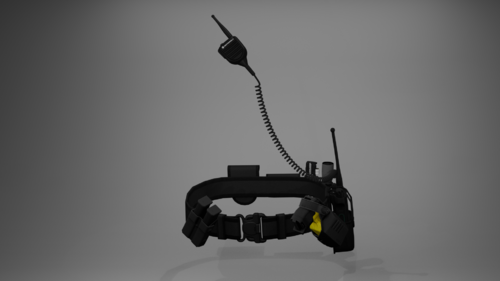 Can I ask if you add another belt without the taser holstered? I'm trying to use this with the new Realistic Holster mod. Thank you!
- 7 comments
- 1 review
-
.thumb.png.4ae541125774b3d59e60a0636013f9c1.png) Could you please add update for add-on weapons as well please? Right now withdrawing custom weapons doesn't play the holster audio plus the holster just doesn't work. Thank you!
Could you please add update for add-on weapons as well please? Right now withdrawing custom weapons doesn't play the holster audio plus the holster just doesn't work. Thank you!- 144 comments
- 12 reviews
-
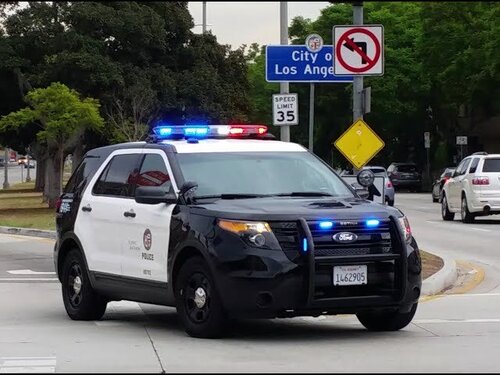 You can easily install it for SP. Path is mods/x64/audio/sfx/resident.rpf/vehicles.awc. Right click vehicles.awc, extract to OpenFormats (.oac), pick a location, you will then get 2 things, one "vehicles" folder and one vehicles.oac file, just overwrite the audio in the "vehicles" folder with whatever you like from this mod, then drag the vehicles.oac and paste over the vehicles.oac in RESIDENT.RPF. Done!
 -
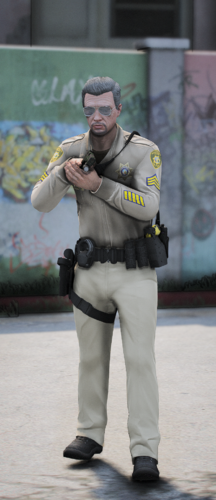 Very nice pack, my compliment to the creator. Unfortunately, he would not be able to see this comment.
 -
-
-
-
-
-
-
-
 Hi, could you please take a look at whether Im setting the config right or not? Cause I think disabling the "Home" button for the Social Club doesn't work for me: "<Controls> <Control>Duck</Control> <Control>SaveReplayClip</Control> <Control>SpecialAbilityPC</Control> <Control>FrontendSocialClub</Control> <Control>FrontendSocialClubSecondary</Control> <Control>SaveReplayClip</Control> <Control>ReplayStartStopRecording</Control> <Control>ReplayStartStopRecordingSecondary</Control> </Controls>"
 -
-
-
 @opus49 I don't know if you have responded to this before but why did you remove the MaxDistance Callout option? It was such a much needed functionality.
- 451 comments
- 50 reviews
-
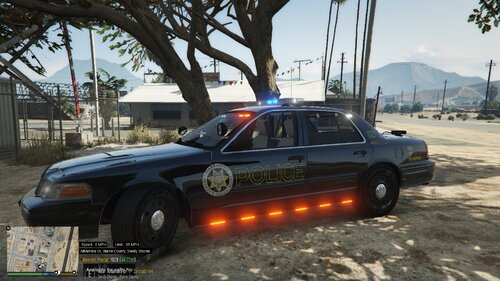 Re-check the file type, cannot replace the texture in OpenIV. I thought it was going to be in the form of .png or .dds?
 -
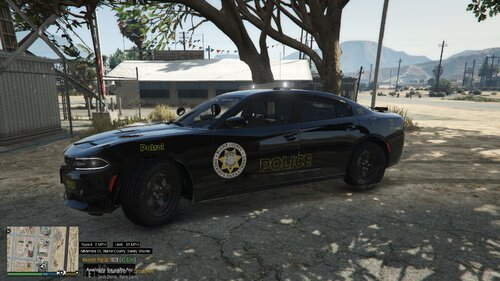 Can't replace the texture, re-check the file type. I thought the texture is going to be in the form of .png or .dds.
 -
 Also, could you adjust the spawning distance of the callout slightly further from the player? Cause as of right now, whenever I accept one of the callouts, the target or the zone always spawns right in front of me. Thank you!
- 158 comments
- 8 reviews
-
-

- 1
-
-
Not having CTD with Pursuit callout but I'm having extreme FPS drop (like 50+ to down like 18 fps) when doing the A person with a gun callout. Here is the recording: https://medal.tv/?premium-invite=D3adSh8t
- 158 comments
- 8 reviews
-
-
- 1
-
-
 I don't know why but I'm getting CTD when I activate my ELS light and Axon body cam is automatically turned on. RagePluginHook.log
- 292 comments
- 28 reviews
-
 The mod is from 2017 and there has been no update ever since. Cope and learn how to add them as a DLC addon.
- 964 comments
- 158 reviews
-
Hello, I'm currently in the phase where I have too many clothing items I'd like to add and many more that are already in the game that I want to keep. My question is, how do mod authors know exactly which clothing item slot to place and which folder to put them in (e.g.: gunrunning, heist3, mpclothes, etc)? I want to understand the clothing system so I can freely add and replace clothing items without accidentally replacing the ones I want to keep. Thank you!
-
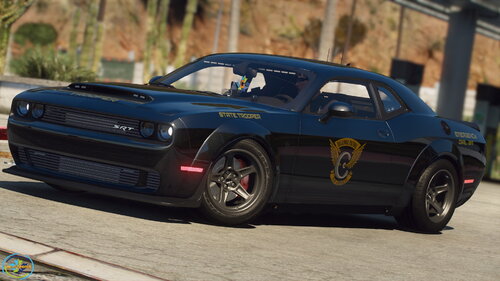 Is there any chance you could return and add ALPR as extras to this particular vehicle pack? This vehicle pack is by far my favorite State Trooper vehicle pack due to its simplicity and slickness. Great work sir!
- 28 comments
- 1 review
-
 Hello I got CTD whenever I accept the "Suspicious Cargo" callout. Here is the log: Thank you! RagePluginHook.log
- 106 comments
- 13 reviews
-
Yea I thought about that, but having one's severed finger doesnt necessarily mean the suspect killed that person and at the same time there's no way to identify whose finger was that, so I guess homicide is the only appropriate charge here. Thank you for your input!
.thumb.png.4ae541125774b3d59e60a0636013f9c1.png)