


D3adSh8t
Members
-
Joined
-
Last visited
Everything posted by D3adSh8t
-
 Hello I got CTD whenever I accept the "Suspicious Cargo" callout. Here is the log: Thank you! RagePluginHook.log
- 105 comments
- 13 reviews
-
Yea I thought about that, but having one's severed finger doesnt necessarily mean the suspect killed that person and at the same time there's no way to identify whose finger was that, so I guess homicide is the only appropriate charge here. Thank you for your input!
-
Hello, I have a question regarding a very "interesting" scenario I got when playing through LSPDFR. I responded to a drug deal in progress and I found "a severed pinky finger" on one of my suspects as I was frisking them. Personally, I am not from the US and not really familiar with US law so I'm looking for advices on what to do next? What should I charge the suspect with? Thank you!
-
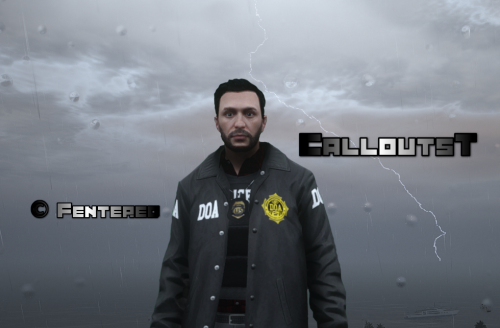 I heard that Open All Interiors is a pretty outdated mod and it has caused problems for many people. Is that true?
- 117 comments
- 6 reviews
-
Can I use Enable All Interiors (https://www.gta5-mods.com/scripts/enable-all-interiors-wip) as an alternative for Open All Interiors? Thank you!
- 117 comments
- 6 reviews
-
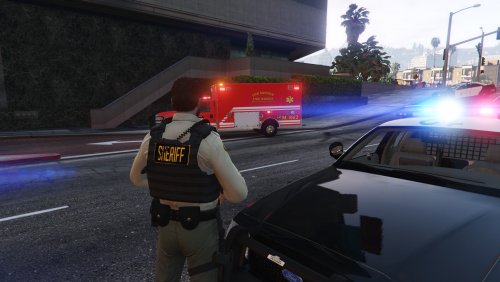 I have a question. Which vest and which setup in Hanako's Vest and Earpiece pack is this texture for? Thank you! P/S: Correct me if I'm wrong but it looks like this is for Vest 1 Setup 3 right?
 -
I crashed while changing clothes within the EUP Menu: RagePluginHook.log Already got the latest version of RageNativeUI.
