


McAwesome6934
Members
-
Joined
-
Last visited
Everything posted by McAwesome6934
-
Here ya go see if you can watch it on their website. http://www.cbs.com/shows/stalker/video/E2A5B196-6C0C-F381-4B59-C7AF427D32A5/stalker-pilot/
-
There's a new series that just aired wed. on CBS. It's called Stalker, it's about a division in the LAPD that assess threat levels throughout the city, and primarily deal w/stalker cases. Pretty damn interesting. Here's a trailer -
-
I actually didn't think it was scary at all.
-
Over the past two days I have been decoying for a K9 class. I wore the suit, and the bite arm and got bit a lot! It was a ton of fun, and luckily there were no live bites !(: I took a quick video of a fellow decoy taking a bite. Feedback?
-
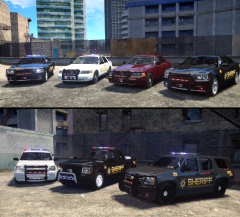 Can't wait to get them in game!!!!! :D
 -
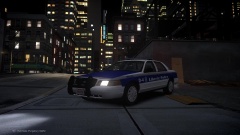 I have a suggestion.. release it!
 -
-
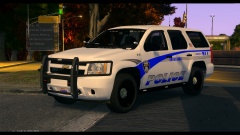 Fucking sexy! That rear lighting setup is perfect.
 -
I couldn't agree more with this, well said.
-
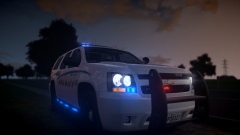 I'm liking that skin!
 -
-
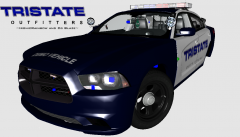 Laws differ from state to state. Here in Minnesota it is against the law to have any foreign object hang from the rear-view mirror. Many people do it anyways though.. myself included.
 -
Yes!
-
 I love it, I say release!
 -
-
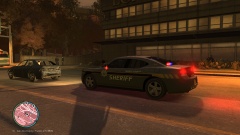 I wuv that charger <3 Nice pic
 -
Holy shiiiiiiiit these are hot. 5/5 great job man.. you got my DL all day errr day (;
- 6 comments
- 3 reviews
-
-

- 1
-
-
-
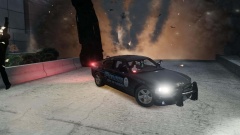 What do you mean?
 -
From the album: McAwesome Pics!
This is what happens when a limo runs from Jump and I. Feedback? Model is by xxijumpxxx and is pending approval. -
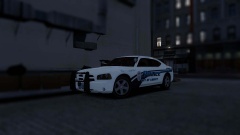 Great car goon! The rims are such sexxxx.
 -
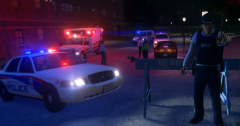 Awesome pic man! I really like the look of the TA in the brakelights of that Charger man. Wish there were more models with that around here..
 -
-
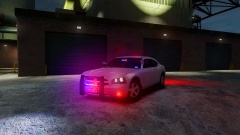 Looks good, love the rims :D
 -
I'm the NSA, I see all of your messages, and this post. My hill.


