Armouredivision
Members
-
Joined
-
Last visited
Everything posted by Armouredivision
-
 Simple and Great Plugin. Suggestion(s) - - Can you add spawn points at residential properties too where ped spawn stationary (and does some scenario action) instead of wandering around. - Better yet if you could add an external xml file from where these spawn locations are grabbed and user can also add additional locations. Near or on the Road spawn is good but serving warrant at houses is more realistic imo. - Add dispatch audio (we_have_a_warrant at_location) once the blip is added to the map.
 -
-
 I tried this svdn based script https://www.gta5-mods.com/scripts/weapons-on-back-comeback Works for most of the weapons with luxury attachment except for a few. What was interesting is that for Carbine rifle, it was exact opposite of what happens with stow that weapon. Rifle model was luxury variant but all the attachments revert to non luxury.
- 264 comments
- 21 reviews
-
-
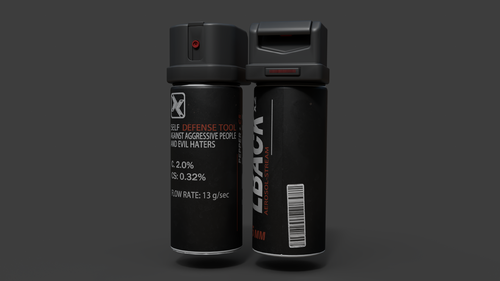 You have different names for the texture in the ytd. ocspray in ocspray+hi.ytd Default in ocspray.ytd Great model btw. Thank you for making this. Also, can you please make binoculars model replacement?
- 2 comments
- 1 review
-
-
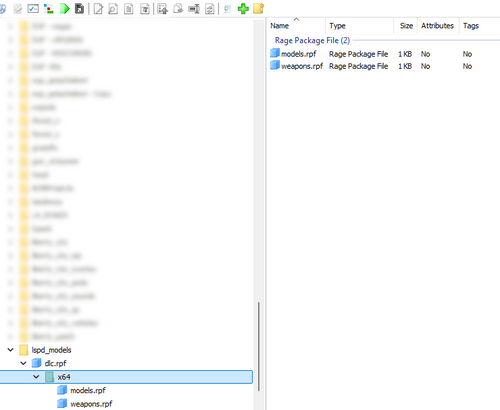 Install this Improved Vanilla Vehicles Pack [Replacer] - GTA5-Mods.com And put your own replacement vehicles in the vehicles.rpf Should work
 -
 Made a video guide for this
 -
I'm going to make a video guide for this. Nice
-
Love the model. And it is easy to install. Suggestions - Emissive intensity is low. I guess models will have to be modified to increase it. Consider providing optional models with different emissive intensity. - This one is for plugin - add a white light to the player ped model (attach it to chest with proper offset) if the GA white light is ON. I'm using the scene prop cool white light here.
-
 Thank you for this. Can you please rework the hunting ambient event? The hunter behaves like a blood thirsty freak running after the animal. Suggestion Go to Entity (till the distance is less than 70 units) > Shoot at Entity (for 2 seconds) and then repeat till the animal is dead, at which point the hunter will go to the dead animal and perform Medic Kneel animation. Also resetting animal behavior (to calm it down) after a few seconds if it manages to flee.
 -
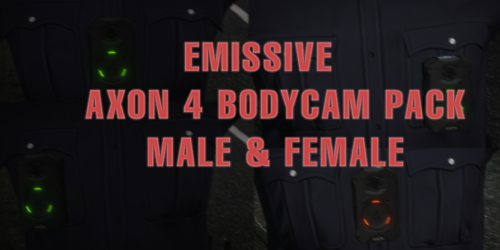 Love the model and textures. No issues for MP Male Suggestions- This setup for mp_female (pic) looks really silly. Maybe position it above the nameplate. And emissive bits are not dark, but it would be nice to have a little more glow.
- 6 comments
- 2 reviews
-
-
 You're doing God's work man. Thank you for updating these old callouts. One suggestion - if a callout (from this pack or any other) uses fix spawn location, can you make it so that the location is grabbed from an external file.
- 5 comments
- 2 reviews
-
-

- 1
-
-
-
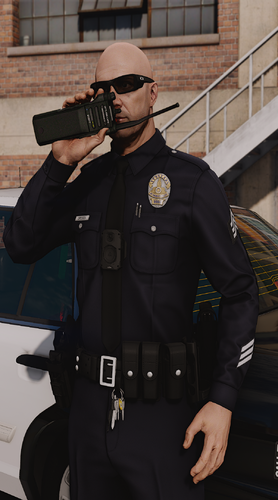 Hey, is it possible to free the other hand. Applying animation on only one hand? There has to be.
- 48 comments
- 5 reviews
-
-
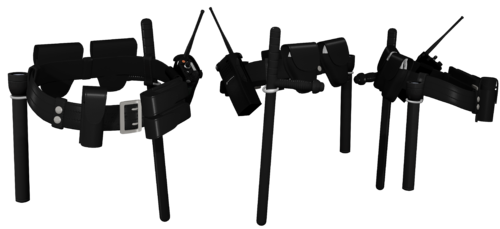 Great work
 -
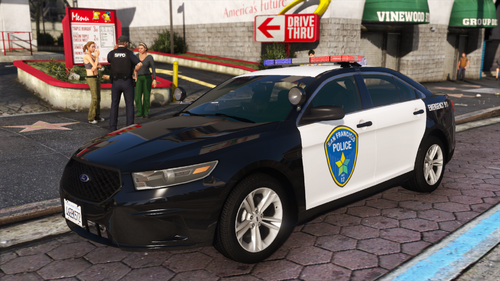 🔥
🔥 -
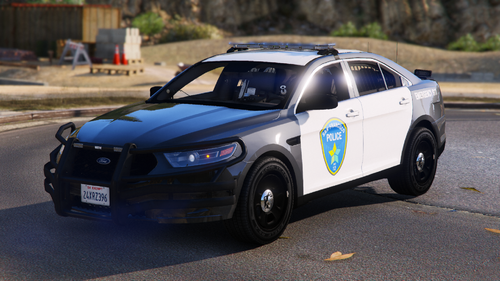 Link to vehicle
 -
-
-
 Thank you for updating these. Can you explain how the callout ini files work? [Airplane Hijacking] Plane=NIMBUS Ped=g_m_y_korlieut_01 Weapon=WEAPON_PISTOL // -1 is infinite ammo Ammo=-1 Will "Ped=" and "Weapon=" take multiple comma delimited values and be picked at random? like Weapon=WEAPON_PISTOL, WEAPON_SMG
- 21 comments
- 1 review
-
-

- 1
-
-
-