Handsup!
Members
-
Joined
-
Last visited
Everything posted by Handsup!
-
 Yeah, of course, but do they also perform defence roles? Here in the UK, we have separate forces for Policing and actual military defending of air force bases.
- 25 comments
- 7 reviews
-
 Someone's salty
 -
-
 Corrected! :)
 -
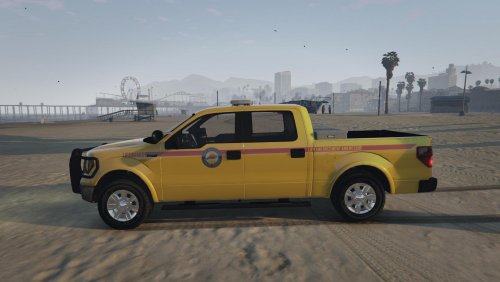
ORIGINAL VEHICLE MODEL AVAILABLE HERE: Lore-friendly lifeguard vehicle; designed with RDE/EUP in mind, the truck features the San Andreas Parks logo present on EUP lifeguard uniforms. Useful for both law enforcement and rescue lifeguards (both feature in EUP 7.5) Replace template.dds in pranger.ytd with the file downloaded.
-
Sounds great bud.
-
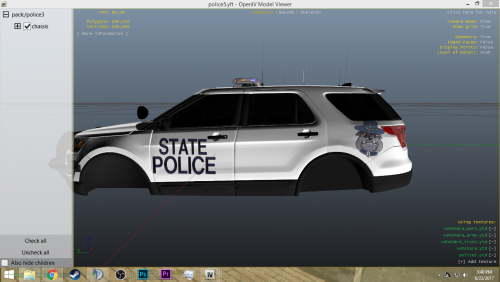 Here's a link to some templates for skinning. https://www.gta5-mods.com/tools/free-psd-files-giving-back-to-the-community I'll be dead honest, it's really bad. But don't listen to people like xMoD, the way he approached it was very rude. I have been skinning for years, let me know if you need a hand.
- 14 comments
- 1 review
-
-

- 1
-
-
I think I need an older gameconfig from 1.032 as I crash on 'Loading and Populating', any tips? D: cheers Nevermind I copied the 1.032 into my mods!
-
It's just you.
-
It still exists, lmao.
-
It's probably quite easy to model/texture scene tape, but the implementation is tricky
-
Out of those two I would say it's Novecento, you can tell by the way the C is formed, in Novecento it's a sharp bit upwards, the opposite for Solitas.
-
Thanks for the heads up! I looked into the mod page after what BLM said above and found that it was a common problem, noted by the author:
-
Hi, I sense this is something to do with the +hi.ytd files and the plain .ytd files of cars but idk how to solve it. When I move away from a car, the main texture and model disappears; I'm left only with the lights. Does anyone have ideas? Thanks!
-
-
Same. Seems to be happening after I installed RDE. I have uninstalled it completely, deleting all the gameconfigs and stuff and it still crashes upon populating the game world
-
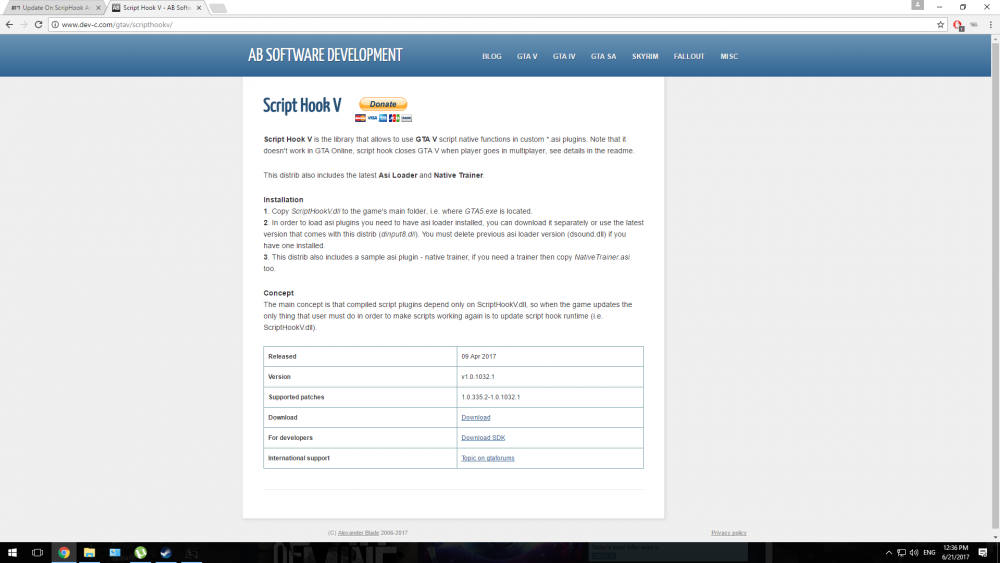
That's what it was! Turned out the trainer bundled with ScriptHook was causing problems, thank you!
-
Hey, I don't know what's going on with my game. All of a sudden, out of nowhere, none of my cars have any traction and driving is impossible. I'm not running any vehicle mods, just LSPDFR, menyoo and some callouts. It's like I'm stuck in slidey car mode. help D:
-
-
Not a picture, but a video. This is my local police force, which I am so proud to be a part of. https://vid.me/e/xUuC
-
FIX FOR ANYONE WITH BROKEN PLUGINS: 1. Download this: http://patches.rockstargames.com/prod/gtav/Launcher_EFIGS/GTA_V_Launcher_1_0_393_2.exe 2. Install 3. Profit This downgrades your launcher, therefore fixing any Ragehook crashes.
-
I did not realise this. I thought it was a Social Club update; is it possible to rollback?
-
Anyone else's RAGE broken after this update?
-
Since you haven't stated any specs at all, I'll give you info that applies to ALL laptops: Cooling is bad You can get a desktop with the same specs for a thousand dollars/pounds less You can't swap out the parts very easily
-
I suppose LA is the biggest municipal in Cali. Really looking forward to this, need to spice up my CHP division of cars