10 DAVID 01
Members
-
Joined
-
Last visited
Everything posted by 10 DAVID 01
-
-
-
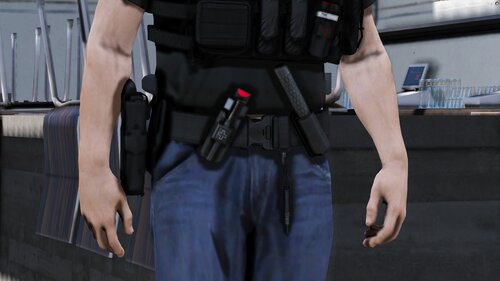 Looks really good, suggestion, move the cuff cases to the far left and far right side on hips instead of the center of the spine, in RL most officers avoid placing cuffs in the center of the back because if you fall onto your back the cuffs can cause injury to your spine. Also, maybe put the TQ holster horizontal a little less close to the buckle. Of course you don't have to change any of that if you don't want to, the belt looks really good 🙂
- 15 comments
- 1 review
-
From the album: LSPDFR .4
Cruise Lights -
From the album: LSPDFR .4
posing for the picture shes so enthused. -
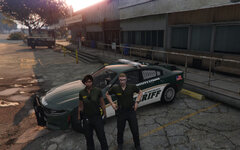
From the album: LSPDFR .4
another deputy at the SO -
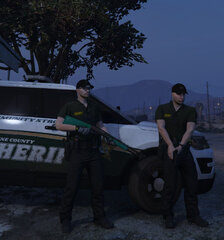
From the album: LSPDFR .4
got the lethal and the LTL -
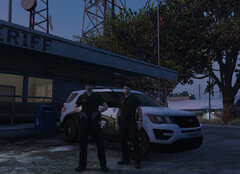
From the album: LSPDFR .4
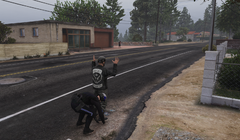
Partners hangin out' -
Okay, Well its not a major deal to me, if it only does that to me when im chosing uniform I don't care but if the backup responds like that, I guess i'll try to re-install the mod maybe something got corrupted.
-
From the album: LSPDFR .4
-
From the album: LSPDFR .4
-
I figured out how to modify the liveries doing just that. Thanks ! you need to install this that should fix your outfit issues...
-
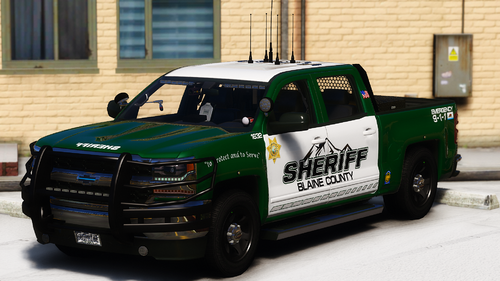 great pack!! been needing something to change it up. found this. thanks!! 5/5
- 71 comments
- 17 reviews
-
-

- 1
-
-
really awesome stuff here love it, just wanted to let you know about this though, for what ever reason, when it goes to load a uniform, it uses this pant number lol...which is messed up to say the least, not a dealbreaker cause i can easily change it with my wardrobe eup, which i did. but your wardrobe ini used the same pant number, i changed it manually though and fixed my issue, just thought you might want to be aware of it. also is there a way to change the liveries on the vehicles or view them out of game?
-
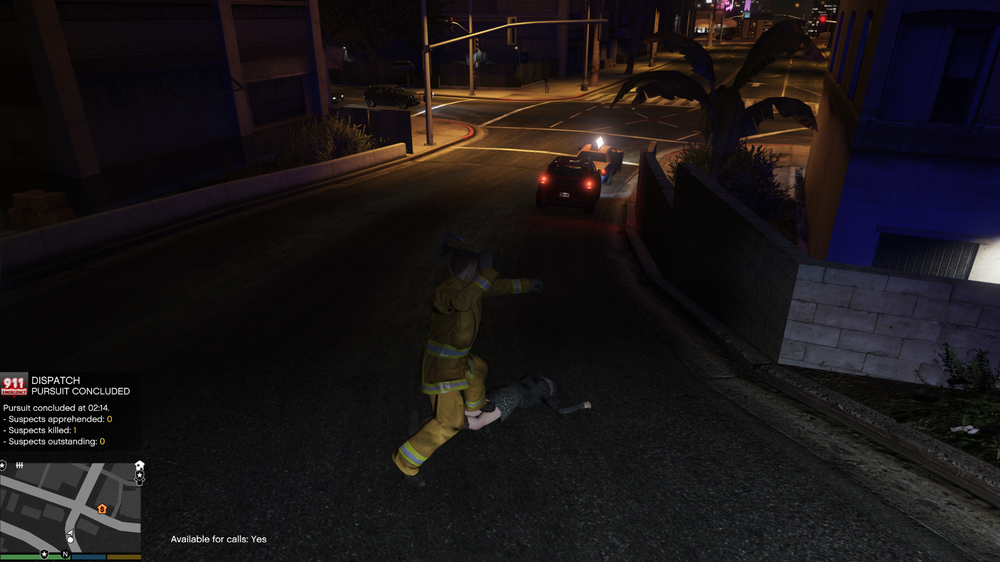
Officer Fireman, Stolen police vehicle code 4.
-
For some reason here recently, LSPDFR starts me as a Fireman, "on duty" for police calls.....and if i try to switch characters, sometimes it will fix that but sometimes it will just crash and have the black screen with infinite spinning circle at bottom right corner......smh. Please help me fix this lol... or I guess i'll just spawn the firetruck and go on duty and start hosing people and hitting them with the axe.
-
-
-
-
-
From the album: LSPDFR .4
-
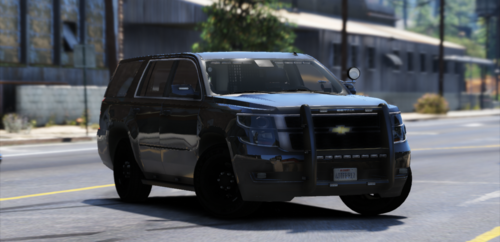
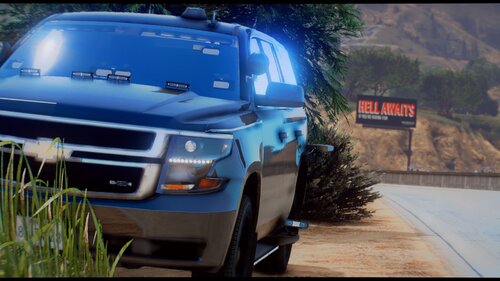 is this a fantasy setup? on the tahoe i mean? if you ran over any kind of significant bump IRL wouldnt that ALPR camera and that light get destroyed? Also on the tahoe, are those light mounts on the outside of the windshield?
- 41 comments
- 4 reviews
-
alll his stuff is updated now, sidenote, I had to keep COPHOLSTER, as the new animated holster unholster that is supposed to be part of .4.6 for what ever reason does not work at all.
-
None of BejoIjo plugins work at all now, because of his version detection.....smh
-
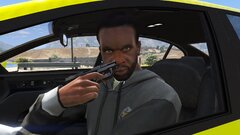 what that smell like?!