




10 DAVID 01
Members
-
Joined
-
Last visited
Everything posted by 10 DAVID 01
-
-
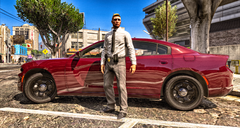
From the album: LSPDFR .4
Photoshop CS6. -
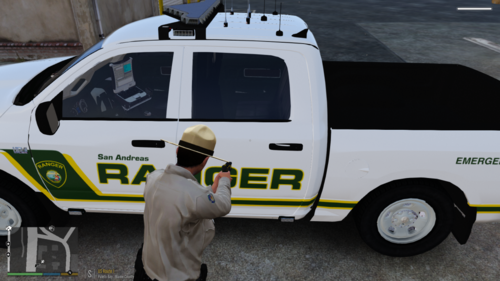 works perfectly!! Are your dumb ass fellow officers running sirens while getting stuck ramming into walls when they try to leave all while you are trying to finish up a report ? No problem ! Just zap them into oblivion! Pesky paramedics with thier non driving ass!? Zap!!! They gone!! Good work bro! can’t do with out this handy tool!! 5/5
 -
this works perfect!!! i love you
-
From the album: LSPDFR .4
-
-
From the album: LSPDFR .4
Probably will always be my all time favorite police vehicle. -
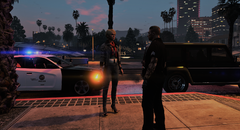
From the album: LSPDFR .4
warrants... -
can i still use the taser as a taser or will it delete the suspect ?
-
you have to double click on it and it will uninstall it this could be something to do with your user access control if the settings aren’t set to where you’re the administrator or you have full access. other than that i’m sorry to say i have no idea why it wouldn’t uninstall
-
If a mod developer has made these particular uniforms for 8.1 eup then they should have install instructions and the correct ytd files or textures to replace the eup files. Vanilla peds do not use EUP so trying to install a mod that uses those models would not work with EUP as EUP uses MP_Freemode ped.
-
If you don't have EUP installed and are just using the default LSPDFR install with default GTA V clothing, then try this: If you have this installed: Then you should install this: Hope this fixes your problem.
-
this is exactly what is hapening to me...and it only started doing this after i updated windows yesterday. so i removed the installed windows updates, and it works again... to remove recently installed windows updates follow this link Remove an installed windows update and click where it says "Remove an installed windows update" follow the instructions, remove all of them from 9/10 or 9/11 which ever day you installed it, the most recent updates is what caused it. *Note, do not restart immediately after removing the first update, choose restart later, and continue uninstalling the most recent updates (they should all have the same install date). also **Note, it will not let you uninstall the "security update" what ever, doesn't matter because rage works after uninstalling others. also ***Note, after you uninstall those updates, you no longer will beable to see the install dates on any of the other updates, not sure why, but what ever.... I probably wont install another update for a while since it apparently breaks things. It is at your own risk obviously but doing this fixed my problem. topic can be closed.
-
i joined your discord. i do not think it is antivirus. If you message me on your discord, i will show you via screen capture/bandicam what it does. But, unfortunately rage will not launch. its difficult for me to explain it better than just saying, doubclicking the icon, it briefly pops up on the task bar then closes out before the actual program even loads. even when in settings mode it will close on its on without me touching anything.
-
thats the problem, it doesn't even load rph to make a log. it didn't do this before i did this update. now its doing this...i do have the game in exceptions on firewall and my antivirus is turned off.
-
so i updated windows, now every time i launch rage plugin hook, it automatically gets closed after a few seconds, it doesn't load anything and just closes. I feel like windows is blocking it or something is automatically closing it but I have no idea what. Anyone else experienced this ?
-
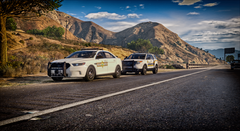
From the album: LSPDFR .4
SASP - BCSO -
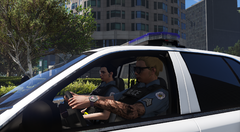
From the album: LSPDFR .4
-
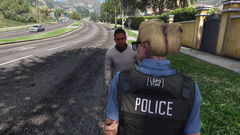
From the album: LSPDFR .4
-
-
-
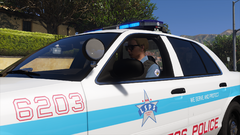
From the album: LSPDFR .4
-
-
Thank you so much!
-





