Skip to content
View in the app

A better way to browse. Learn more.

LCPDFR.com

A full-screen app on your home screen with push notifications, badges and more.

To install this app on iOS and iPadOS
  1. Tap the Share icon in Safari
  2. Scroll the menu and tap Add to Home Screen.
  3. Tap Add in the top-right corner.
To install this app on Android
  1. Tap the 3-dot menu (⋮) in the top-right corner of the browser.
  2. Tap Add to Home screen or Install app.
  3. Confirm by tapping Install.

Flyinpandaman

Members
  • Joined

  • Last visited

  1.    NUV3X reacted to a file: California EUP 8.1 Pack
  2.    Officer Andrews reacted to a file: Texas EUP Pack
  3.    Steve2000 reacted to a file: EUP Replacement belt
  4. SGTMarine started following Flyinpandaman
  5.    zynman02 reacted to a file: Texas EUP Pack
  6.    SirEdie reacted to a file: EUP Replacement Belt #2
  7.    XefireMods reacted to a comment on a file: Blaine County Sheriff's Mega Skin Pack
  8. Flyinpandaman changed their profile photo
  9.    Ejsk8s reacted to a file: California EUP 8.1 Pack
  10. RobiPL started following Flyinpandaman
  11. RNorthencotton24 started following Flyinpandaman
  12. sherdkdk started following Flyinpandaman
  13.    Tom199 reacted to a comment on a file: LASD Style Duty Belt (EUP)
  14. Please fix it looks good man ❤️
  15. Jess476 started following Flyinpandaman
  16. jayden132015 started following Flyinpandaman
    • 5,305 downloads
    • Version 1.0.0
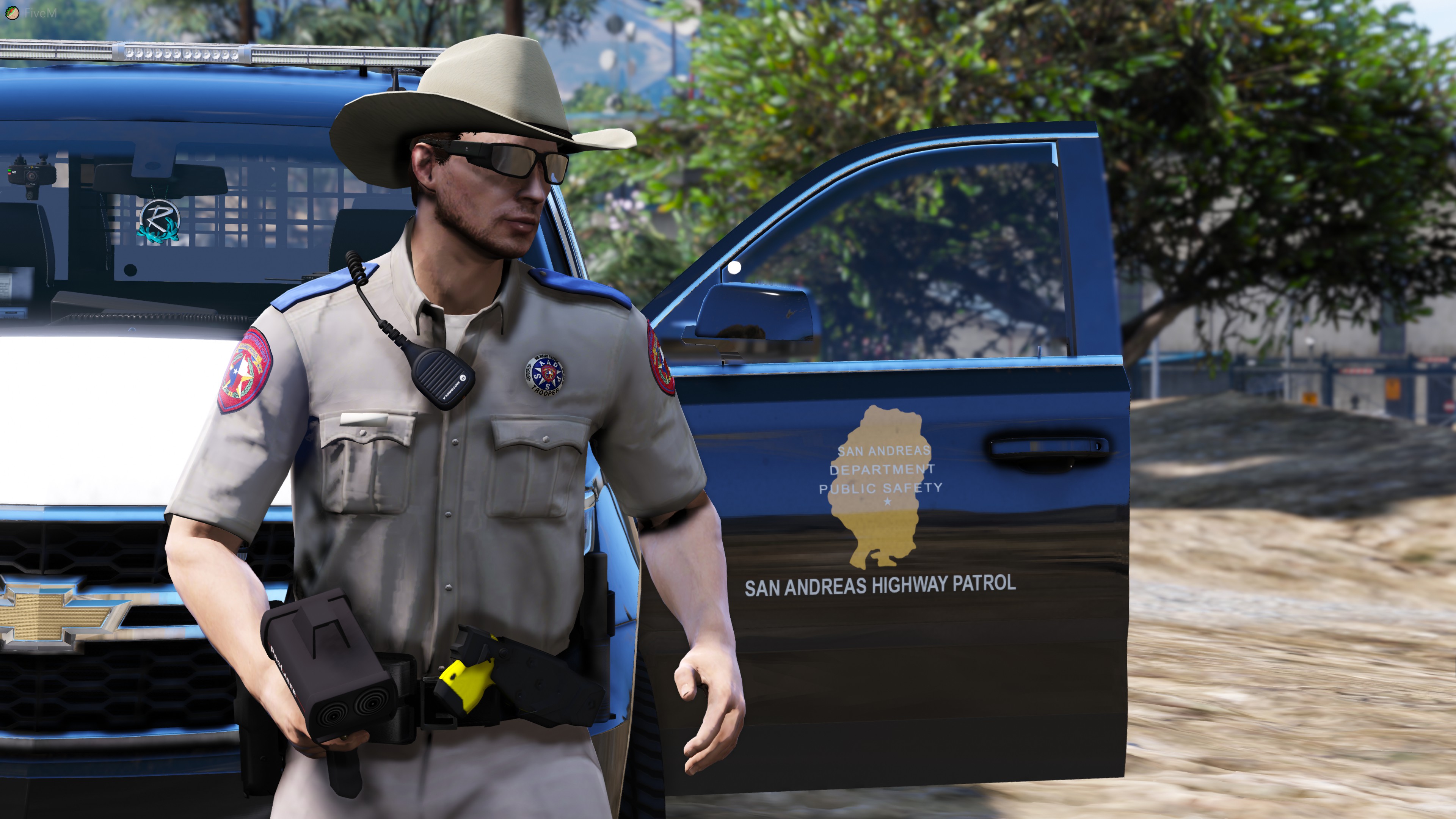
    **Credits** Code4Mods **Things Needed** -Eup -OpenIV Uhhhh Hope yall enjoy this, I sure had a blast making it 😁 The belt can be installed to replace any belt, Look in freemode hipster in your open IV
  17. Oh shoot yeah man thats my bad I use fivem so sometimes I forget
  18. Yes, in the ytd you can select perm ban or temp
  19. Its meant to not have alot of gear 😄 for some of those big ass vests Although thanks for the input its real nice of you
  20. https://discord.gg/qGnRRJJ

Account

Navigation

Search

Search

Configure browser push notifications

Chrome (Android)
  1. Tap the lock icon next to the address bar.
  2. Tap Permissions → Notifications.
  3. Adjust your preference.
Chrome (Desktop)
  1. Click the padlock icon in the address bar.
  2. Select Site settings.
  3. Find Notifications and adjust your preference.