




Charlie686
Members
-
Joined
Everything posted by Charlie686
-
Hiya, Attach your RagePluginHook log - a text document found in your main directory
-
Clear your commandline - a text document found in your main directory If the issue still persists let me know 🙂
-
Hiya, LSPDFR build 7659 does not come with an automatic installer. Are you updating LSPDFR or doing a first time install?
-
Go into mods/update/x64/dlcpacks and delete the folder named EUP. Go to mods/update/update.rpf/common/data and open dlclist.xml and remove the line "<Item>dlcpacks:/EUP/</Item>" from it then save
-
Could you attach your RagePluginHook log - a text document found in your main directory
-
-
Hiya, To install LSPDFR just drag and drop the contents of the manual install into your main directory If you are just updating LSPDFR: Download the manual install of LSPDFR Open the plugins folder of the manual install. There should be 2 files Drag and drop these into GTAV/Plugins Make sure you are downloading the latest LSPDFR version!
-
This means you have an issue with your game files. Verify your game files + keep your mods folder renamed to _mods and see if the issue persists
-
Try reinstalling it. If that doesn't work I'd suggest you completely remove EUP and try again - it shouldn't take too long as it is an OIV file
-
Seems like EUP menu was loaded. Could you double check your keybinds then in-game load EUP manually through the RAGE console and see if it comes up. For your NPC's have you installed this? https://www.lcpdfr.com/downloads/gta5mods/datafile/22400-lspdfr-eup-configurations/
-
I don't use EUP but I'll try to help. Could you attach your RPH log?
-
Hiya, Rename your mods folder to _mods and see if the issue persists
-
Hiya, Try renaming your mods folder to _mods and see if the issue persists
-
Hiya, When you rename your mods folder to _mods you are disabling it. This means you have an issue in there. Revert all your previous changes Any questions let me know 🙂
-
Attach your RagePluginHook log - a text document found in your main directory
-
Do you want to make your own thread so I can speak to you there?
-
Usually works if you are patient (some people aren't) Sounds like a good plan!
-
Decrease your Plugin Timeout Threshold from 70,000 to 60,000 - that is the maximum
-
I'm not too sure where this issue is coming from. LSPDFR isn't throwing any errors and your keys.ini file looks good. All I can suggest is a manual install of LSPDFR but if I think of anything else I'll let you know
-
Is that just the GTAV.exe file that you made an exception or was it the whole of the GTAV folder?
-
If the above doesn't work confirm you can play GTAV without RAGE
-
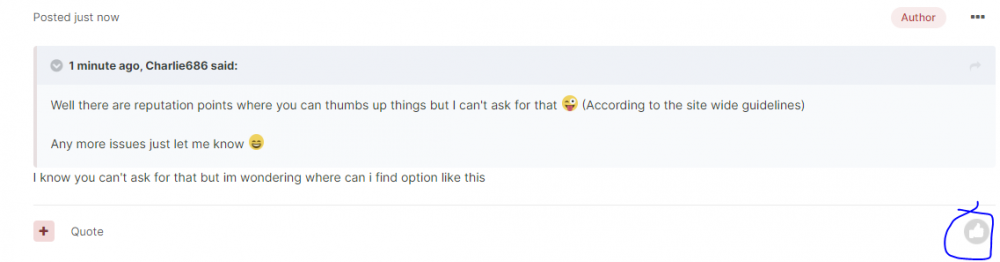
There should be a thumb on the right of the message : De :
-
Well there are reputation points where you can thumbs up things but I can't ask for that 😜 (According to the site wide guidelines) Any more issues just let me know 😄
-
-
What do you mean blocking plugin? I presume you managed to get into the game. This means you have an issue with your mods folder. Revert all previous changes 🙂



