
BRADPlays
Members
-
Joined
-
Last visited
Everything posted by BRADPlays
-
-
 This plugin takes LSPDFR to a whole different level, especially for those who love roleplaying their scenes. It adds depth, immersion, and realism that we’ve been waiting. Highly recommended — cheers mate, keep up the great work
- 33 comments
- 4 reviews
-
.thumb.png.1e07332e56d0003390a27509978e6af3.png) Finally got our hands on this plugin we’ve been waiting for ages — and it truly delivers. Smooth, reliable, and exactly what we needed. Big cheers mate, excellent work!
Finally got our hands on this plugin we’ve been waiting for ages — and it truly delivers. Smooth, reliable, and exactly what we needed. Big cheers mate, excellent work!- 24 comments
- 4 reviews
-
-

- 1
-
-
-
 Top, Cheers mate
 -
Keep up the good work mate, this one looks awesome. Will definitely check it out. Cheers
- 33 comments
- 4 reviews
-
-
This sounds promising - will give my feedback sooner. Thank you mate for the hard work
-
-
-
-
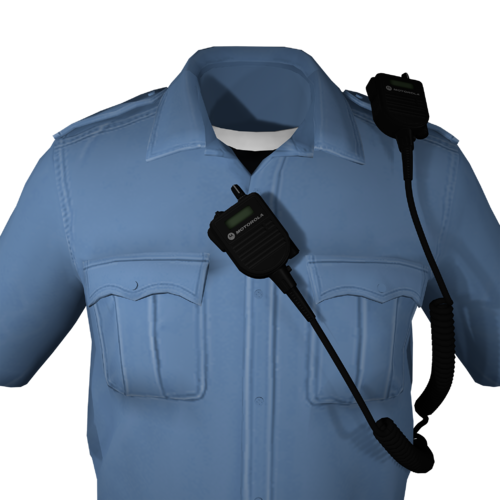
 The in‑game radio adds an incredible layer of immersion and realism to the gameplay. It makes every session feel more alive and authentic, pulling me deeper into the world. I really enjoy it — thank you, mate!
- 29 comments
- 1 review
-
-
-
 Top
Top -
 Finally got the chance to my hands on this. Thanks you so much
 -
 I do really like them. So far so good. Haven’t streamed with it yet. But im sure my audience will like it too. Cheers mate
- 16 comments
- 4 reviews
-
-
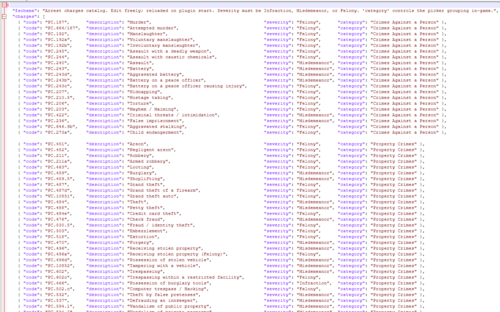 Thank you for the work
 -
-
-
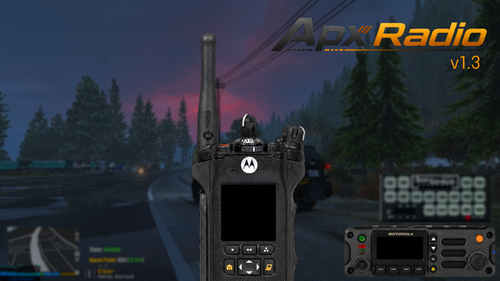 All I can say is this is a must‑have plugin. The rest is history. It delivers exactly what you need, runs flawlessly, and truly elevates the LSPDFR experience. Highly recommended for anyone serious about their patrols!
- 67 comments
- 8 reviews
-
-
-
 After thoroughly testing this plugin, I can say it’s one of the best out there. It runs smoothly, adds real immersion, and enhances the overall LSPDFR experience. I highly recommend it to anyone looking to take their patrols to the next level!
- 10 comments
- 2 reviews
-
-

- 1
-
-
- us
- lore
- lspdfr plugin
- legacy
-
Tagged with:



.thumb.png.1e07332e56d0003390a27509978e6af3.png)