OfficerArchie
Members
-
Joined
-
Last visited
Everything posted by OfficerArchie
-
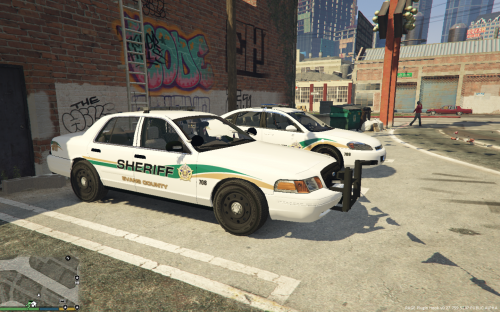 Nicely done, clean and simple, just the way they should be out in the sticks.
- 11 comments
- 1 review
-
-

- 1
-
-
-
 Thanks for the steel version mate, but now they have a weird dark flickering texture on the central caps until you get up close to them.
- 139 comments
- 21 reviews
-
-
Are you saying that the version 1.2 still up for download has all the updates but has steelies instead of the caps?
- 139 comments
- 21 reviews
-
Any chance for the normal wheels as an option, I'm not a huge fan of the full hubcaps :-)
- 139 comments
- 21 reviews
-
-
- 1
-
-
 Great work. Needs some work on the LODs, wheels disappear when relatively close to the vehicle, but overall a great first Tahoe!
- 183 comments
- 38 reviews
-
-
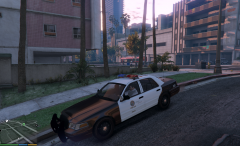 Fantastic, can't wait for its release!!
 -
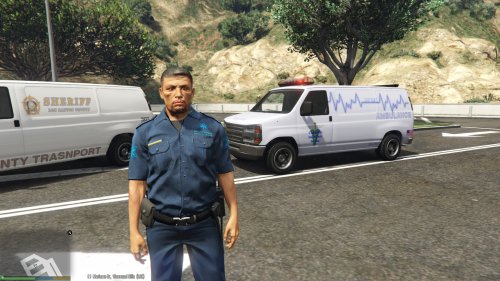 As said before, rear wheels need to be moved forward and glass needs to be made breakable, other than that great work, its a good replacement for the police transporter.
- 25 comments
- 3 reviews
-
 Put this one into your taxi and see if it fixes your issue. If it does, PM me your taxi signs file and I will layer it for you and send it back, its a 1 minute job in GIMP or Photoshop.
- 246 comments
- 40 reviews
-
-
- 1
-
-
You need to add a layer to the taxi signs texture file and darken it (a lot) attached is the one I use and it works well.
- 246 comments
- 40 reviews
-
-
- 1
-
-
 Yay from me ;-)
 -
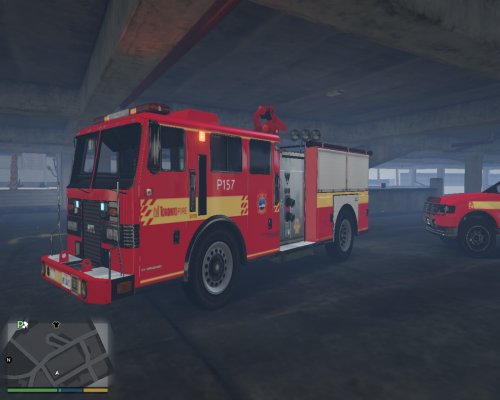 might need to change the credits for the TPS CVPI? I think that is one of the YCA 99 models, not the F5544 one, but correct me if I am wrong.
- 42 comments
- 6 reviews
-
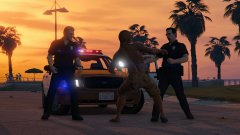 Good Lord above.... does that CVPI have hubcaps and an arjent... Awesome pic Netman!
 -
Lose the rambar (or make it an extra that comes and goes) and I will love you long time F5544
-
-
-
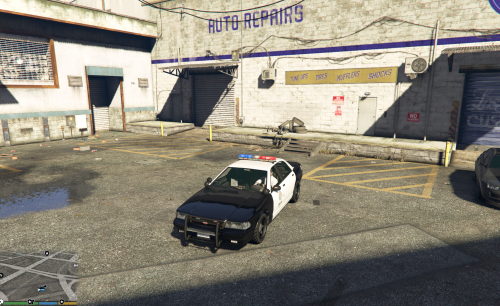 I don't usually 'review' but I had to stop by and say how great this modified Stanier is, I love the MX7000, love the fact it spawns sometimes as a slicktop, and love the laptop inclusion. I'm fond of CVPI's, but in the Los Santos world, they just don't seem to fit at all, so this is a real win. You know the old song "I fought the lore, and the, lore won...." Great work!
- 19 comments
- 5 reviews
-
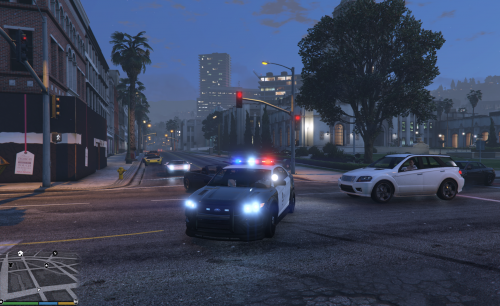 Anyone else getting strange breaking windows behaviour? Only one side of rear window shatters and some you cannot shoot through at all?
- 44 comments
- 14 reviews
-
 I know it has been asked before, but any chance of an update with breakable windows? And is there any way to get it to spawn with the MX7000 as well as the LED light bar? I have replaced it instead of adding it in the police slot (and it works perfectly fine) but just wondering if there is any way to get it to spawn with the rotator light bar as well? Thanks, a great mod!
- 371 comments
- 38 reviews
-
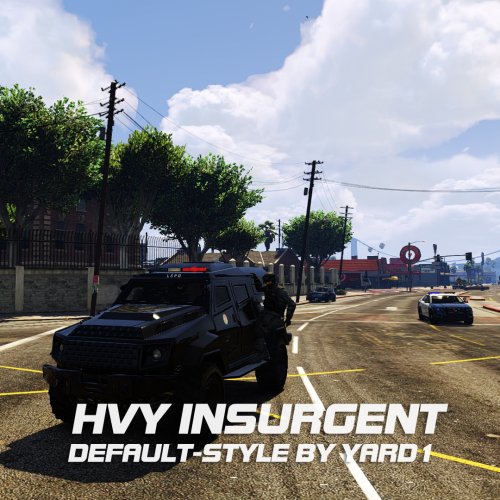 Works great, just remember to also replace the Nooseriot as well, and I just copied and pasted the insurgent handling into the riot slot as well (it tips over a lot otherwise!)
- 27 comments
- 4 reviews
-
Changed insurgent filename to riot and dumped it in every rpf that had the riot (none had the +hi ytd file though, so I just left them out), and also added it to mpheist as well for good measure, sure enough at wanted level 4 and 5 had them spawning at roadblocks (but oddly enough also had a couple of normal riots as well floating around, even though I had replaced every one I could find with the insurgent!).
- 27 comments
- 4 reviews
-
-
Installed as per your instructions, but no sirens at all on any emergency vehicles. I'll try again in case I missed something.
- 8 comments
- 2 reviews