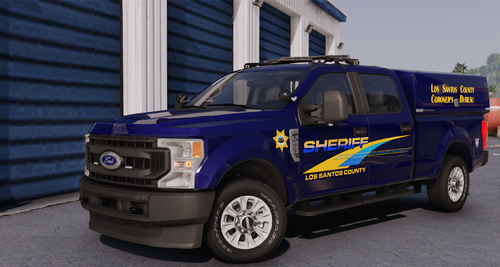

Coyote3D
Members
-
Joined
-
Last visited
Everything posted by Coyote3D
-
 🤤
🤤 -
-
-
 man you should start making kansas packs
 -
-
 holy, looks amazing
 -
-
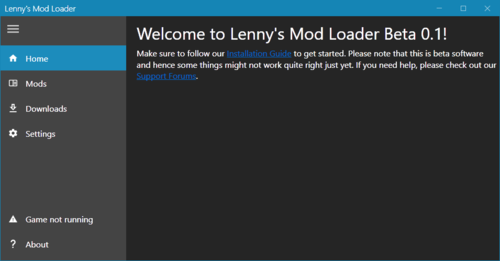 "Run LML first" You can't "launch" LML, because it is not a process, exe, any of that.
- 339 comments
- 20 reviews
-
-
-
 Thanks man!
 -
-
-
LML is not detecting/attaching to my game. Worked yesterday, nothing changed within that time.
- 339 comments
- 20 reviews
-
-
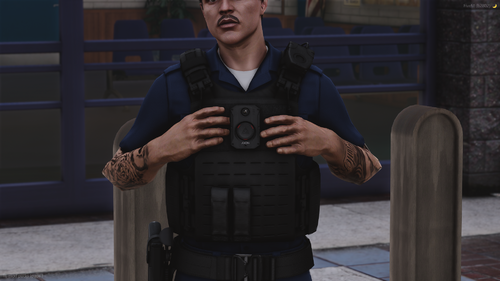 its that vest from that one show!
 -
-
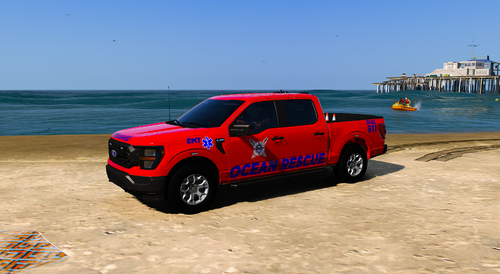 Sheesh I'm going to use this!
 -
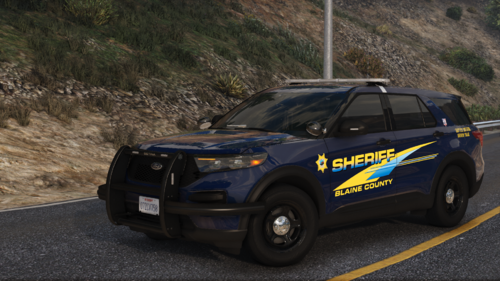 hell yeah!
 -
 this helmet looks amazing I can't wait to use it
 -
 This is a mod I've been wanting for a while! I'm hoping for that addon bug to be fixed though.
- 78 comments
- 4 reviews
-
-

- 1
-
-
-
-
-
 This is fun to use & fun to uninstall
 -



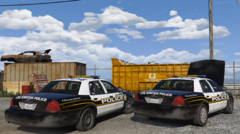






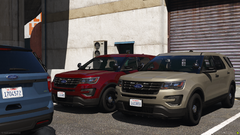








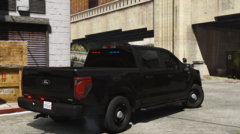
.thumb.png.8037129bc2526a9a9c435f4295948c9e.png)