



Vaultcop
Members
-
Joined
-
Last visited
Everything posted by Vaultcop
-
I see you are not using version 0.4 of LSPDFR. Upgrading to the new version should help as mods are being altered to run on the new version.
-
Hi there, On the first log the issue appears to be to do with the Interaction + mod. Maybe try disabling it to see if that helps?
-
Hi there, Firstly is this the original radio or the smart radio mod that you are referring to? Secondly could you post you Rage Plugin Hook log as it will contain more details.
-
-
From the album: Vaultcop's duty shots
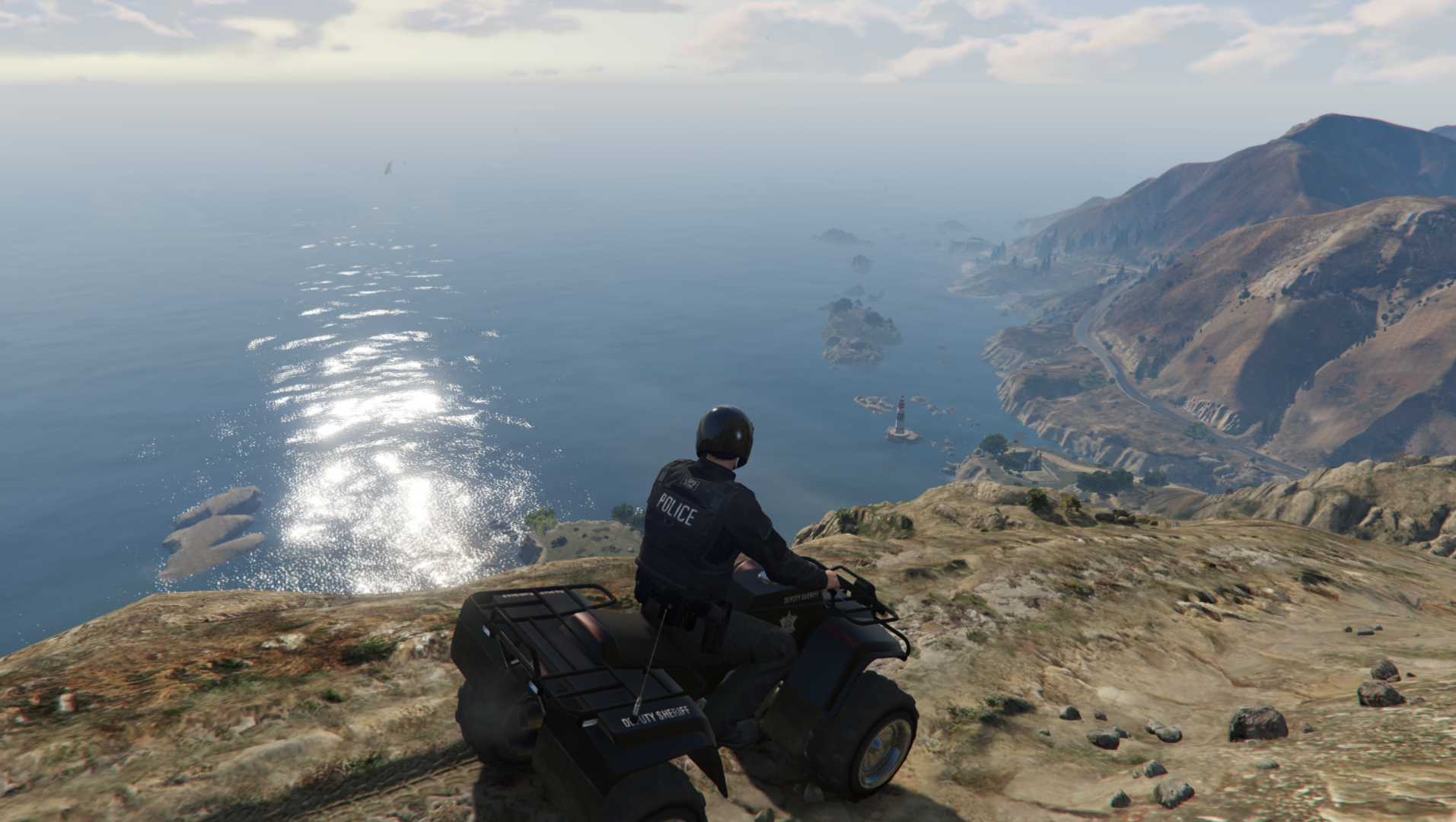
Officer Weston parked up on a break looking over the horizon.© Vaultcop
-
From the album: Vaultcop's duty shots
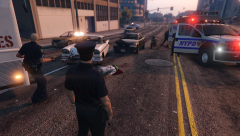
Officers detain a suspect who earlier stole a police vehicle and led them on a long pursuit.© Vaultcop
-
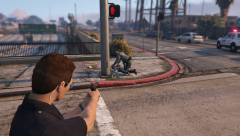
From the album: Vaultcop's duty shots
Officer Weston providing cover as an NYSP Trooper arrests a suspect.© Vaultcop
-
-
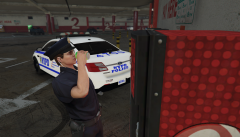
From the album: Vaultcop's duty shots
Officer Weston grabbing a quick drink between calls.© Vaultcop
-
Potentially yes, however i've not used ultimate backup personally so can't say for sure
-
Could you please post your Rage Plugin Hook log as that will have more information .
-
From personal experience i've had a few crashes caused by the assorted callouts mod. Since i've removed it the game hasn't crashed, it may be worth trying the same to see if it's what causes your game to crash.
-
How i'm reading the log suggests that the error is being caused when police smart radio is attempting to setup. Possibly when it's trying to assign what action each radio button does
-
You will need to remove the agency from the other .xml files aswell. For example if you remove the LSSD from your agency.xml file but not your backup.xml file then when you call for backup it will attempt to use LSSD but because the agency has been removed LSPDFR will crash.
-
Did you copy the .xml file included with the pack to the location ElS/pack_default ?Could you please post your RagePluginhook log file as it may assist in finding the problem.Generally speaking if you respond to a dispatch call such as a driver under the influence and they drive off it will automatically start the pursuit. If you pull over a random vehicle and they drive of you'll have to call it in by holding B.Hi there, Change the Rage Plugin Hook settings to force windowed mode and try launching the game again, this sometimes helps.
.thumb.png.2bcc7de92c25990fc5d240b9c76fc5fb.png) That's quite likely as the error says about the game player, try reverting it to the original to see if that helps.Hi, I see your location on here is set as Turkey, is your PC Operating system language set to Turkish? If so this is a known problem currently being looked into that can be fixed by changing the OS language to English.Hi there, The error showing is related to an invalid model. What ped / vehicle models have you replaced or altered (If any)?Hi there, Could you please post your Rage log file as it may contain information that can help to solve the issue.You can alter your backup.xml file in the lspdfr/data folder to choose which units respond to you backup requests. By changing the agency from sapr to lssd in ther MountChilliad region you should solve your issue. I've included an example belowe with the part you need to alter highlighted.If you look on your profile page on the LSPDFR website you should have a characters tab that allows you to select your custom characters and views their stats, providing you have correctly set up the sync.
That's quite likely as the error says about the game player, try reverting it to the original to see if that helps.Hi, I see your location on here is set as Turkey, is your PC Operating system language set to Turkish? If so this is a known problem currently being looked into that can be fixed by changing the OS language to English.Hi there, The error showing is related to an invalid model. What ped / vehicle models have you replaced or altered (If any)?Hi there, Could you please post your Rage log file as it may contain information that can help to solve the issue.You can alter your backup.xml file in the lspdfr/data folder to choose which units respond to you backup requests. By changing the agency from sapr to lssd in ther MountChilliad region you should solve your issue. I've included an example belowe with the part you need to alter highlighted.If you look on your profile page on the LSPDFR website you should have a characters tab that allows you to select your custom characters and views their stats, providing you have correctly set up the sync.

.png.0b0eb09c6eeade587d36a781cef9cc4e.png)

.png.b95a42b7afed87028a8d13f25bcc18b4.png)