



Vaultcop
Members
-
Joined
-
Last visited
Everything posted by Vaultcop
-
.png.f532fa1084a240ddb5611da2673fa664.png)
From the album: Vaultcop's duty shots
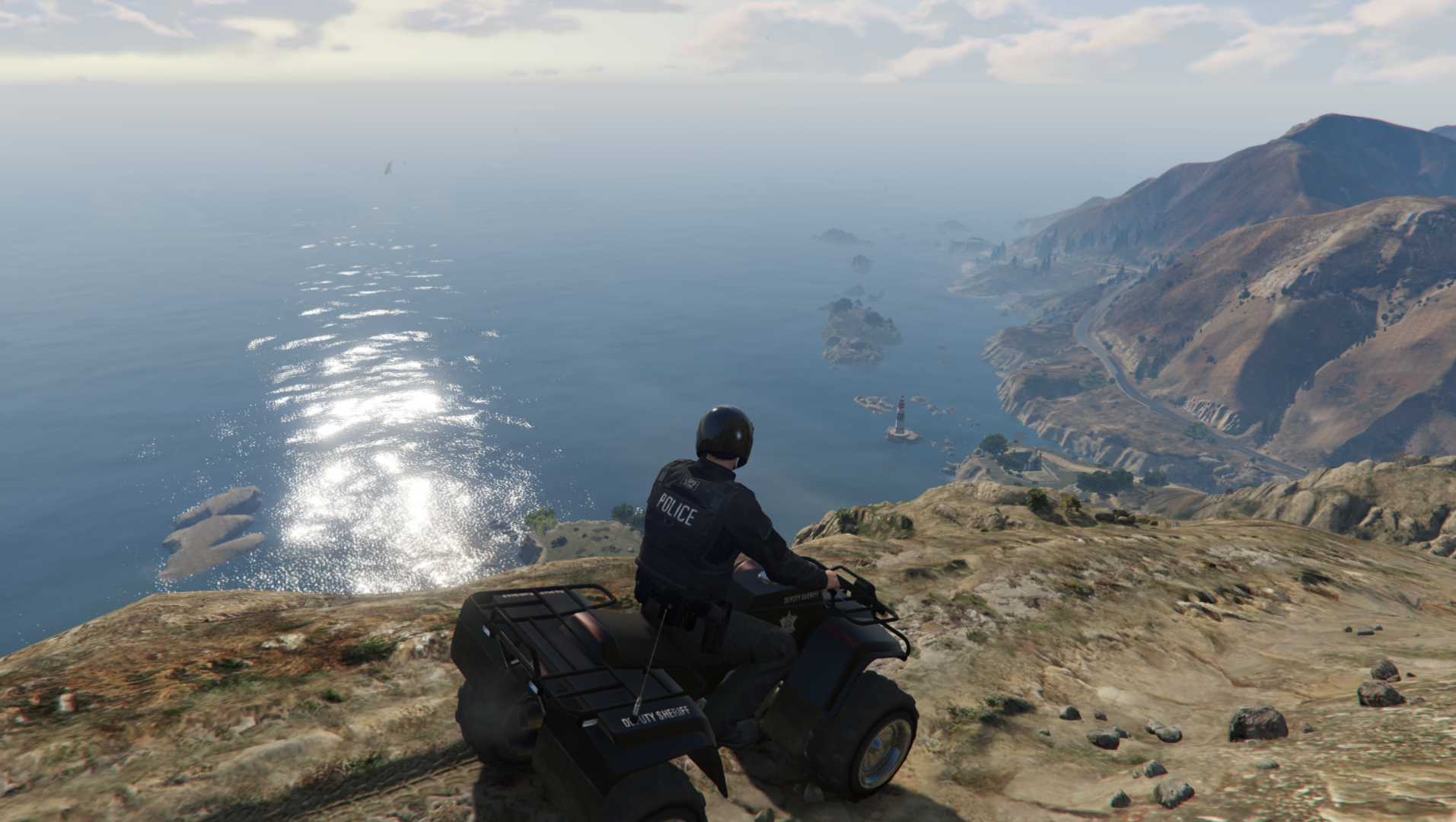
A unit from the ESU takes a moment to admire the city.© Vaultcop
-
.png.c7694eea51c46971e2c88f80ed06ea7b.png)
From the album: Vaultcop's duty shots
A state trooper is injured following a gunfight with an armed suspect.© Vaultcop
-
Hi, Please could you post your ragepluginhook.log file which will hopefully provide more information.Hi, Could you please post an image showing what files are in your GTA V folder and your LSPDFR folder.Hi there, Please could you post your ragepluginhook.log file as this will contain more information.
From the album: Vaultcop's duty shots
Taking a break from normal duties to monitor the crossing.© Vaultcop
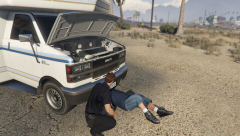
From the album: Vaultcop's duty shots
Officer Weston assists a citizen with their broken down vehicle.© Vaultcop
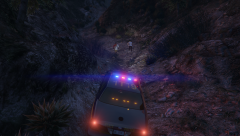
From the album: Vaultcop's duty shots
The car isn't going any further, best start running.© Vaultcop
Hi there, The error is that it's unable to find the lspdfr files. Could you please post an image showing your GTA V and lspdfr folders?Hi there, In the bottom image the file lcoation is the issue. That lspdfr folder needs to go straight into the main GTA V folder and not inside the plugins folder. Try moving it and hopefully it'll help.Hi there, Try altering your Rage Plugin hook settings to enable force windowed mode..thumb.png.1ee7e665d33c1b24208f57b37aa29f70.png) State troopers pursuing robbery suspects. Also my first time playing around with editing images, any feedback welcome as always!
State troopers pursuing robbery suspects. Also my first time playing around with editing images, any feedback welcome as always!.thumb.png.d2420291eaea2500659dfe030eeced27.png)
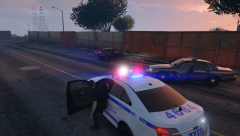
From the album: Vaultcop's duty shots
Officer Weston arriving on scene after a backup request recieved from state troopers.© Vaultcop
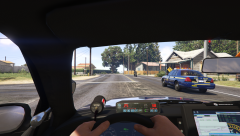
From the album: Vaultcop's duty shots
State troopers pursuing 2 robbery suspects on a motocycle.© Vaultcop
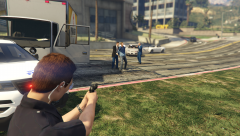
From the album: Vaultcop's duty shots
Assisting detectives arrest a suspect who attempt to flee from them using an interesting choice of vehicle.© Vaultcop
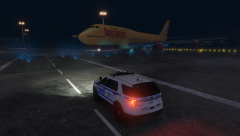
From the album: Vaultcop's duty shots
A late evening patrol of the airport checking for any suspicious activity.© Vaultcop
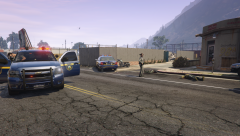
From the album: Vaultcop's duty shots
The result of a shootout between 2 robbery suspects and pursuing state troopers.© Vaultcop
You need to add it to the duty_selection.xml file located at /lspdfr/data. I've inlcuded an example below. The part highlighted in green is what displays as information for the vehicle in the garage selection screen. The part in yellow is what agency the vehicle will come under. The part in grey is the vehicle model name.It shows in the log that it is loading version 0.3.1. Have you fully removed the previous version before installing 0.4?Hi there, Open the RAGEPluginHook settings menu and increase 'Plugin timeout threshold' to a higher value (e.g. 30000). Save the settings and try launching the game again.Hi, You need to edit which vehicles are assigned to the SAHP as by default only the police bike is assigned. Go to lspdfr/data and edit the agency.xml file, find the San Andreas Highway Patrol and change the vehicle type from policeb to whichever police vehicle you would like. I've highlighted to required section below.

.png.f532fa1084a240ddb5611da2673fa664.png)

.png.c7694eea51c46971e2c88f80ed06ea7b.png)
.png.8b3ad00dfa1d0433b829d7ab444d12c0.png)

.png.8220b563a585fc28a4e7941dd657f95a.png)
.png.521ee6a416d41f69b95369e0cbfb7f7a.png)
