


GCode2k1
-
Joined
-
Last visited
File Comments posted by GCode2k1
-
-
2 hours ago, GCode2k1 said: This script is amazing! Only issue is it stopped working after the gta update. Not sure what to make of the log but please see below. I'm open to any suggestions to get the script working again.
[16:53:59] [INFO] Found 1 script(s) in NativeUI.dll resolved to API version 2.11.6 (script assembly version: 1.9.0.0, target API version: 2.10.9).
[16:53:59] [INFO] Found 1 script(s) resolved to the deprecated API version 2.x (ScriptHookVDotNet2.dll), though the script(s) are currently running. The v2 API is deprecated and no longer actively supported. It may stop being supported in the future. You could report to the authors who developed some of the scripts that are using the deprecated API, or find alternative scripts to avoid the issue. The list of script names:
[16:53:59] [INFO] NativeUI.dll
[16:53:59] [DEBUG] Instantiating script Speeders1803 ...
[16:53:59] [INFO] Started script Speeders1803.
[16:53:59] [DEBUG] Instantiating script NativeUI.BigMessageThread ...
[16:53:59] [INFO] Started script NativeUI.BigMessageThread.
[16:54:30] [ERROR] Caught unhandled exception:
System.NullReferenceException: Object reference not set to an instance of an object.
at SHVDN.NativeMemory.FwScriptGuidPoolTask.Run()
at SHVDN.ScriptDomain.ExecuteTaskWithGameThreadTlsContext(IScriptTask task, Boolean forceResetTimeoutStopwatch)
at SHVDN.NativeMemory.GetVehicleHandles(FVector3 position, Single radius, Int32[] modelHashes)
at GTA.World.GetNearbyVehicles(Vector3 position, Single radius, Model[] models) in ScriptHookVDotNet3\GTA\World.cs:line 648
at GTA.World.GetClosestVehicle(Vector3 position, Single radius, Model[] models) in ScriptHookVDotNet3\GTA\World.cs:line 600
at Speeders1803.SpawnVehicleAt(Vector3 pos, Single heading) in C:\Users\Matt\source\repos\1803 Speeders\Class1.cs:line 224
at Speeders1803.TrySpawnTrafficAIVehicle() in C:\Users\Matt\source\repos\1803 Speeders\Class1.cs:line 215
at Speeders1803.OnTick(Object sender, EventArgs e) in C:\Users\Matt\source\repos\1803 Speeders\Class1.cs:line 190
at SHVDN.Script.DoTick()
[16:54:30] [ERROR] The exception was thrown while executing the script Speeders1803 from "C:\Program Files\Rockstar Games\Grand Theft Auto V\scripts\1803 Speeders.dll".
[16:54:30] [WARNING] Aborted script Speeders1803.
at System.Threading.Thread.AbortInternal()
at System.Threading.Thread.Abort()
at SHVDN.Script.Abort()
at SHVDN.Script.DoTick()
at SHVDN.Script.MainLoop()
Edit**** They just updated ScriptHookVDotNet-v3.7.0-nightly.106 about 2 hours ago. Fixed everything. Just clocked someone at 107 mph. 😁😎
-
This script is amazing! Only issue is it stopped working after the gta update. Not sure what to make of the log but please see below. I'm open to any suggestions to get the script working again.
[16:53:59] [INFO] Found 1 script(s) in NativeUI.dll resolved to API version 2.11.6 (script assembly version: 1.9.0.0, target API version: 2.10.9).
[16:53:59] [INFO] Found 1 script(s) resolved to the deprecated API version 2.x (ScriptHookVDotNet2.dll), though the script(s) are currently running. The v2 API is deprecated and no longer actively supported. It may stop being supported in the future. You could report to the authors who developed some of the scripts that are using the deprecated API, or find alternative scripts to avoid the issue. The list of script names:
[16:53:59] [INFO] NativeUI.dll
[16:53:59] [DEBUG] Instantiating script Speeders1803 ...
[16:53:59] [INFO] Started script Speeders1803.
[16:53:59] [DEBUG] Instantiating script NativeUI.BigMessageThread ...
[16:53:59] [INFO] Started script NativeUI.BigMessageThread.
[16:54:30] [ERROR] Caught unhandled exception:
System.NullReferenceException: Object reference not set to an instance of an object.
at SHVDN.NativeMemory.FwScriptGuidPoolTask.Run()
at SHVDN.ScriptDomain.ExecuteTaskWithGameThreadTlsContext(IScriptTask task, Boolean forceResetTimeoutStopwatch)
at SHVDN.NativeMemory.GetVehicleHandles(FVector3 position, Single radius, Int32[] modelHashes)
at GTA.World.GetNearbyVehicles(Vector3 position, Single radius, Model[] models) in ScriptHookVDotNet3\GTA\World.cs:line 648
at GTA.World.GetClosestVehicle(Vector3 position, Single radius, Model[] models) in ScriptHookVDotNet3\GTA\World.cs:line 600
at Speeders1803.SpawnVehicleAt(Vector3 pos, Single heading) in C:\Users\Matt\source\repos\1803 Speeders\Class1.cs:line 224
at Speeders1803.TrySpawnTrafficAIVehicle() in C:\Users\Matt\source\repos\1803 Speeders\Class1.cs:line 215
at Speeders1803.OnTick(Object sender, EventArgs e) in C:\Users\Matt\source\repos\1803 Speeders\Class1.cs:line 190
at SHVDN.Script.DoTick()
[16:54:30] [ERROR] The exception was thrown while executing the script Speeders1803 from "C:\Program Files\Rockstar Games\Grand Theft Auto V\scripts\1803 Speeders.dll".
[16:54:30] [WARNING] Aborted script Speeders1803.
at System.Threading.Thread.AbortInternal()
at System.Threading.Thread.Abort()
at SHVDN.Script.Abort()
at SHVDN.Script.DoTick()
at SHVDN.Script.MainLoop()
-
-
-
-
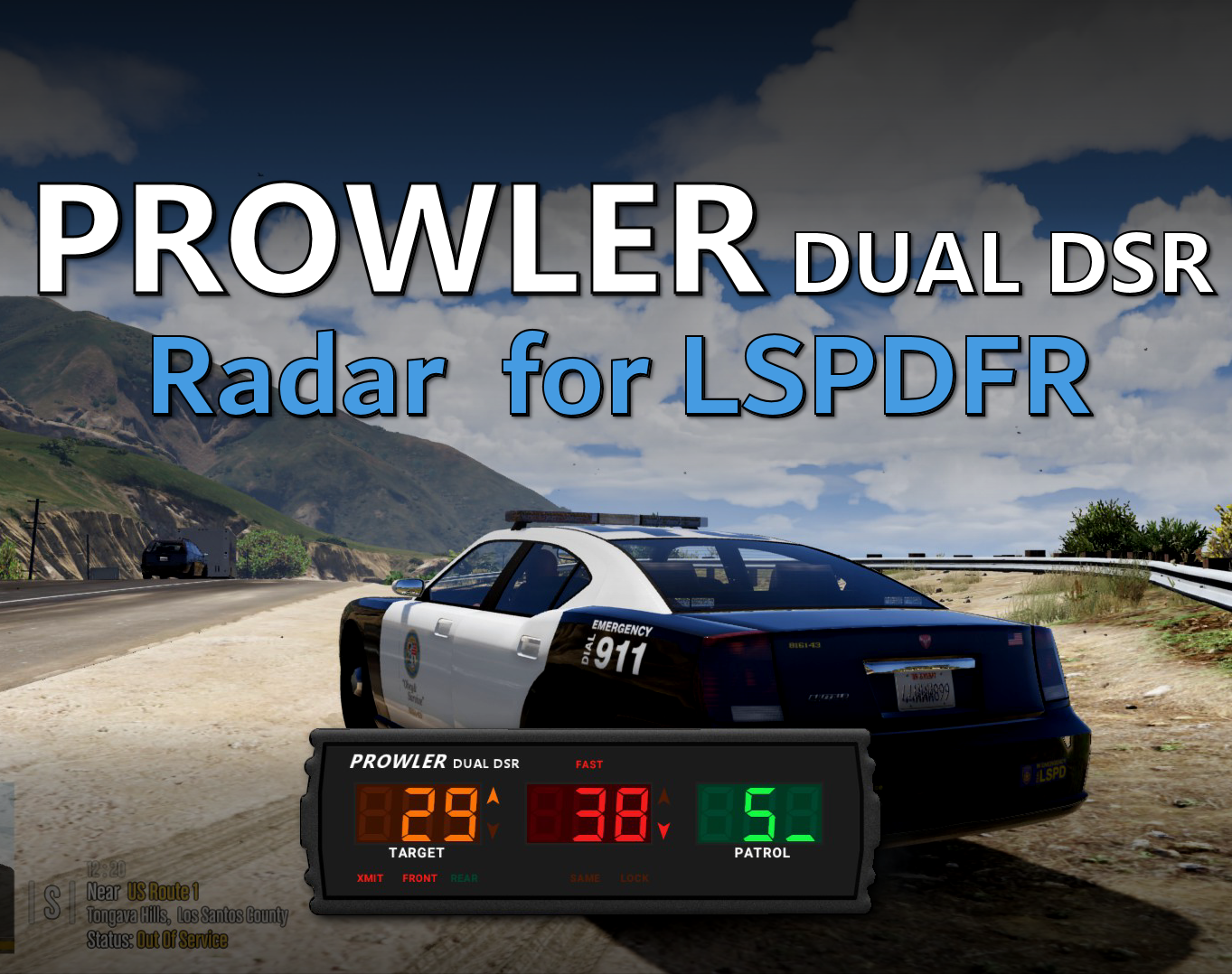
Looks like you were right. Guardrail was in the way of LOS. I repositioned my patrol car and it picks up distant cars just fine. Thanks for your feedback. Excellent mod.
-
-
-
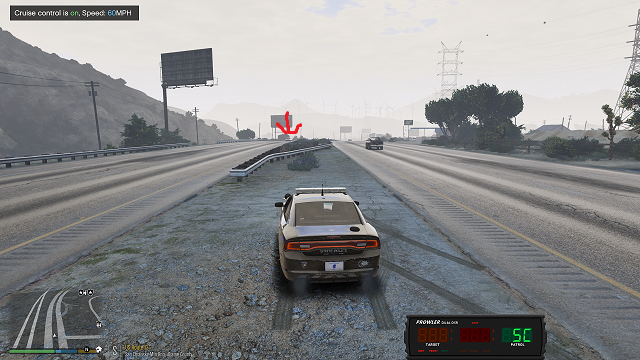
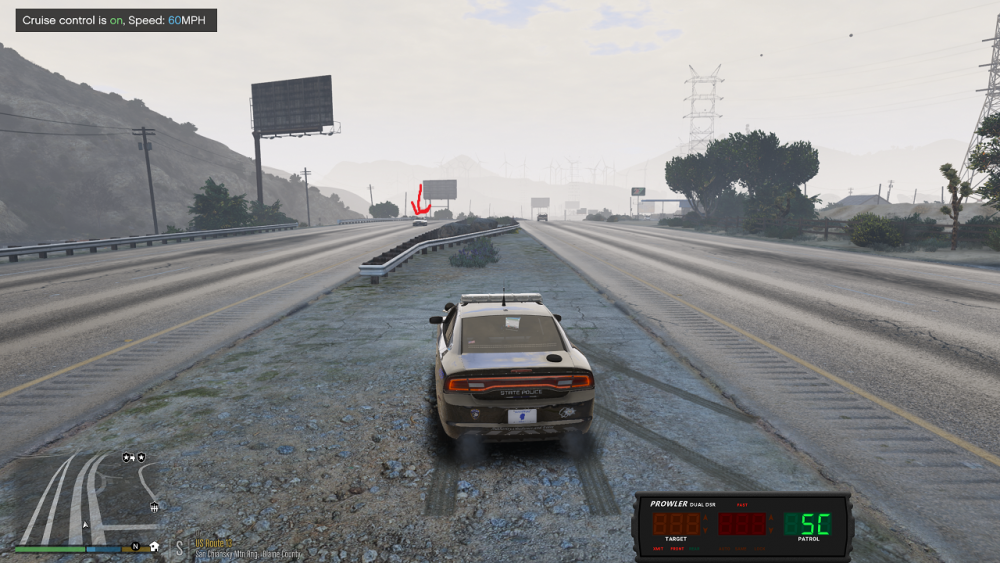
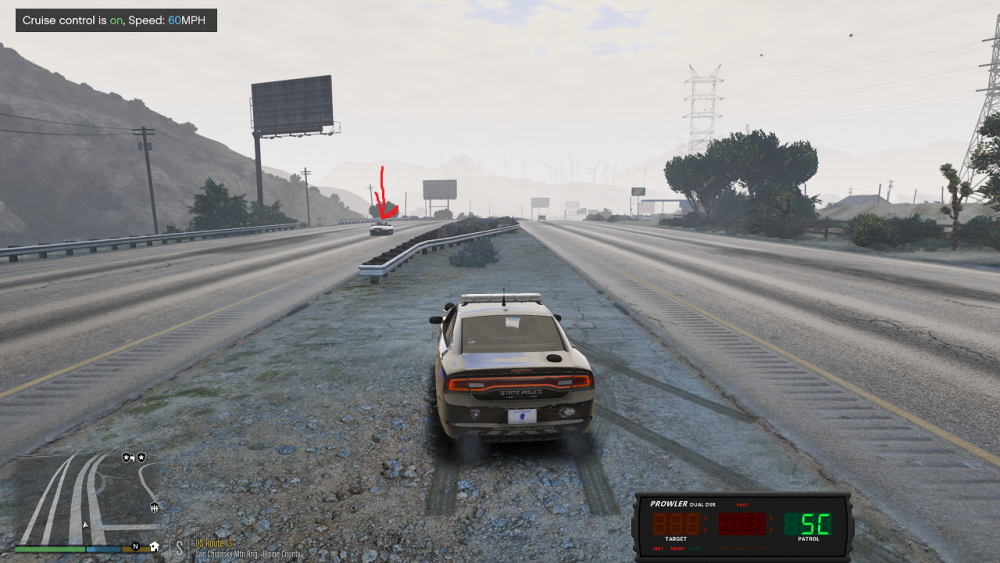
The only thing I installed after installing the prowler radar update was this.............https://www.lcpdfr.com/downloads/gta5mods/datafile/25188-re-roading-project - - - fast-ai-drivers/ Maybe that has something to do with it?
-
-
Edited by GCode2k1
Nice Update! I'm sure all the people who don't want to lock in the speed manually(what real life cops do) are happy hehe. The only thing I noticed with the update is the distance setting. On the initial release I set it to the max 300 in which it tagged cars quite a ways down the road which is realistic because real police have already clocked you on radar before you even see them. On the most recent update I have the distance setting to the max 300 and I don't get a speed reading until the car is right on me passing by. Maybe it's just me. Perhaps you can look into this when you have some time. Until then I'll continue to enjoy the old version. Thanks!!!
By the way, I made sure the distance setting was saved in the ini file.
-
25 minutes ago, opus49 said:
Hi and thanks. The graphic is drawn to specific coordinates on the screen. To do what you suggest, it would need to somehow dynamically anchor to a position in the car. I wouldn't say it's impossible -- but it would need to do something exotic like scan for a particular texture or something - I honestly wouldn't even know where to begin. And then that would have to change depending on the interior of the vehicle. So I would say it's very unlikely.No prob, Thanks for the response!
-
I'm really enjoying this mod! My only question is about the radar in 1st person mode sitting inside the police vehicle. There is cool option to mess around with the display to position the radar where you want it on the screen. I've noticed in 1st person mode while sitting in the police vehicle, the radar unit moves around the screen when the users head moves. When in 3rd person it does not do this. It's locked in the position on the screen that the user set up. Is there a way to lock in the positioning of the radar when in 1st person inside the police vehicle so the radar doesn't move with the users head? This mod is awesome and I will continue to enjoy regardless if that particular thing can or can't be adjusted. Thanks!
-
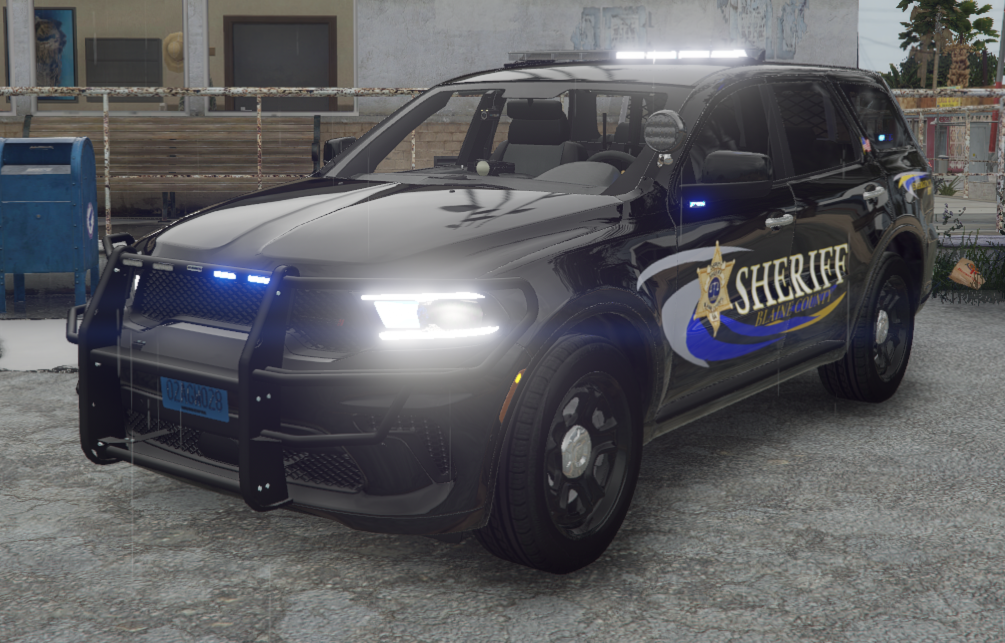
YES!!!!! YES!!!!!! YES!!!!!!! THANK YOU ALL SO MUCH !!!!! I'm about to go dancing in the street lol. Can't wait to try this out.
-
-
-
-
Edited by GCode2k1
On 3/13/2021 at 9:10 PM, DeputyDoofenshmirtz said:can someone tell me how to install?
C:\Program Files\Rockstar Games\Grand Theft Auto V\mods\update\x64\dlcpacks\eup\dlc.rpf\x64\eup_componentpeds.rpf\ The only 2 folders I saw with the matching files are mp_f_freemode_01_female_apt01 and mp_f_freemode_01_female_heist.
I wish the modder included the pathway. The modder mentions where to go but it's vague if you're a noob. Let's not forget where we came from folks. We ALL were noobs at one point.
-

Mod works great. I only have one question in regards to the key bindings ini. Will the mod not accept NumPad keys? This was asked by someone else but wasn't addressed. Any info would be appreciated. If I change the key bindings to "NumPad keys" it won't load. Please see below. Thanks
[SETTINGS]
PowerKey=NumPad0
ModeKey=NumPad1
LockKey=NumPad2
MPH=TRUE -
-
-
-
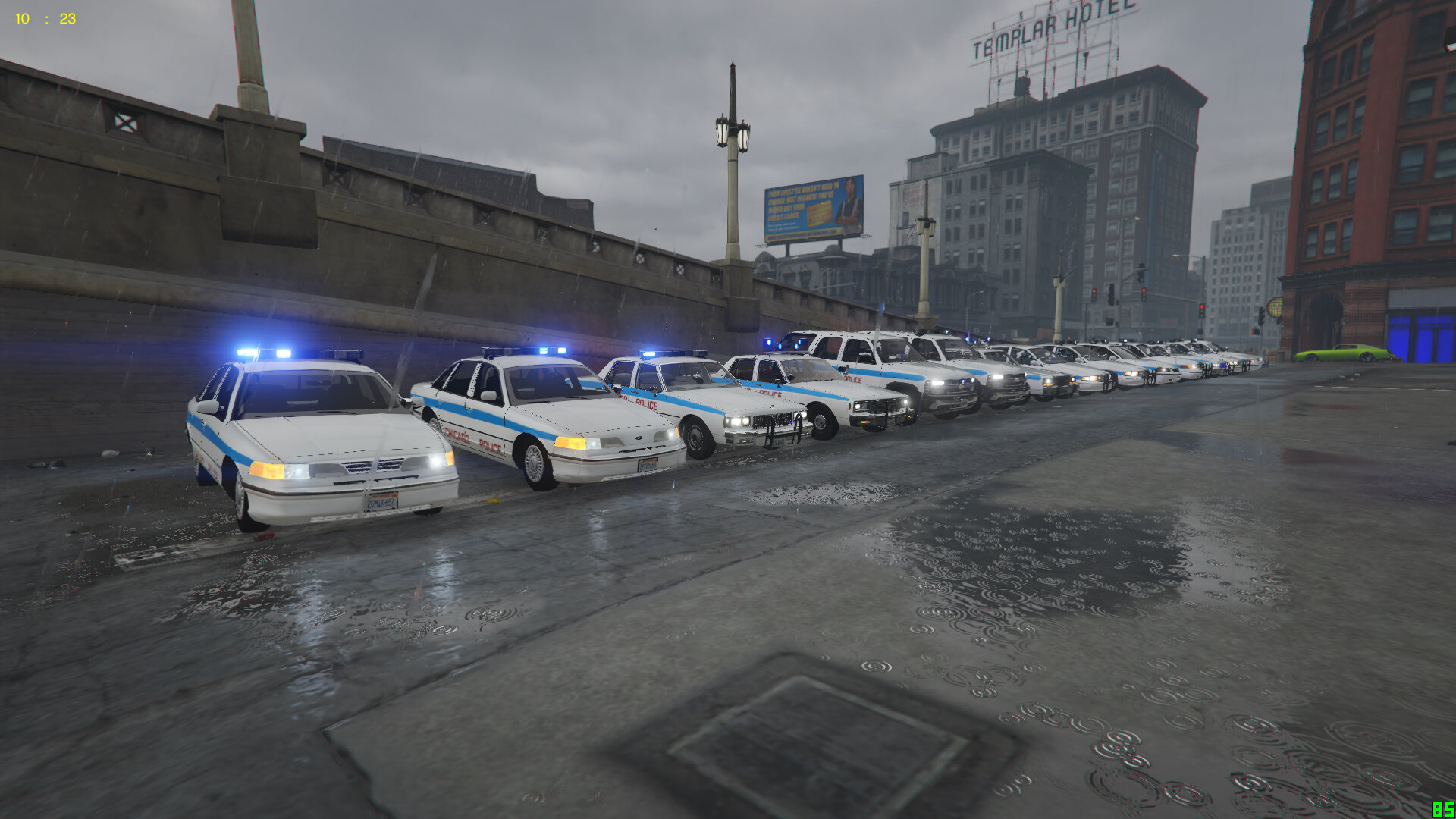
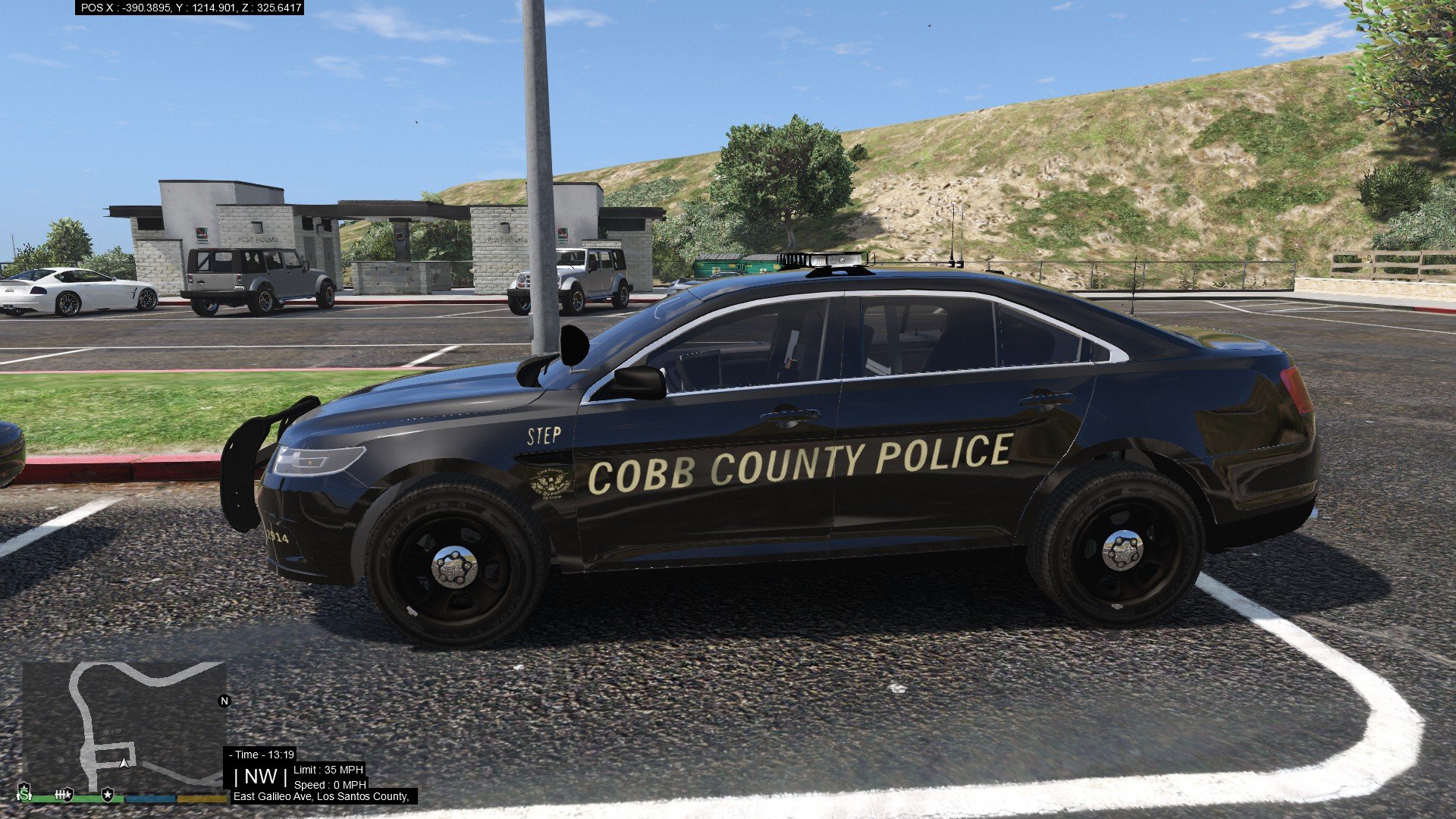
Would you be so kind and do this pack? I tried paint.net and gimp. I tried cutting out the red textures and then adding the blue instead of just pasting over the red. I still mess up the light bar somehow. Those MX27000's or any old school light bars absolutely kill me trying to change them smh lol
-
On 2/21/2020 at 8:28 PM, Jamie Kent said:
Thank you! I didn't realize "menyoo" was a trainer.






1803's More Speeders on Highways
in Script Modifications & Plugins
Did you edit the .ini file for the cars you want to speed? If not, here is a link to car model names you must place in the .ini file. https://docs.fivem.net/docs/game-references/vehicle-references/vehicle-models/ .
The only other thing I would advise is to look at the map information the modder provided. The speeding happens in the certain spots on the map. The modder included this information in the description.
The only other thing I forgot to mention is you must include the model name exactly as it is because that's what the game recognizes. Not the display name.