EthanO
Members
-
Joined
-
Last visited
Everything posted by EthanO
-
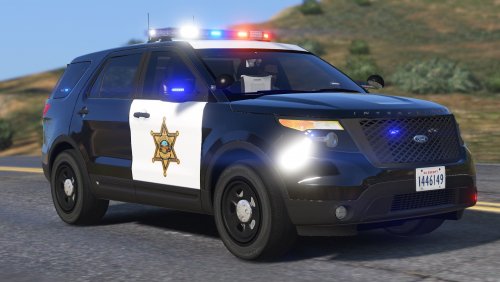
 There seems to be a red trim inside the car? Any solutions? Great car by the way!
- 38 comments
- 19 reviews
-
-
-
-
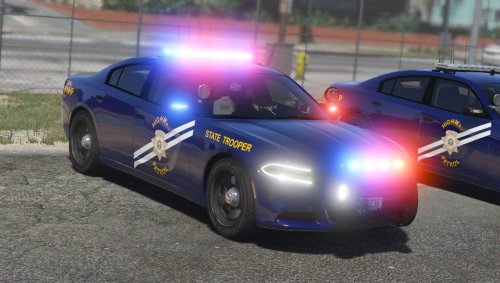
 Thank you!!! These are much needed!!
 -
-
Could someone possibly make like a roadside assistance skin for this maybe? https://www.gta5-mods.com/vehicles/convoi-exceptionnel-chevrolet-express
-
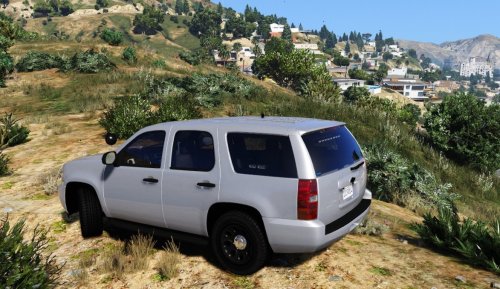
 Amazing pack love all the skins! My absolute favorite part of the lack would probably be some of the skin options that I can make any color I want, amazing job, very very well done!
- 4 comments
- 6 reviews
-
-

- 1
-
-
 Does anyone know of a tutorial video showing how to change to different sirens? I am way in over my head.
- 316 comments
- 31 reviews
-
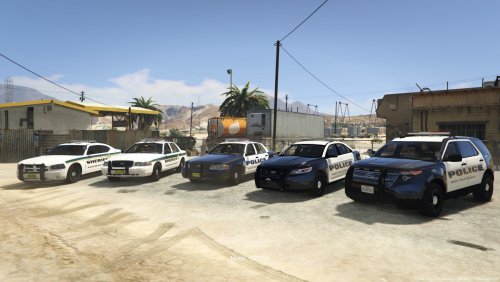 Amazing skins, I absolutely love the Sheriff texture for the CVPI, looks great!
- 13 comments
- 1 review
-
-
- 1
-
-
-
Such a beautiful skin pack! Do you think you could make the Sheriff skin for the CVPI fit Virzzas CVPI's?
- 13 comments
- 1 review
-
-
- 1
-
-
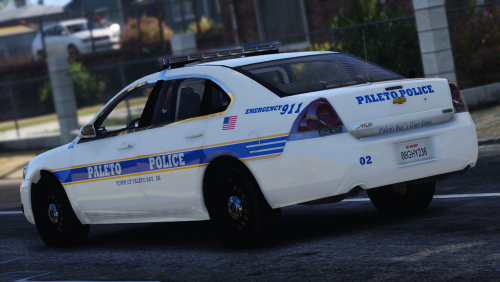
Have you made modded hubcaps like these?
-
 Such an awesome mod but one question, is there any way to disable the Observation Window?
- 423 comments
- 73 reviews
-
Love the skins but on the Charger model, "Sherrif" is misspelled, should say "Sheriff", other than that great pack!
- 13 comments
- 1 review
-
-
- 1
-
-
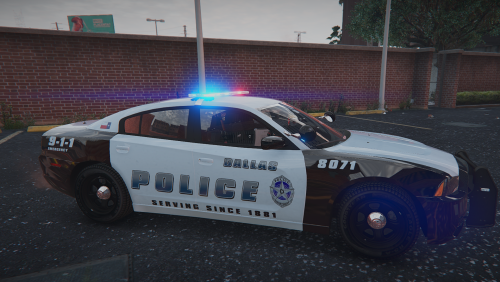 I'm from the Dallas area and I just wanted to say thank you, what an awesome tribute and thought for remembering those lives! 10/10
- 7 comments
- 10 reviews
-
-
- 6
-
-
 Does anyone know if there is an unmarked texture for this vehicle? Also, a ghost skin by chance?
- 148 comments
- 34 reviews
-
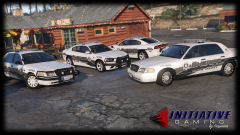 Beautiful cars! Do you happen to have any link to those CVPI's?
 -
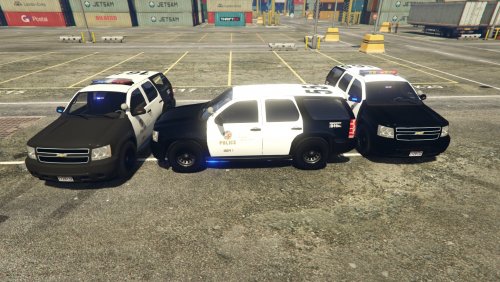 Light are not showing up correctly? Any carvar/location for carvar for Police3?
- 118 comments
- 18 reviews
-
 Trainer>Vehicle Options>Mod Menu>Window Tint>None That should solve the problem but they will always spawn black, just once you spawn it always un-tint the windows!
- 74 comments
- 23 reviews
-
-
Open OpenIV, then follow this path: update>update.rpf>common>data>levels>gta5, then right click on "vehicles.meta" and choose "Extract..." and extract it to your desktop. Next open the "vehicles" on your desktop via notepad and go to "Edit" then "Find Next" and type in whatever you replaced; for example you would type in police4 then click "Find Next", you will then look to the third line and it will say "<handlingId>POLICE</handlingId>" replace the "POLICE" with "baller2" (no quotations) and then go to "File" then "Save". Next navigate back to the OpenIV pathfrom earlier and drag the "vehicles" from your desktop into OpenIV and bam, no more flips. Open OpenIV, then follow this path: update>update.rpf>common>data>levels>gta5, then right click on "vehicles.meta" and choose "Extract..." and extract it to your desktop. Next open the "vehicles" on your desktop via notepad and go to "Edit" then "Find Next" and type in whatever you replaced; for example you would type in police4 then click "Find Next", you will then look to the third line and it will say "<handlingId>POLICE</handlingId>" replace the "POLICE" with "baller2" (no quotations) and then go to "File" then "Save". Next navigate back to the OpenIV pathfrom earlier and drag the "vehicles" from your desktop into OpenIV and bam, no more flips.
- 74 comments
- 23 reviews
-
@FRGamer Oh I'm sorry. Do you know of anywhere where I could get those files? Or how to retrieve the originals without re-doing my entire game?
-
If anyone could please share their original GTA 5 glock and hud files with me, it would be greatly appreciated! The path is: update>x64>dlcpacks>patchday3ng>dlc.rpf>x64>models>cdimages>weapons.rpf The files I need are: w_pi_pistol.ydr w_pi_pistol.ytd w_pi_pistol_hi.ydr w_pi_pistol_mag1.ydr w_pi_pistol_mag1.ytd w_pi_pistol_mag2.ydr w_pi_pistol_mag2.ytd w_pi_pistol+hi.ytd I also need the hud.ytd file, the path for that is: update>update.rpf>x64>patch>data>cdimages>scaleform_generic.rpf\ I should have made backups but got too excited. Please share these files with me if you can! I can't enjoy LSPDFR until I get them, thanks in advance for any help or replies!
-