


EthanO
Members
-
Joined
-
Last visited
Everything posted by EthanO
-
 Open OpenIV, then follow this path: update>update.rpf>common>data>levels>gta5, then right click on "vehicles.meta" and choose "Extract..." and extract it to your desktop. Next open the "vehicles" on your desktop via notepad and go to "Edit" then "Find Next" and type in whatever you replaced; for example you would type in police4 then click "Find Next", you will then look to the third line and it will say "<handlingId>POLICE</handlingId>" replace the "POLICE" with "baller2" (no quotations) and then go to "File" then "Save". Next navigate back to the OpenIV path from earlier and drag the "vehicles" from your desktop into OpenIV and bam, no more flips.
- 74 comments
- 23 reviews
-
-

- 1
-
-
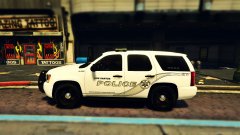 Link for the vehicle possibly?
 -
-
Sorry, I'm sure this is a 'newbie' question but how would I go about changing the handling name for this vehicle? I have the vehicle under the "fbi2" slot in patchday4. Any help would be greatly appreciated, thanks ahead of time! p.s. great model by the way! UPDATE: Nevermind, figured it out!
- 74 comments
- 23 reviews
-
Awesome! Thank you so much!
-
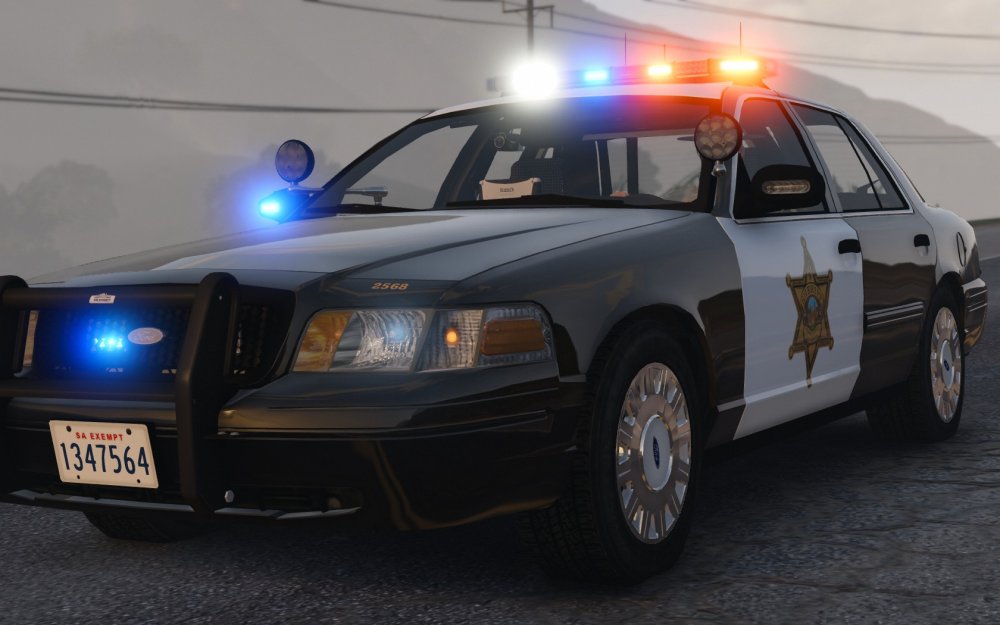
This one:
-
Oh okay thank you, I hope he releases it, it is beautiful!
-
@steinberg4145 Wow that CVPI in your screenshot is beautiful! Do you happen to have the link for the download or who created it? Thanks in advance if so!
-
.thumb.png.f554a3e22a0cc94aa174267689e6dbad.png) Wow wow wow wow, amazing job! These are by far my most favorite skins I have installed, such an amazing job! Love the two options, the stealth looks awesome!
Wow wow wow wow, amazing job! These are by far my most favorite skins I have installed, such an amazing job! Love the two options, the stealth looks awesome!- 47 comments
- 9 reviews
-
Does anyone happen to know which patchday folder each vehicle goes into? I've searched it and the ones that come up are outdated and I looked at @Hystery's guide but I do not have the "patchday10ng" folder. Any help will be greatly appreciated, thanks ahead of time! @FRGamer @N4Cer
-
UPDATE: Thank y'all so much, I got it! Sorry, I'll look around some more first before I ask but nonetheless, thank you for the replies! @Hystery @FRGamer @N4Cer
-
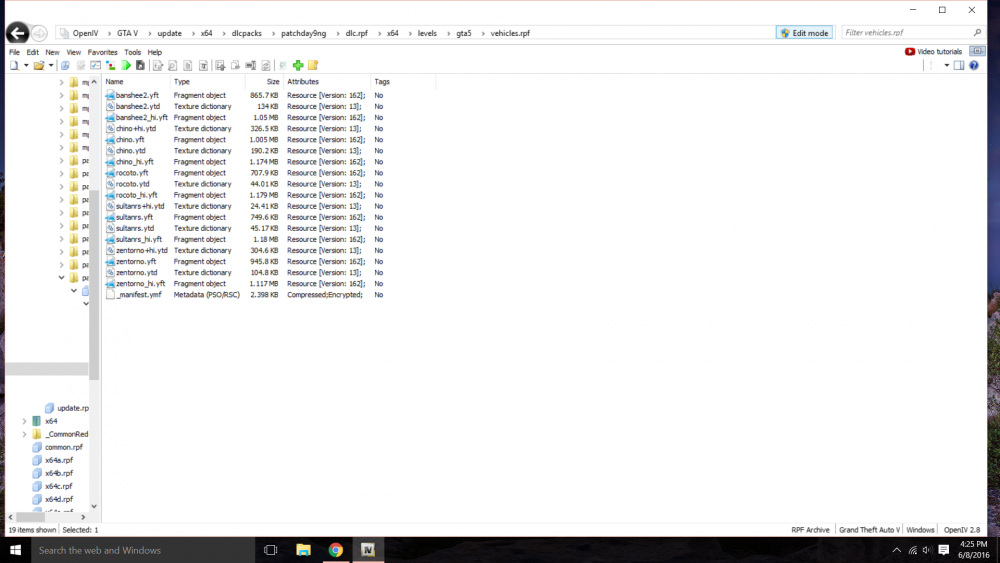
Hey guys, So recently I had to revert my game due to the new Rockstar update and I opened OPENIV and the replaceable vehicles are not showing up in the patchday files. Anyone have a thought why? Thanks for help ahead of time! EX: Here is a screenshot of the "patchday9ng" folder, notice no replaceable sheriff slots: UPDATE: Solved!
-
I don't know if you've fixed this problem yet but are you using Simple Native Trainer? If so, try deleting that and see if that fixes your problem.
-
Hello, I am trying to play LCPD:FR but it crashes at the beginning of my game, so I then go use the Diagnostics Tool and everything is green but the Log File and I'm not sure how to configure that, so hopefully someone can help me. Log File is attached. Thank you in advance. Mods: LCPD:FR Simple Native Trainer HD Roads & Trees CryENB V3 Black Jesus' North Liberty Hill Car Pack Log File.txt UPDATE: Disregard, the problem has been fixed!

.thumb.png.f554a3e22a0cc94aa174267689e6dbad.png)
