joshtheman165
Members
-
Joined
-
Last visited
Everything posted by joshtheman165
-
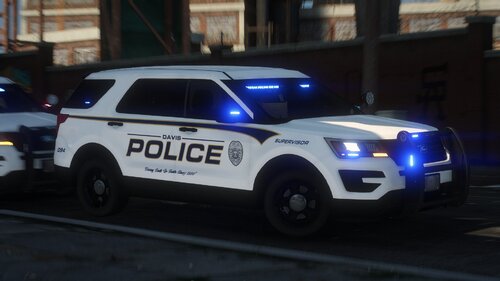 how did you get that tahoe light all blue
 -
 ur welcome, I tried to to send u a texture/sign that works but LSPDFR.com says the image is over 4MB
- 15 comments
- 1 review
-
u cant change the color of the vehicle because in the .ytd in open iv the tahoe_sign_1 is all white if u can find another sign that clear or edit that sign erase all the white it would allow u change the color😁
- 15 comments
- 1 review
-
-

- 1
-
-
hay, they released an update for lspdfr it on the download page and it fix mines. If that don't work comment and let us know.
-
Mines as well, cant figure it out I been trying my best to see what been crashing my game. The game launches perfect with any plugins loaded it LSPDFR itself.
-
-
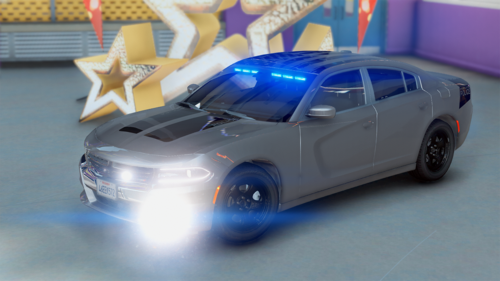 I put the charger in the FBI slot in open iv and the car won't spawn but it goes through all the step of spawning then all my texture in the city of Los Santos disappear.
 -
 I was wondering can u use this and be a police officer at the same time? Like for instance Im a LSPD officer and block off the roads around the area and call for the fire department to come or i have to have the fire mod itself.
- 364 comments
- 19 reviews
-
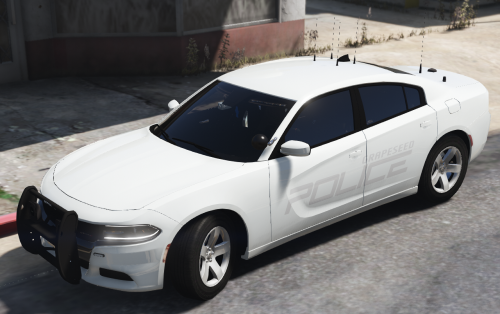 this is a very good looking set of chargers BIG BUT it the handling it likes to spin out alot when turning. Thats all I got at the moment
- 22 comments
- 12 reviews
-
-
 is it possible whenever u feel like it, can u make a sheriff template where it says sheriff as well
- 550 comments
- 44 reviews
-
It was I need to update ragepluginhook thanks 🙏🏾 u guy for the help idk they had released another. Once that was fix it now openiv asi it not updating so now I’m waiting on update from them to be release but the game running perfect 👌🏾
-
Ok let me try both suggestions and I’ll let y’all know 🤝
-
I dont know y but lspdfr Keeps crashing constantly without no plug in PLEASE HELP it GETTING annoying Here the Crash report/ Logs i think:
-
-
 would this still work with 4.4 API
 -
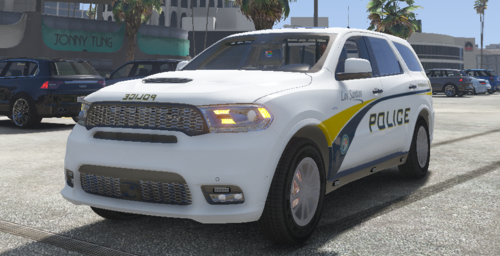 go to mods/update/update/update.rpf/common/data/levels/vehicles.meta enter edit mode right click vehicles.meta click edit copy first line <modelName>ninef</modelName> click on search, paste <modelName>ninef</modelName> and delete ninef in search bar type what ever the name of the vehicles u replaced example <modelName>police2</modelName> now scroll till u find <diffuseTint value="0x00FFFFFF" /> if it show any other replace with it with 0x00FFFFFF hit save and ur done any question just ask
- 5 comments
- 1 review
-
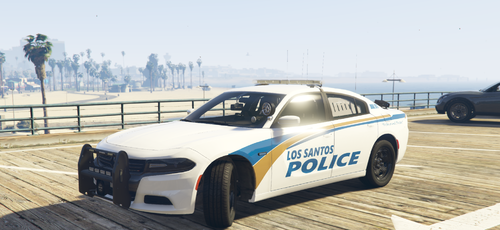 McComb Ms PD to (toy's Grapeseed 2018 charger) i have picture of the PD car if needed Pretty please cherry on top
- 3 comments
- 1 review
-
-
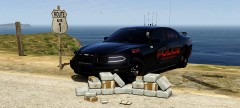 how can i get this sweet heart
 -
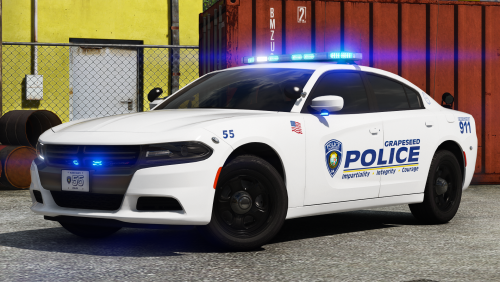 this is a very awsome car built just like my local department but it will be great if u can make 2015 model tahoe the same light pattern HMMMMMMM😉
- 17 comments
- 12 reviews
-
it all in the vehical meta file diffuse tint forgot if it zero or O it should look somthing like 00x00FFFFFF to turn it off
- 17 comments
- 12 reviews
-
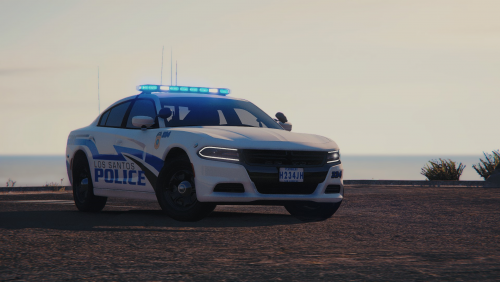 man I'm depressed i cant get it,it in 4K NOOOOOOO but it look awsome by the way
- 2 comments
- 3 reviews
-
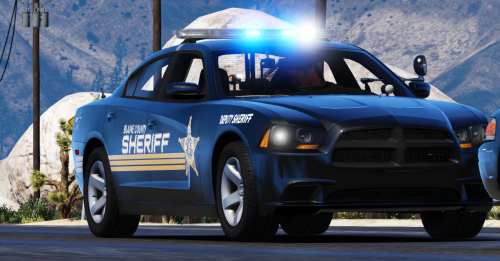 How where you able to get those rims on the 2018 charger. I want them to, it a perfect fit been looking for one with alloyed rim and no pushbar
- 3 comments
- 3 reviews
-
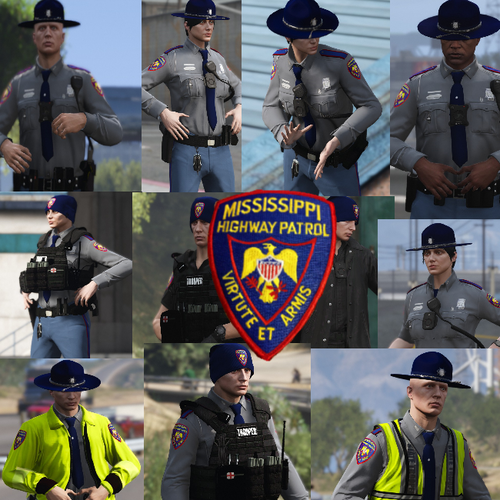 how am i suppose to were the uniform in eup it only spawn the whole trooper ped
- 18 comments
- 2 reviews