Skip to content
View in the app

A better way to browse. Learn more.

LCPDFR.com

A full-screen app on your home screen with push notifications, badges and more.

To install this app on iOS and iPadOS
  1. Tap the Share icon in Safari
  2. Scroll the menu and tap Add to Home Screen.
  3. Tap Add in the top-right corner.
To install this app on Android
  1. Tap the 3-dot menu (⋮) in the top-right corner of the browser.
  2. Tap Add to Home screen or Install app.
  3. Confirm by tapping Install.

Every6Minutes

Members
  • Joined

  • Last visited

  1. Every6Minutes started following Ooboy
  2. Every6Minutes started following BayAreaBuggs
  3. Every6Minutes changed their profile photo
  4. They do use all blue but they actually have two red lights on the outer back of their lightbars on all cars, including slicktops.
  5.    yakadoshi reacted to a gallery image: 271590_screenshots_20201015183436_1.jpg
  6.    JdmImport reacted to a gallery image: 271590_screenshots_20201015183436_1.jpg
  7.    0taku reacted to a gallery image: 271590_screenshots_20201015183436_1.jpg
    • 778 downloads
    • Version 1.0.0
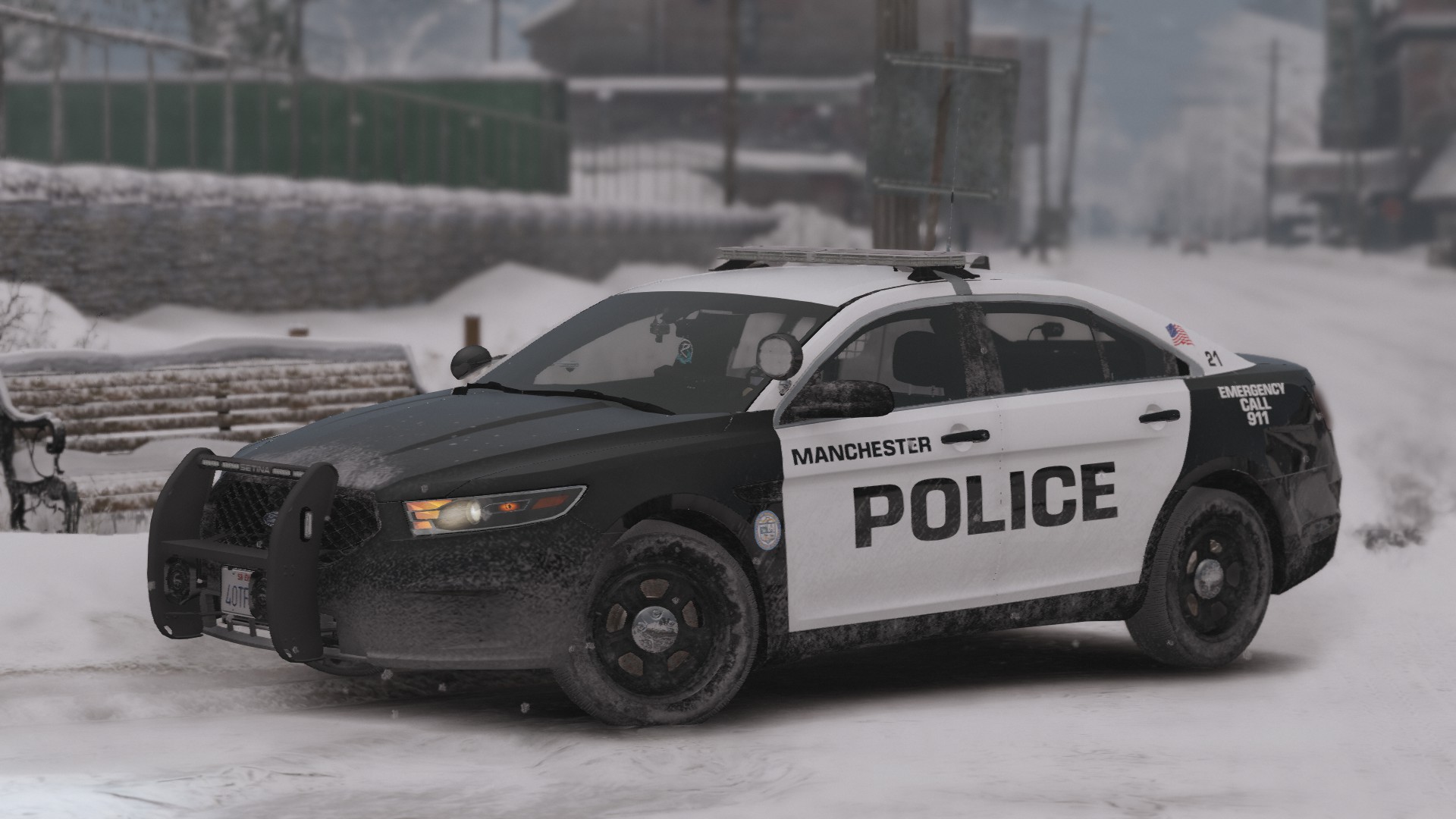
    Cars in screenshots include, but are not limited to: FPIU. Tahoe, F150: 11 CVPI, 18 Charger:
  8.    GTAKING23000 reacted to a comment on a file: Random LEO Texture Pack V1 [Multi-Agency]
  9.    Every6Minutes reacted to a comment on a file: [4K] Davis Police Department Texture Pack
    • 301 downloads
    • Version 1.0.0
    Vehicles in screenshots: Slicktop FPIU: 20 Tahoe:

Account

Navigation

Search

Search

Configure browser push notifications

Chrome (Android)
  1. Tap the lock icon next to the address bar.
  2. Tap Permissions → Notifications.
  3. Adjust your preference.
Chrome (Desktop)
  1. Click the padlock icon in the address bar.
  2. Select Site settings.
  3. Find Notifications and adjust your preference.