




UnknownBastion
Community Team
-
Joined
-
Last visited
Everything posted by UnknownBastion
-
Clean your Main Directory by making it look like the appropriate section in the screenshot below. Then verify game files and test the game to see if it crashes. Verifying Game Files:
-
Glad I could help!
-
Your topic has been moved to GTA V Support, this is not LSPDFR related. Please post in the correct location in the future.
-
A bit more to add to the above: 1. MAJOR UPDATE: LSPDFR 2. Consider Removing: United Callouts, IG Callouts, Leroy Callouts, Regular Callouts, Keep Calm (STP has its own version), and Jurisdictions+ for a better experience.
-
Send a screenshot of what your Main Directory looks like right now.
-
No problem! Glad to help!
-
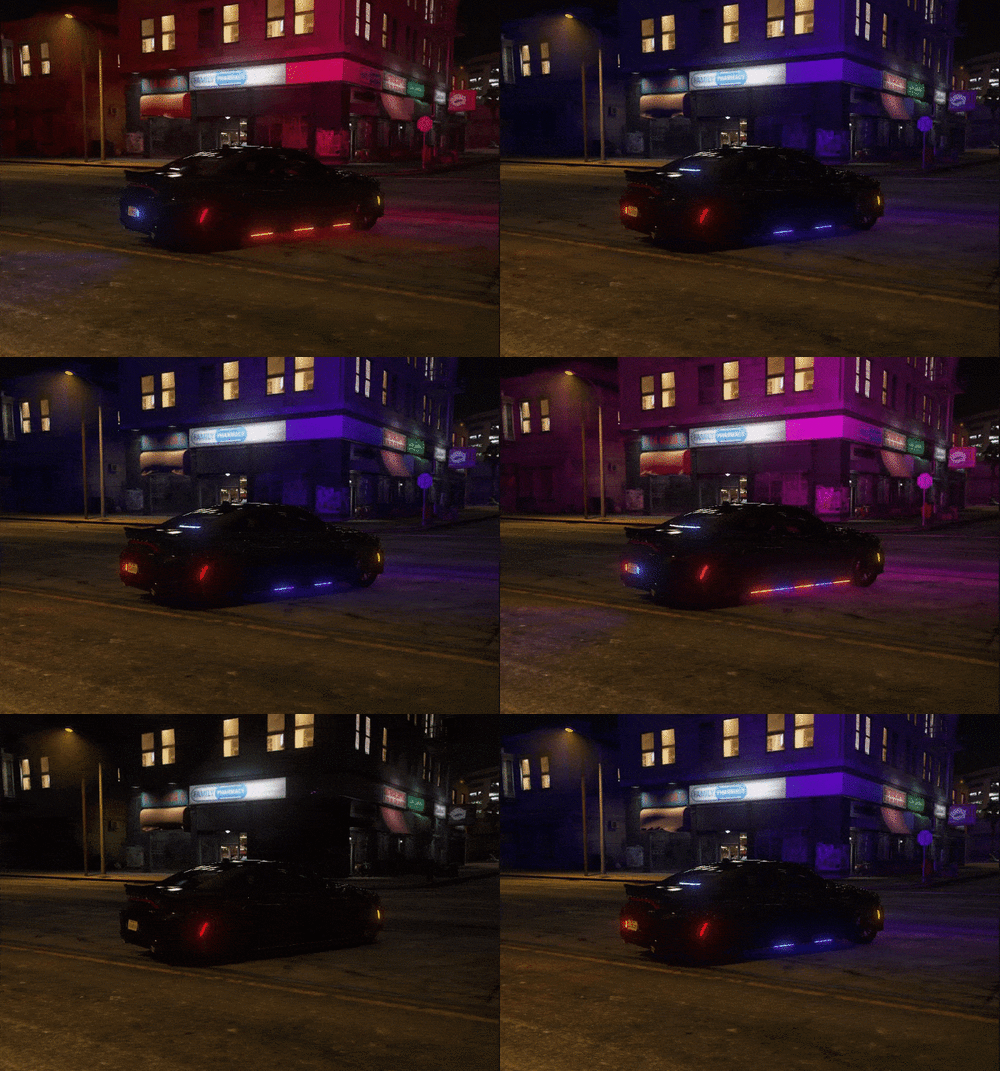 You have two options. 1. You create your own addon pack for it. Tutorial here. 2. You can rename the vehicles in the Stream folder to a base vehicle and install them in mods\update\x64\dlcpacks\patch2023_02\dlc.rpf\x64\levels\gta5\vehicles.rpf
- 13 comments
- 3 reviews
-
This topic has been moved to the appropriate forum. Please post in the correct location in the future.
-
I actually just covered this with someone else. Best ones to set to increase FPS are below: Networking.DisableDiscordRichPresence = true PoliceStation.DisableAmbientSpawn = true Frisking.DisableCovid19Items = true Callouts.DisableBigRadar = true AmbientSpawn.DisableRandomUnits = true Main.PreloadAllModels = false WorldEvents.MaxNumberOfEvents = 0 Ambient.DisableEscapedSuspectEncounter = true
-
Open your lspdfr.ini and change the following to help with FPS: Networking.DisableDiscordRichPresence = true PoliceStation.DisableAmbientSpawn = true Frisking.DisableCovid19Items = true Callouts.DisableBigRadar = true AmbientSpawn.DisableRandomUnits = true Main.PreloadAllModels = false WorldEvents.MaxNumberOfEvents = 0 Ambient.DisableEscapedSuspectEncounter = true
-
Try using this version of ScriptHookV.NET.
-
Your topic has been moved to GTA V Support, this is not LSPDFR related. Please post in the correct location in the future.
-
Re-install Super Callouts. That is what was causing the crash.
-
1. Rename mods to _mods. 2. If that doesnt work, screenshot the Main Directory.
-
Re-install SuperEvents. If after re-installing you are still experiencing issues, rename mods to _mods and try again.
-
Affirmative. There isnt really a fix as of right now besides trying random stuff.
-
Well ELS is working. Open your ELS/pack_default and screenshot that.
-
Send the ScriptHookV.log. As well as the asiloader.log.
-
In the agency.xml, you will have to add lines to the Vehicles section of whatever agency you want to add the vehicles to. In the Vehicles section, you will see something like what is below. When you make a new line it will look like this: <Vehicle>policet</Vehicle> <Vehicle>NewVehicle</Vehicle> You will simply want to change what it was before, in this instance "policet" to whatever the vehicle file name is for that specific addon vehicle. For the duty_selection file, you want to locate the VehicleDescription section. You will do like before, after the last entry, make a new line, copy one of the existing ones. <Description name="Police Riot" fullName="Brute Police Stockade" agencyRef="noose">riot</Description> For this instance, you will change the riot to be whatever the vehicle file name is for the addon vehicle. You can also change the agency ref to match one of the agencies found above in the Vehicles section of duty_selection.
-
No problem! Glad I could help!
-
Couple of things: 1. You are loading LSPDFR more than once. Since it is being loaded on startup, there is no need to load it once in-game. 2. You are having an issue with a Rage.Object. Rename mods to _mods and try again. Your topic has been moved to LSPDFR 0.4 Support. Please post in the correct location in the future.
-
If renaming mods to _mods works, rename _mods back to mods and do the following: 1. Install the Gameconfig, Heap Adjuster, and Packfile Adjuster. 2. If those dont work, remove what you have added recently and test after each removal. 3. If you still can't find the issue, you will have to restart the mods folder.
-
Start normal GTA V first. Then, once in Story Mode, tab out and launch RPH. If that doesnt work, rename mods to _mods and try again.
-
Congratulations! You are the proud owner of your very own SlimDX error! The one that makes people pull their hair out. All known solutions for the SlimDX error can be found on Page 18 of the RPH FAQ.
-
Is this the one that says "Steam Failed to Initialize"?



