




UnknownBastion
Community Team
-
Joined
-
Last visited
Everything posted by UnknownBastion
-
Re-install RageNativeUI. Move the dll and xml into the Main Directory. Your topic has been moved to LSPDFR 0.4 Support. Please post in the correct location in the future.
-
Couple of things: 1. Remove: IG Callouts for an improved experience. 2. Go into your lspdfr.ini and change the following to reflect below: Ambient.DisableEscapedSuspectEncounter = true 3. The crash appears to be related to StopThePed/UltimateBackup. You can either reload your LSPDFR and keep playing OR you can try renaming mods to _mods and see if you experience any further crashes. Your topic has been moved to LSPDFR 0.4 Support. Please post in the correct location in the future.
-
Add the Main Directory to the exceptions list for your anti-virus. Then re-install manual LSPDFR and restart your PC. Then try again. If you are still receiving that error, consult the RPH FAQ pages 3-5.
-
It's a txt document in the Main Directory called ELS.log. It may also be called ELS if you do not have file extensions enabled.
-
Things you can try: If you are experiencing texture loss, try this. If you are experiencing FPS loss, you can try altering the following settings in the lspdfr.ini: Networking.DisableDiscordRichPresence = true PoliceStation.DisableAmbientSpawn = true Frisking.DisableCovid19Items = true Callouts.DisableBigRadar = true AmbientSpawn.DisableRandomUnits = true Main.PreloadAllModels = false WorldEvents.MaxNumberOfEvents = 0 Ambient.DisableEscapedSuspectEncounter = true
-
You can rename it back to Scripts and remove them one by one to find the problem script. Beyond that, there isn't much we can do except tell you to keep it removed. Scripts have always been very picky on a user-to-user basis. Some have been able to get them working while others simply cannot.
-
The game is still crashing? If so, screenshot how your Main Directory looks now.
-
Everything has loaded successfully. What I want you to do is remove all the vehicle packs. Then install one pack and test it in-game to see if you can spawn it.
-
Could you send the file and not copy and paste please.
-
Re-install the full EUP Suite. As your install may have gotten botched somewhere.
-
Read Steps 2 and 3. That is the most I can do in regards to mods folder problems.
-
Not to my knowledge. Add it back. Then rename Scripts to _Scripts and try again.
-
RNUI is not outdated. You can tell if it needs an update as the log will always throw that ActualResolution error. Since they said the game is crashing on startup, I suggest removing ScriptHookV.dll and try running the game again.
-
Please send the RPH Crash Log. It's a txt file in the Main Directory either called RagePluginHook or RagePluginHook.log. It is NOT in your Logs folder.
-
Go into your lspdfr.ini and change the following to reflect below: Networking.DisableDiscordRichPresence = true PoliceStation.DisableAmbientSpawn = true Frisking.DisableCovid19Items = true Callouts.DisableBigRadar = true AmbientSpawn.DisableRandomUnits = true Main.PreloadAllModels = false WorldEvents.MaxNumberOfEvents = 0 Ambient.DisableEscapedSuspectEncounter = true
-
Send your ELS.log as well.
-
Glad that helped you out!
-
Rename lml folder to _lml and try again. If that doesnt work, remove ScriptHookV.dll and test.
-
Clean your Main Directory by making it look like the appropriate section in the screenshot below. Then verify game files and test the game to see if it crashes. Verifying Game Files:
-
Glad I could help!
-
Your topic has been moved to GTA V Support, this is not LSPDFR related. Please post in the correct location in the future.
-
A bit more to add to the above: 1. MAJOR UPDATE: LSPDFR 2. Consider Removing: United Callouts, IG Callouts, Leroy Callouts, Regular Callouts, Keep Calm (STP has its own version), and Jurisdictions+ for a better experience.
-
Send a screenshot of what your Main Directory looks like right now.
-
No problem! Glad to help!
-
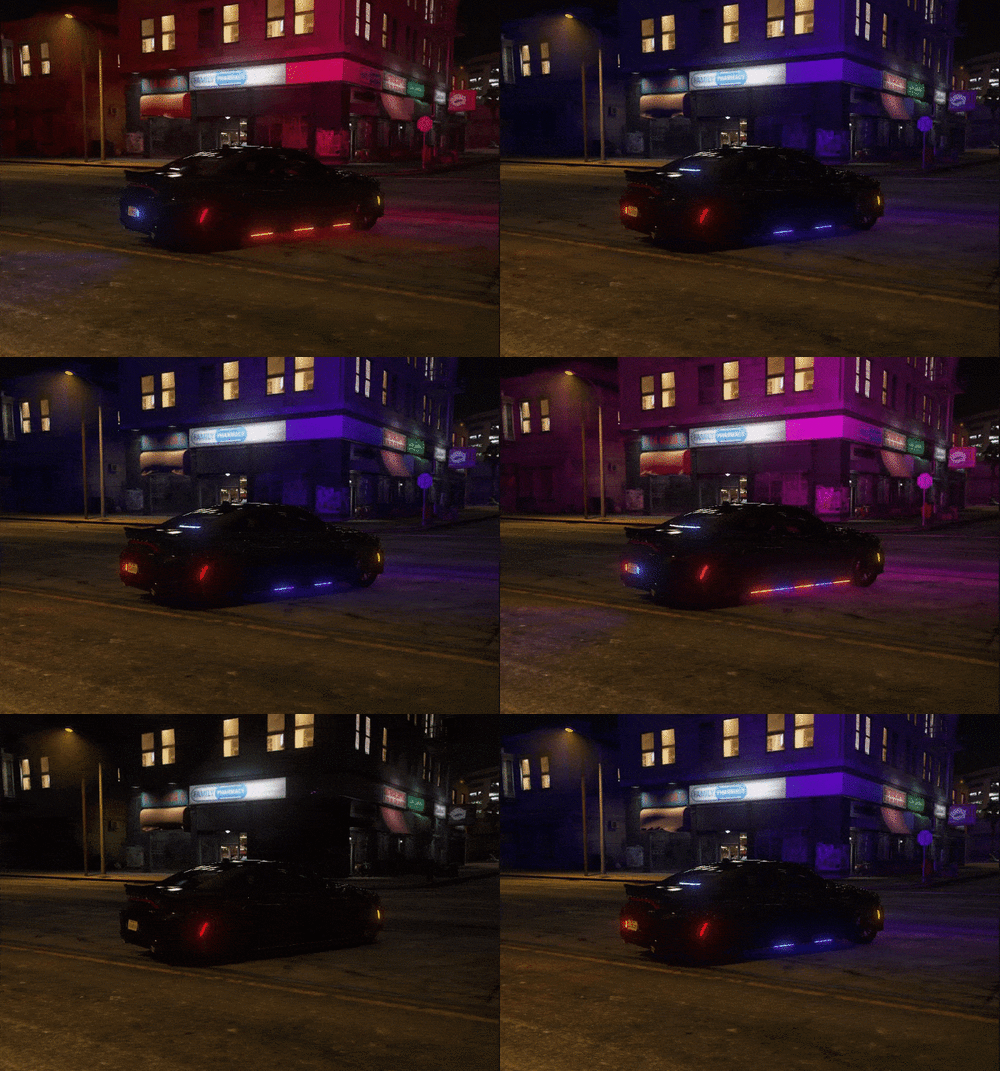 You have two options. 1. You create your own addon pack for it. Tutorial here. 2. You can rename the vehicles in the Stream folder to a base vehicle and install them in mods\update\x64\dlcpacks\patch2023_02\dlc.rpf\x64\levels\gta5\vehicles.rpf
- 13 comments
- 3 reviews




