




Yasd
Community Team
-
Joined
-
Last visited
Everything posted by Yasd
-
The startup.rphs is in the main folder of gta. Just post it like the log oyu already posted.
-
Delete everything in your commandline.txt try disabling your antivirus
-
@Will I think he renamed his mods folder and now his lspdfr works. so its the mods folder
-
Post your startup.rphs maybe there lspdfr is loaded 2 times.
-
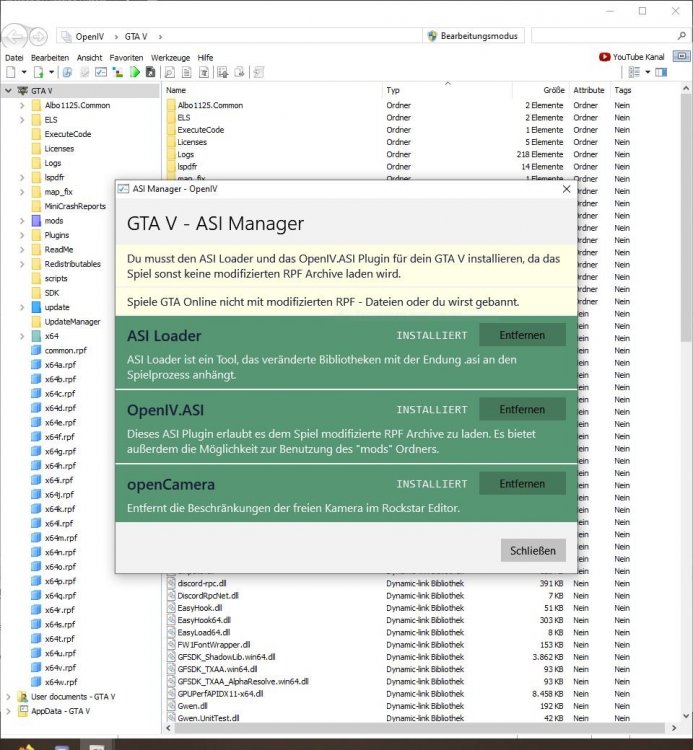
Failed to find file:lspdfr/data/outfits.xml File name: 'path'If you mean the ambient pursuit, you have to hold "B" to call in the purusit.You can reset them by just deleting the old keys.ini file and drag the new file from your LSPDFR 0.4.7 manual in. C:\Program Files\Rockstar Games\Grand Theft Auto V\lspdfr\keys.iniBenötigte Dateien: ScripthookV Das Spiel GTA • Visual C++ Redistributable for Visual Studio 2015 • “visualsettings.xml” Datei modifiziert sodass die Lichter nicht dunkel erscheinen • ELS kompatible Fahrzeuge Unter OpenIV ASI Loader und neu installieren und PC neustarten @UnerlaubtHDBitte ein eigenes Thread erstellen und nicht nicht unter andere Threads. (außer du hast exakt das gleiche Problem oder Lösungen)) 🙂
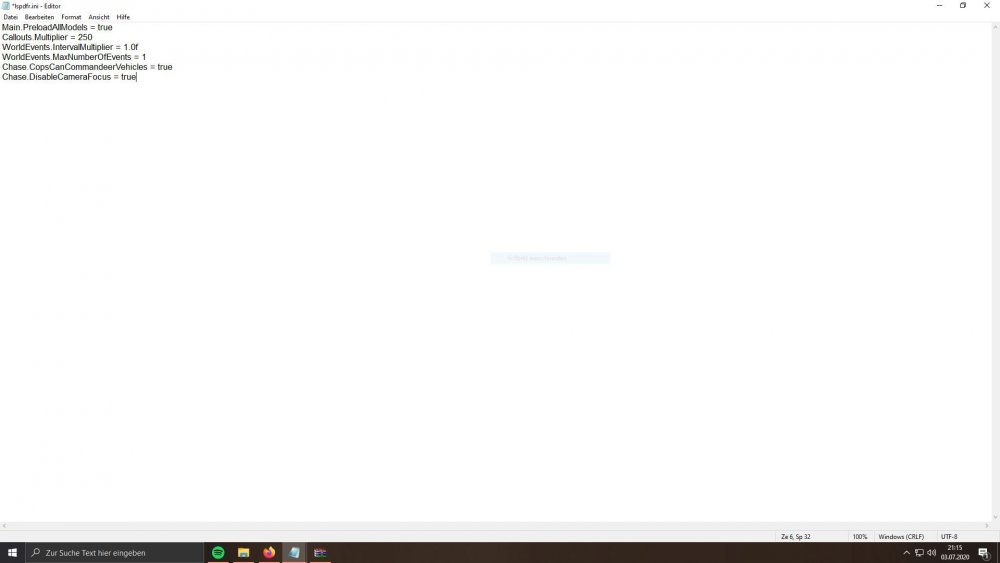
 Gimme your Ragepluginhook.logLol never saw a lcpdfr log before. System.IO.IOException: The process cannot access the file D:\Games\Grand Theft Auto IV - The Complete Edition\EFLC\LCPDFR.log because it is being used by another process. Manually reinstall LCPDFR.So it is called LSPD First Response 😄 There is no mod i know of...Paste the following under: C:\Program Files\Rockstar Games\Grand Theft Auto V\lspdfr\lspdfr.ini Chase.DisableCameraFocus = true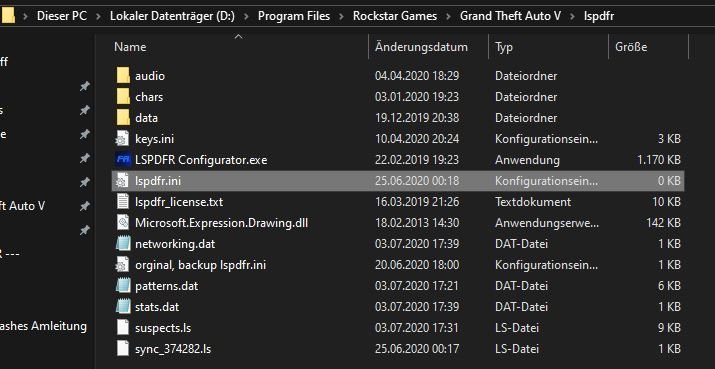
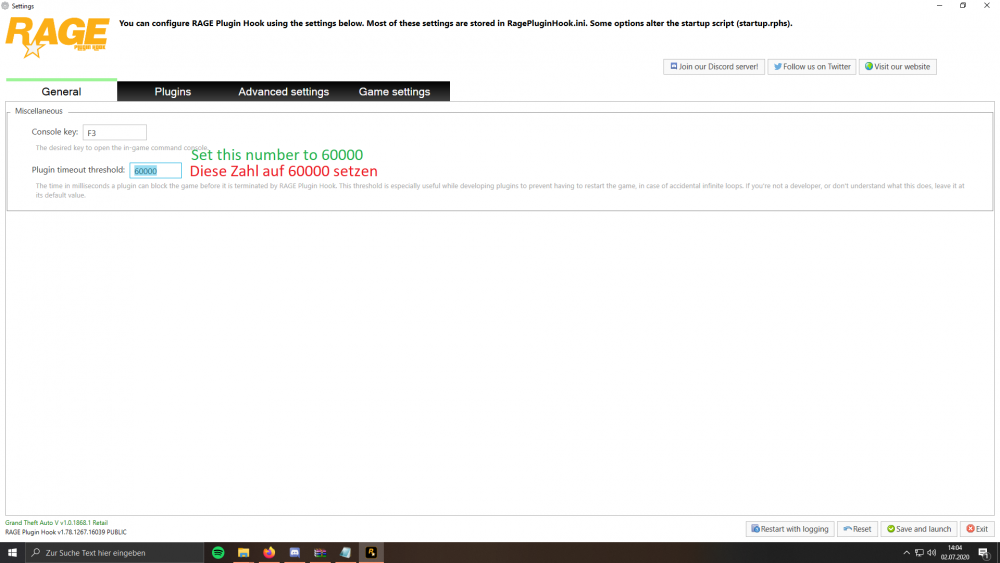
 It would be awesome from Bejoijo to build in an auto updater for his mods. Many other modders have done that before. For people who like less features they should use Albos mods, cause back in time that extra features from STP weren't there. I personally use STP and I like everything except this manual update stuff 😞Try to disable your antivirusHave you changed anything in your weapons inventory? The weapons you get when going on duty?Just search for a tutorial on youtube?!Have you set your RPH timeout to 60000?
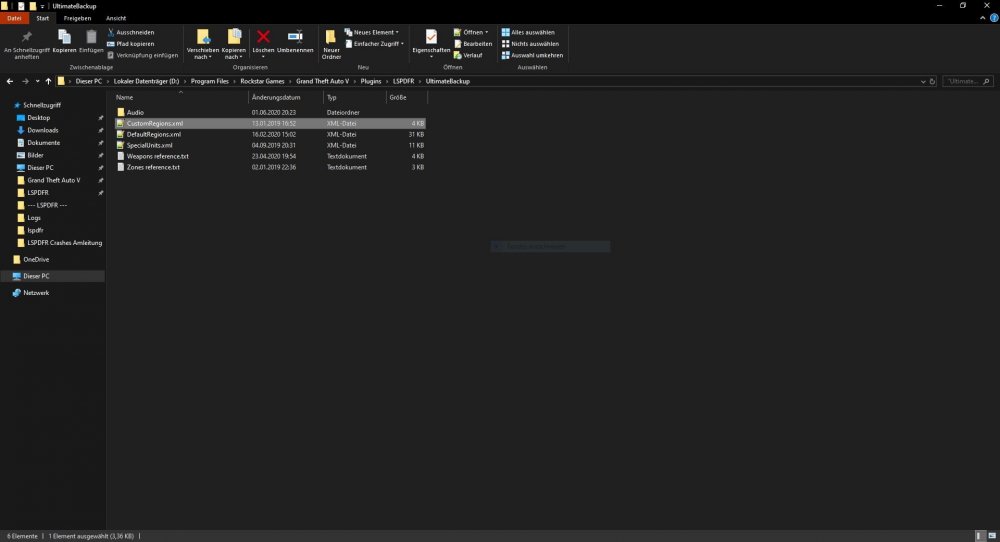
 I GUESS YOU HAVE TO ADJUST YOUR CONTOLS.Edit you character:Alt + F4 🤔Can you spawn the vehicle manually? in this file, you can set your regions and which cars will spawn. Thats hard work.
 The log crash says you have a problem with weapons/ weapon skin. Good luck find that






Account
Navigation
Search
Configure browser push notifications
Chrome (Android)
- Tap the lock icon next to the address bar.
- Tap Permissions → Notifications.
- Adjust your preference.
Chrome (Desktop)
- Click the padlock icon in the address bar.
- Select Site settings.
- Find Notifications and adjust your preference.
Safari (iOS 16.4+)
- Ensure the site is installed via Add to Home Screen.
- Open Settings App → Notifications.
- Find your app name and adjust your preference.
Safari (macOS)
- Go to Safari → Preferences.
- Click the Websites tab.
- Select Notifications in the sidebar.
- Find this website and adjust your preference.
Edge (Android)
- Tap the lock icon next to the address bar.
- Tap Permissions.
- Find Notifications and adjust your preference.
Edge (Desktop)
- Click the padlock icon in the address bar.
- Click Permissions for this site.
- Find Notifications and adjust your preference.
Firefox (Android)
- Go to Settings → Site permissions.
- Tap Notifications.
- Find this site in the list and adjust your preference.
Firefox (Desktop)
- Open Firefox Settings.
- Search for Notifications.
- Find this site in the list and adjust your preference.