




Yasd
Community Team
-
Joined
-
Last visited
Everything posted by Yasd
-
Post your Ragepluginhook.log @blh1990
-
to come forward just delete that shitty file, take another vehicle, nothing you can do.So OpenIV is just crashing when you want to open ytd files from the two vehicles?The ProLaser 4 Radar Gun is here! Combine this mod with Albo's Traffic Policer for great RP. Have you installed Albos Traffic Policer?Did you get this message just once or again and again?Post your Ragepluginhook.log it's in the main directory.Post your Ragepluginhook.log it's in the main directory.Post your Ragepluginhook.log it's in the main directory.Poste dein Ragepluginhook.log aus dem HauptverzeichnisNobody can tell what is missing by the pictures you posted. Try to rename the mods folder to _mods and start OpenIVYou install stand-alone plugins under Grand Theft Auto V/plugins. Callouts and small plugins are installed under Grand Theft Auto V/plugins/lspdfr. How you install plugins? Always read the readme. Under installation, there is is explained. Basically, you install it by drag and drop into your main directory.So in your log, there are all plugins loaded. Pls disable all your plugins, and start lspdfr. After that, post your Ragepluginhook.log.When your game sudenly exits its a crash ^^ But at this point it looks like GTA has crashed, so RPH does not log this. But still it can be an issue with LSPDFR. 😮 Try to put that in your LSPDFR.ini under Grand Theft Auto V/LSPDFR/lspdfr.ini Let me know it it works.
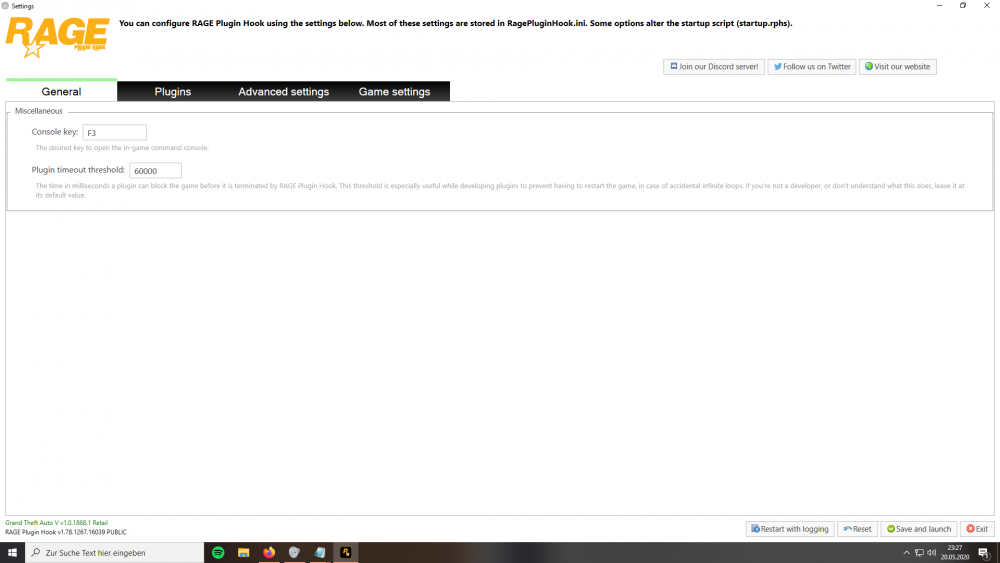
 @xcherrybomb try to launch gta once you are ingame Alt + Tab out and lanch RPH if this does not work launch gta again and once you hear the siren in the loading screen, alt + t ab out and launch rphhttps://de.gta5-mods.com/tools/script-hook-vset the plugin timeout to 60000 (maximum) under ragepluginhook settings
 So your write Officer with two fs. 😄 You can adjust the lightening by opening the ELS console ingame with ctrl + p, and hit alt + 1 or alt + 2 ... till alt+ 6There is no crash in your log. Try to disable all of your plugins. Im guessing its Traffic Control, which was made for LSPDFR 0.3Pls disable all your plugins, and start lspdfr. if it works, try one by one which one causes the crash. also let me know if it is a plugin, maybe i can help you finding it.Pls post your Rageplugin.log again, if you still have this problem.Good question. Hey LSPDFR team, will there be an update for Epic Games Launcher/ does it work with it? Or at least a statement? I take this as an official statement: https://www.lcpdfr.com/forums/topic/103666-does-the-latest-version-of-lspdfr-work-with-epic-games-launcher-gtav/ By the way, the answer is: No.Looks like you have to update some LSPDFR stuff. Post your RPH.logServus, also ich versteh bloß die Hälfte, aber da du Französisch im englischen Forum sprichst kann ich auch deutsch im Forum sprechen.Nope.


