Yasd
Community Team
-
Joined
-
Last visited
Everything posted by Yasd
-
LSPD First Response: Max Callout Distance: 2000 you might extend this to 20000 f.e., this might be the reason, that the callouts are further away and get canceled.
-
Install RageNativeUI. https://github.com/alexguirre/RAGENativeUI/releases
-
wrong file. post your ragepluginhook.log from the main gta folder
-
post your ragepluginhook.log from the main folder.
-
ok, good. i wonder everytime a callout comes in, the log tells another callout is running and aborts it. i dont know how to help other than you might make a video ingame, where you go to a police station and try to go on duty.
-
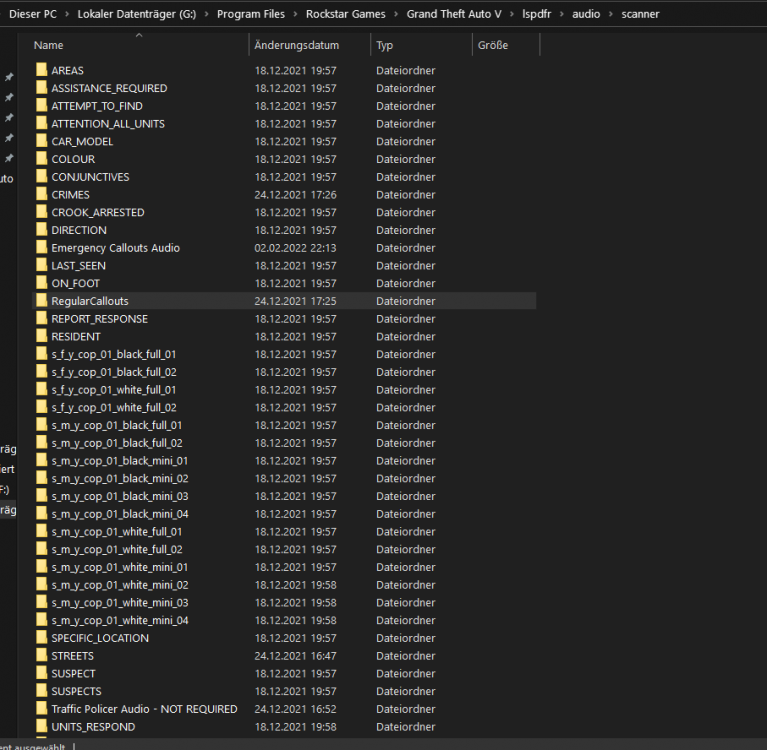
D:/SteamLibrary/steamapps/common/Grand Theft Auto V/lspdfr/data/custom/stations_sahp.xml Have you changed anything in that file? it caused the game to crash.pls add the whole gta folder as an exception in antivirus. if you have an antivirus installed, add it there, if not, add it to default win antivirus, tutorial: https://support.microsoft.com/en-us/windows/add-an-exclusion-to-windows-security-811816c0-4dfd-af4a-47e4-c301afe13b26Only the plugins in the folder GTAV/plugins appear, so what you see, is correct.Reading your log, its always the same: Callout came in; Error message, that the audio file is not found StartCallout: There's already a callout running. Aborting... LSPD First Response: EndCurrentCallout: Finishing... First lets check if audio files are there: Open and check: G:\Program Files\Rockstar Games\Grand Theft Auto V\lspdfr\audio\scanner
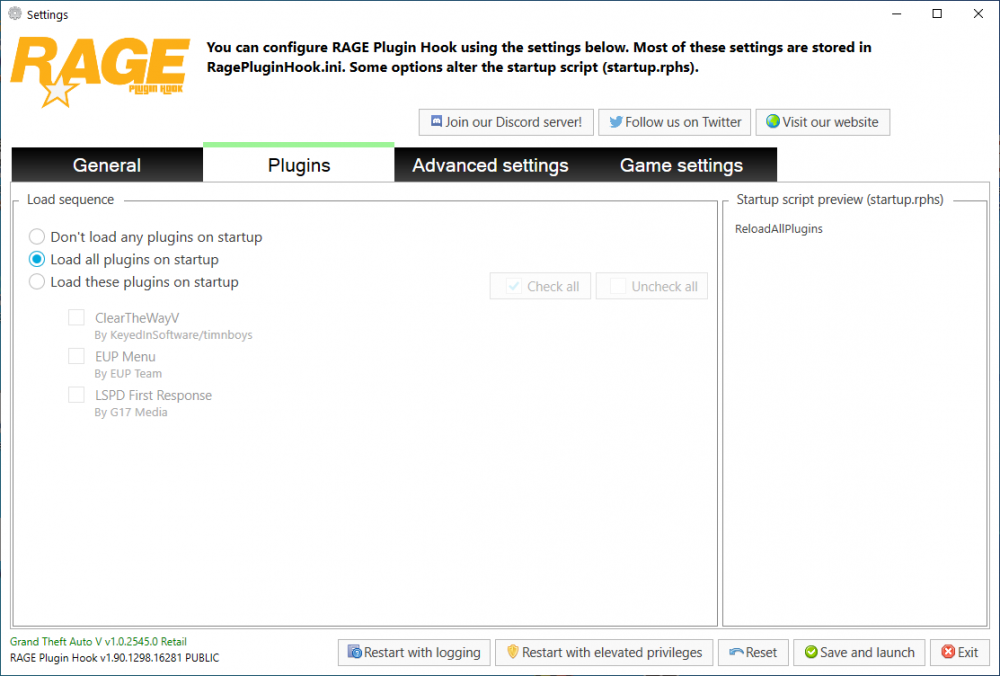
 Speed Radar Lite might have thisLooks like you know what you are talking about. Pls take my job supporting, i dont know what im talking about💘 That actually hurt a bit. Lets make love not war 😍Hello, so you blame Charlie686 for trying his best to help you with your problems? This is a forum, nobody gets paid to help here, we do this in our free time. How should he have known that your .asi software causes a crash? When you search the problem for 2 months, why not starting a new gta folder? Its always the same, if a gta update comes out, the developers need time to update their software, the most are doing it in their free time without paying. Some software is no longer under development, so stuff works no more. What do you mean with everybody has sth to say? This is the internet, welcome. Also, you posting in a forum, what do you expect? Post your problem and everybody instant knows the fix? You also have the oppurtunity to not upgrade the game, you have to block the gta 5 update.post your ragepluginhook.log again, and show us where you wanna go on duty in the county via screenshot.what do you mean with patched the vehicle? also post your ragepluginhook.log from the main gta folder.post your ragepluginhook.log from the main gta folder.you can remove the trainer to see if it comes from that.Remove PoliceSmartRadio and Traffic Policer, they are outdated and may cause your game to crash. No crash in your log.Hi! Remove PoliceSmartRadio, its outdated and may cause your game to crash. The crash says sth with ProwlerRadar, but try update your RageNativeUI from here. Maybe @opus49 can take a look 😉you have 2 deadly weapons.dll and 2 supercallouts, i cannot see a crash in your logwhich version do you have? via Epic games, steam or other?add the whole gta folder as an exception in antivirus. F.e.: C:\Program Files\Rockstar Games\Grand Theft Auto V if you have an antiviurs installed, add it there, if not, add it to the default win10 antivirus. https://support.microsoft.com/en-us/windows/add-an-exclusion-to-windows-security-811816c0-4dfd-af4a-47e4-c301afe13b26add the whole gta folder as an exception in antivirus. F.e.: C:\Program Files\Rockstar Games\Grand Theft Auto V if you have one installed, add it there, if not, add it to the default win10 antivirus. https://support.microsoft.com/en-us/windows/add-an-exclusion-to-windows-security-811816c0-4dfd-af4a-47e4-c301afe13b26plugin is not loaded, i recommend loading it automatically via ragepluginhook make sure under -> Plugins -> Load all plugins on startup is selected