
RoguePlus
Members
-
Joined
-
Last visited
Everything posted by RoguePlus
-
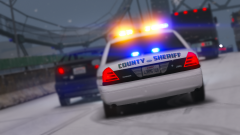 weird, That is how i'm enabling the snow also.
 -
How did you capture this image? I'm using snow also but the R* editor wont load the snow. Thx
-
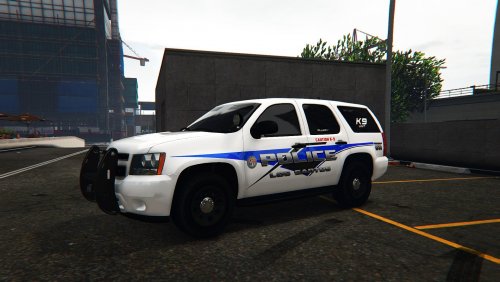 This pack is based off Temple Terrace, FL with a LSPD theme for Captain14's LSPD Car pack. For: Enjoy :) NOT FOR REUPLOAD WITHOUT PERMISSION, PERSONAL USE ONLY!
- 1 comment
- 2 reviews
-
-

- 2
-
-
.thumb.png.facfc3f0bf4f434cf1c2363c0791f2f0.png) Needs a 6.4L 6.2Lsupercharged V8 motor to be classified as a helcat, But this has no engine so its more like a stock car. needs more work and more attention to detail.
Needs a 6.4L 6.2Lsupercharged V8 motor to be classified as a helcat, But this has no engine so its more like a stock car. needs more work and more attention to detail.- 11 comments
- 3 reviews
-
-
- 1
-
-
-
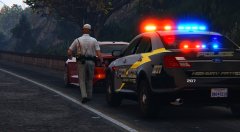 I make a video, use the camera in the editor to get the shot lined how i want it and close the editor hud and use steam screen shot to take the photos
 -
@RedBullGermany @Arariel I dont use any capture mods. im using the camera in R* editor lol
-
From the album: Skins Showcase
© NSD
-
-
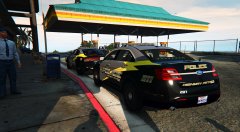
-
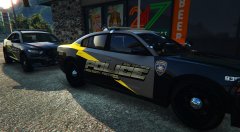
-
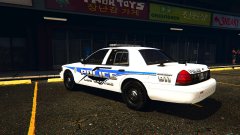
From the album: Skins Showcase
© NSD
-
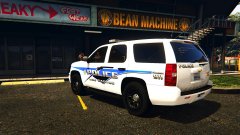
From the album: Skins Showcase
© NSD
-
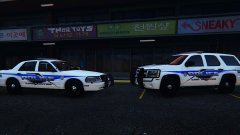
-
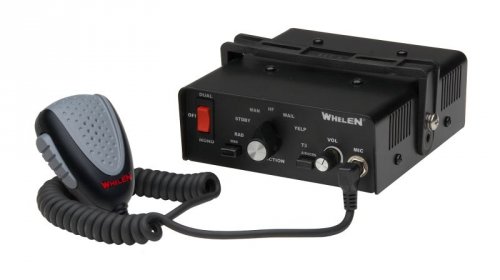 Where can I get that Taurus? NVM found it :)
 -
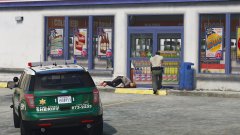 Someone was trigger happy :)
 -
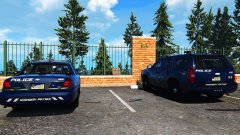
From the album: Skins Showcase
© NSD
-
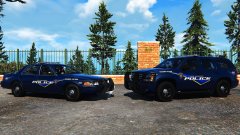
From the album: Skins Showcase
© NSD
-
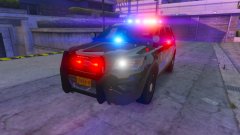 Option for red/blue tail light flashers??
 -
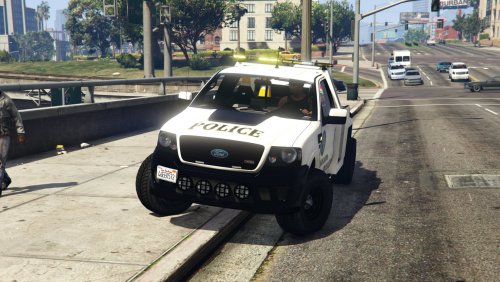 Still need some work. Was going to make a skin for this truck, but the OpenIV model is waaaayy to far away to look at. I'm not going to spend hours scrolling in just to see if everything lines up proper.
- 19 comments
- 5 reviews
-
-
- 1
-
-
-
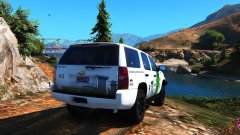
From the album: Skins Showcase
© NSD
-
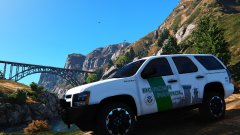
-
 Check if its in the plugins folder "not LSPDFR" and see if its loaded in ragehook
- 57 comments
- 33 reviews
-
-
- 1
-
-
I did not read the instruction very well, lol. but I thought it was always going to stay open when i had exited the car. Didn't know you had to hold the exit key for the door to stay open. Its kinda sucks if you have the GTA 4 style exit. I keep turning the car off when I want the door to stay open.
- 57 comments
- 33 reviews

.thumb.png.facfc3f0bf4f434cf1c2363c0791f2f0.png)