
RoguePlus
Members
-
Joined
-
Last visited
Everything posted by RoguePlus
-
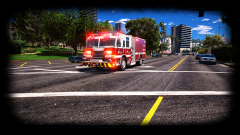 Already have a skin in mind for this beast!
 -
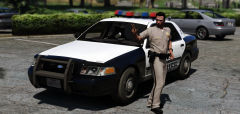 I'm with Slendis, Whose car?? I have a friend form Las Vegas who is looking this type of car.
 -
 True, but some ambulance's usually don't have graphics behind the cab. So when trying to re-create a skin that does not have graphics that are completely covering the back of cab, it tends to look funny.
- 209 comments
- 40 reviews
-
-
-
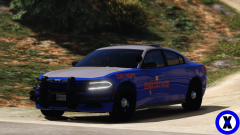 looks more like a $100 hooker to me :)
 -
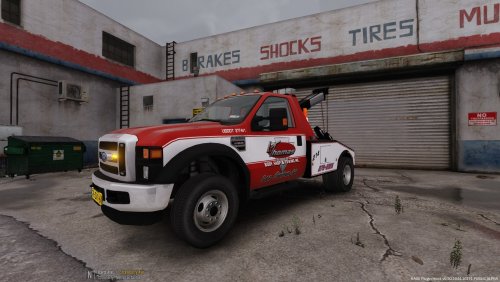 The plates for the dutch truck are stuck like that. You will have to talk to the modeler who made the truck to change them
- 2 comments
- 1 review
-
-
L. Thomas Towing is new in town and wants to be better then FastLane towing. With your help we can be the best towing company in LS. For These two Trucks: https://www.gta5-mods.com/vehicles/ford-f550-police-towtruck-els
- 2 comments
- 1 review
-
-

- 4
-
-
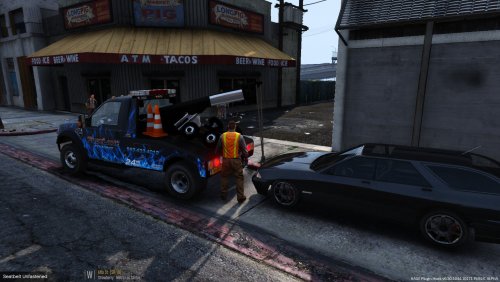 To replace the livery its "towtruck_sign_1". And the lights replace "dutch_whelen_freedom2"
- 6 comments
- 1 review
-
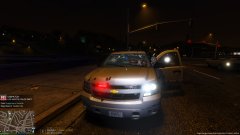
From the album: On-Duty
Nearly escaped with my life. -
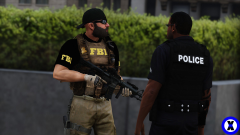 different departments come with this, Like ICE, DEA, ATTF,?
 -
Fast Lane towing is looking to expand and would like you to join there operations in the San Andreas area. Skin fits these two trucks: https://www.gta5-mods.com/vehicles/ford-f550-police-towtruck-els Enjoy:) NOT FOR REUPLOAD WITHOUT PERMISSION, PERSONAL USE ONLY!
- 6 comments
- 1 review
-
-
- 3
-
-
-
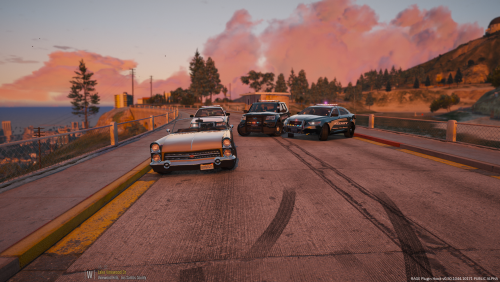 ya sorry, the takedowns don't light up the area when I turn them on. and it was the Crown Vic rambar.
- 23 comments
- 9 reviews
-
-
- 1
-
-
-
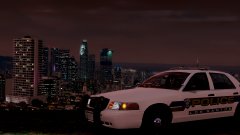
The rambar is a bit shinny, and the takedowns don't light up the front of the car. but other that nice job!
- 23 comments
- 9 reviews
-
-
- 1
-
-
-
-
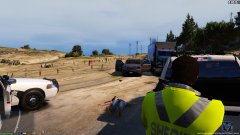
From the album: On-Duty
Traffic stop turns into multiple shots fired. -
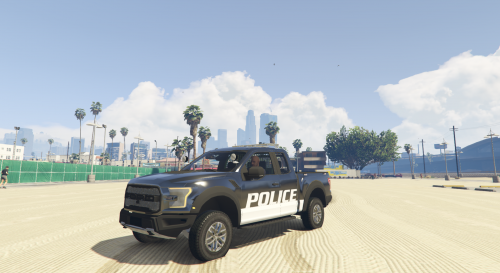 I did noticed performance issues while in game. I was getting the famous city bug like in GTA 4. But all in all good truck.
- 36 comments
- 15 reviews
-
-
- 1
-
-
The lighting setup is really nice. I did have to change the Fascia textures for a more distinctive red and blue.
- 36 comments
- 15 reviews
-
-
- 1
-
-
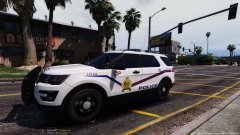
From the album: Skins Showcase
© NSD
-
-