
Benjamin255
Members
-
Joined
-
Last visited
Everything posted by Benjamin255
-
 Will future updates move closer to the helicopter perspective effect of the Fivem platform?
- 19 comments
- 1 review
-
 How can I make the icons for Siren1 and Siren2 light up as well?
 -
 I will give it a try
 -
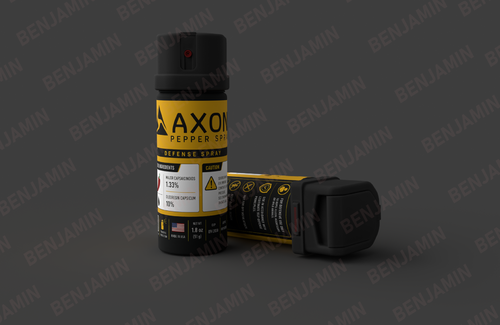
A new pepper spray model, used with the PatrolSuite plugin.
-
I created a shoulder light model that can emit light, but the two flashing speeds available in the lspdfr menu are too slow. Is there any other way to make it faster?
-
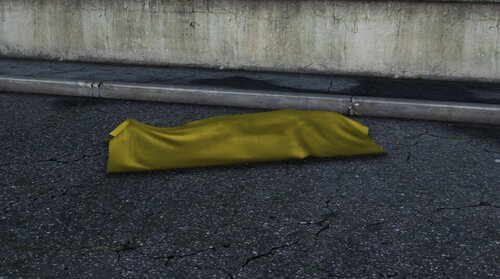 The model with signage is recommended solely for static ground placement when capturing in-game images, as the signage is permanently attached to the body bag model. Should you record video footage while the coroner is moving the model during gameplay, you will observe that the signage shifts synchronously with the model, resulting in an unnatural visual effect.
 -
White version document is under review
-
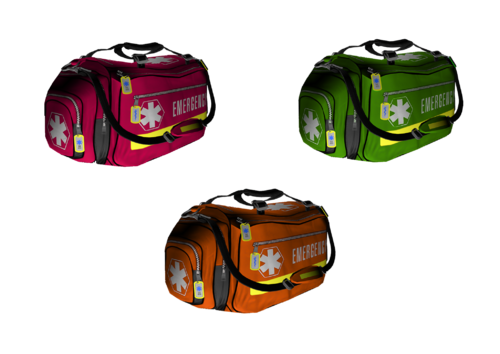 You can download version 1.0; its texture is red.
 -
He is using the Policing Redefined mod, which has not yet been released.
-
A few days ago, while watching the PR video by BlueLine Vibes on YouTube, I noticed an EMS character in the game carrying a medical bag. This got me thinking—why not create a new medical bag myself? So I purchased a model, converted it, and adapted it for LSPD players. This new model is designed to replace the original one in the game, and it only takes a few simple steps to install. 🚑🚑🚑 Please read the readme file before installation. Install:mods\update\x64\dlcpacks\mpchristmas2017\dlc.rpf\x64\levels\gta5\props\x17dlc_props_accs.rpf\ Feel free to drop a comment below if you have any questions or ideas! I'll reply super quickly when I see your message! Redistribution and unauthorized use are strictly prohibited!!!
-
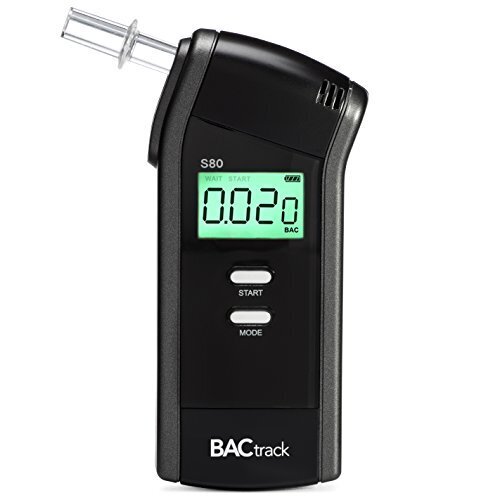 Do not resell or rip! Do not resell or rip! Do not resell or rip! BACtrack’s premier professional breathalyzer, the S80 is an ideal choice for law enforcement, health professionals or anyone who requires the most dependable BAC results. This model is used to replace the original test model of the game. It can be replaced in just a few steps. The model has a screen light-up function. If you do not want the light-up version please leave a message to let me know. Read the readme file before installation If you have any questions or suggestions, please leave a comment in the comments section! I'll get back to you as soon as I see the message!
 -
-
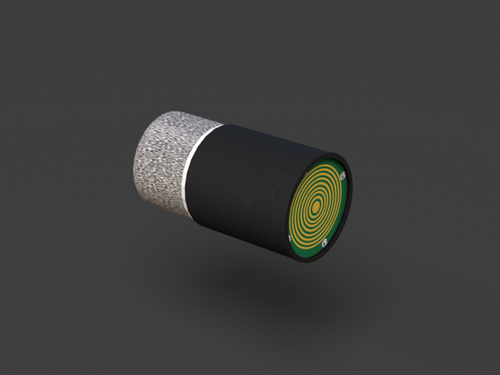 This file will replace the tracker model in the Star Chase Tracker plugin, making it look more realistic Install Place the file in Grand Theft Auto V\mods\update\x64\dlcpacks\starchase\dlc.rpf\x64\models\cdimages\weapons.rpf\ directory to replace it Please back up the source file before replacing it !!!! Please make sure you have installed the following plugins before downloading.
 -
I will update the file later
-
This model has two color appearances (yellow and blue). When replacing a model, make sure to only select one color appearance of the model. Make sure to replace both locations of the model in the game directory. Use with the following scripts for a better gaming experience
-
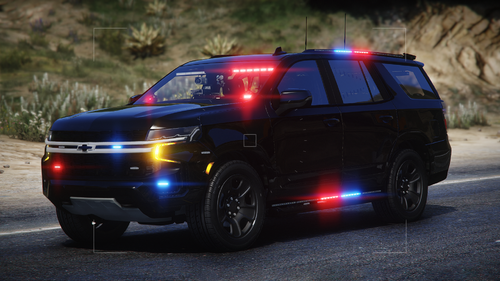 Push bar version?
 -
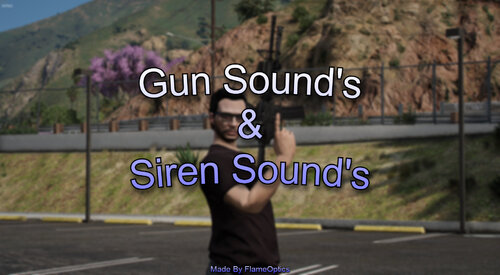 Can you provide separate weapon sound files? I don't want to replace the entire rpf file (part of the file has been modified)
 -
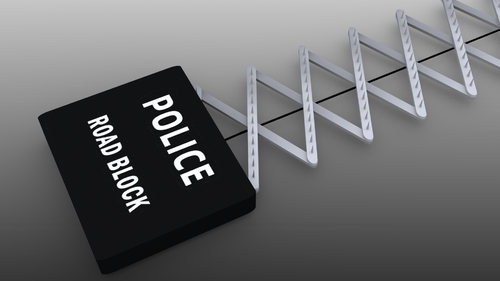 It is recommended to use the following script Since the model has no animations, be sure to set the EnableAnimations option in the Spike Strips V plugin to false before using it. Please back up the source files and read the readme instructions before installation.
 -
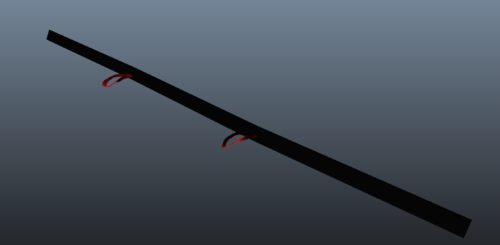 If you want to use the mockup with text, you can download the older version that was originally uploaded. The black appearance of version 1.2 represents the style in the storage bag.
 -
If you do not want to see the release animation of the model distortion, please change the EnableAnimations option in the Spike Strips V Configuration.ini file to false
-
container? Do you mean the black storage bag?
-
由于模型无适配动画,在展开止动棒模型时可能会稍微有点问题,不过并不影响使用。 建议使用以下脚本 https://www.veed.io/view/4c065d3c-f639-43d0-a028-cef4956806f1?panel=share -由 ErinLindsay 创建并进行 UV 映射 -由 Benjamin255 转换并添加纹理
-
-
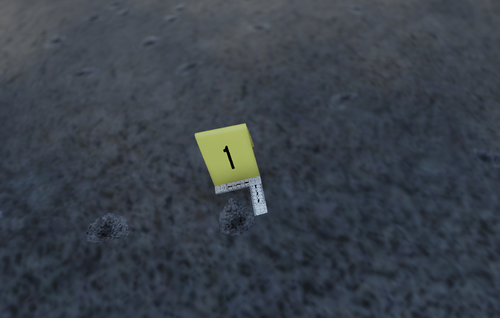 This model is available in yellow, orange and number 1 versions, just choose the replacement ydr file Installation instructions are in the package Please back up the source file before replacing ! ! !
 -
 Grand Theft Auto V\mods\update\x64\dlcpacks\eup\dlc.rpf\x64\eup_componentpeds.rpf\mp_m_freemode_01 You can also place it in other folders under the \eup\dlc.rpf\x64\eup_componentpeds.rpf\ directory You can also change this model name to the name of the model you want to replace