
Benjamin255
Members
-
Joined
-
Last visited
Everything posted by Benjamin255
-
-
 First: red callouts do not need to be displayed in the RAGE interface, because the file does not need to be installed in the plugins folder Step 2: You need to install red callouts.dll&red callouts.ini&red callouts.pdb into the plugins\LSPDFR folder, and then put the red callouts audio folder in the Grand Theft Auto V\lspdfr\audio\scanner folder, and then go to the police duty Can be used normally
- 635 comments
- 53 reviews
-
-

- 1
-
-
-
-
Task Callouts should not be installed in the plugins folder, but in the plugins/LSPDFR folder
- 635 comments
- 53 reviews
-
-
- 1
-
-
使用RAGEPluginHook启动游戏会导致崩溃,并且当我首先启动游戏并启动RAGEPluginHook时,可以正常加载游戏。是什么原因造成的? RagePluginHook.log
-
You can try to modify the corona texture in GTA 5\steamapps\common\Grand Theft Auto V\mods\update\update.rpf\x64\textures graphics.ytd file to adjust the halo size
-
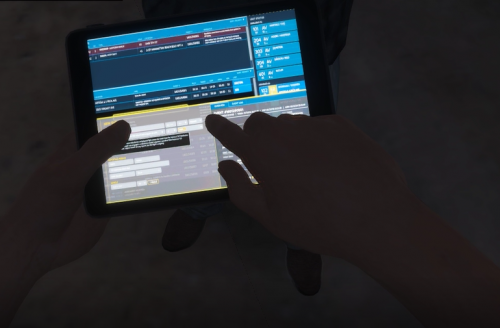 Installation location: ================================================== ================ GTA5 \ steamapps \ common \ Grand Theft Auto V \ mods \ x64c.rpf \ levels \ gta5 \ props \ lev_des \ lev_des.rpf \
- 2 comments
- 1 review
-
-
-

- 4
-
-
 Two installation locations: =================================================== ================= GTA5 \ steamapps \ common \ Grand Theft Auto V \ mods \ update \ update.rpf \ dlc_patch \ mpchristmas2017 \ x64 \ levels \ gta5 \ props \ x17dlc_props_facility.rpf \ xm_prop_body_bag.ydr =================================================== ================= GTA5 \ steamapps \ common \ Grand Theft Auto V \ mods \ update \ x64 \ dlcpacks \ mpchristmas2017 \ dlc.rpf \ x64 \ levels \ gta5 \ props \ x17dlc_props_facility.rpf \ xm_prop_body_bag.ydr
- 9 comments
- 1 review
-
-
-
- 7
-
-
-
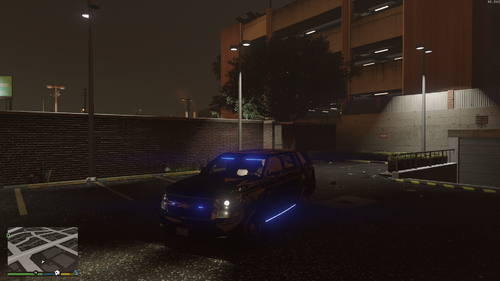 The exterior of the vehicle is white😅
 -
Does anyone know where to buy this EUP holster? I really want this holster!😔
-
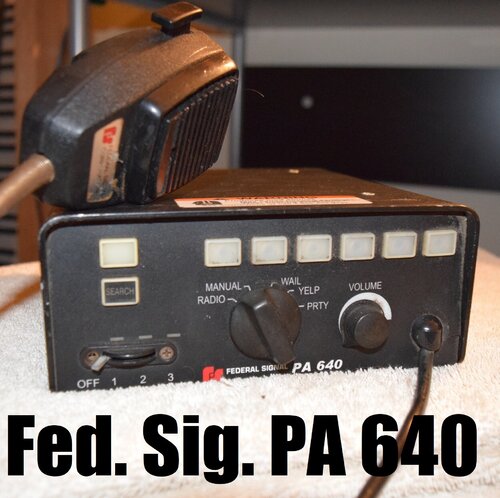 Would you make a Whelen Gamma 2 siren? If it can be made, it will be a wonderful thing😉
- 16 comments
- 3 reviews
-
-
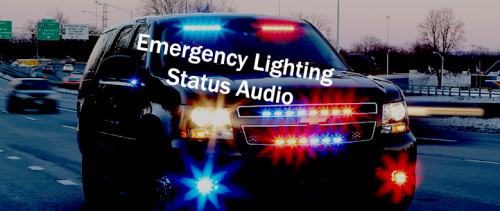 How to change the time ?, I want to make it sound frequently
 -
 Except for OBS, can it be used in Adobe Premiere Pro? ? ?
 -
-
When I try to change the img height and width, the picture size changes, but it also causes the text box to become larger
-
How to change the picture size? But when I use a large size png image, it still shows a small size🙂
-
-
 First please upload a screenshot of your complete game directory file (game directory, ELS folder) here Second place the ELS xml file of the vehicle into the Grand Theft Auto V \ ELS \ pack_default folder What kind of engine sound does the police car in the video use? ?
- 2,698 comments
- 239 reviews
-
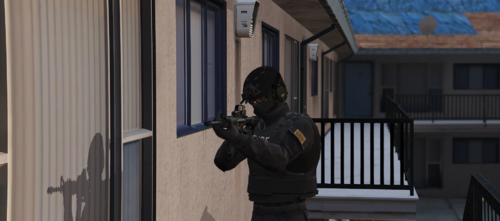 The installation location should be in eup_componentpeds_p.rpf instead of eup_componentpeds.rpf because mp_m_freemode_01_p cannot be found in eup_componentpeds.rpf。。。。。。
- 4 comments
- 2 reviews
-
The black line disappeared after increasing the picture quality😃 The black line disappeared after increasing the picture quality🤣
-
when I load LSPDFR, I find that all police characters have black lines on them. This is not the case for passers-by in the game.
-