
Sheriff Mike Chapman
Members
-
Joined
-
Last visited
Everything posted by Sheriff Mike Chapman
-
From the album: North East Ohio Roleplay
Our fine first responders try to extinguish the flames of the bar, but that was just the start for our arsonist. -
NEORP FiveM server Discord: https://discord.gg/HV9Mh4XwsE
-
From the album: North East Ohio Roleplay
And he is out to write some tickets! -
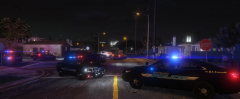
From the album: North East Ohio Roleplay
Tonight, in the Virtual Justice Cinematic Universe, hosted by NEORP, a major drug bust by the Federal Bureau of Investigation goes horribly wrong. It appears the gangs of the street knew they were coming and thus stopped them in their tracks. Five agents were injured in the shootout and a truck full of various contraband escaped custody. ASAC Joe Wash claimed that the bust was overall successful and that they will endeavor to catch those who got away. To join in our story, come join NEORP today https://discord.gg/HV9Mh4XwsE -
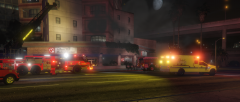
From the album: North East Ohio Roleplay
Back in the Virtual Justice Cinematic Universe, hosted on NEORP, the FBI had placed a member of the gangs into protective custody after they gave valuable information. Shortly after, the hospital was bombed by a group of men who drove away in a black armored vehicle. Cleveland Fire was able to contain the damage, and thus an investigation was launched by CPD and the FBI. 20 people died in the explosion, including the witness, and 37 were injured. SAC David Norton had this to say, "My boys will find who was responsible for this. I can promise you and the rest of the families that. We are dealing with a threat much higher than normal gang warfare." Want to join in the story? Come join us at https://discord.gg/HV9Mh4XwsE -
From the album: Loudoun County Sheriff's Office
-
From the album: Loudoun County Sheriff's Office
-
-
From the album: Loudoun County Sheriff's Office
-
From the album: Loudoun County Sheriff's Office
-
.jpg.3476deeb00a547f722f6e254627bf39a.jpg)
From the album: Blaine County Sheriff's Office
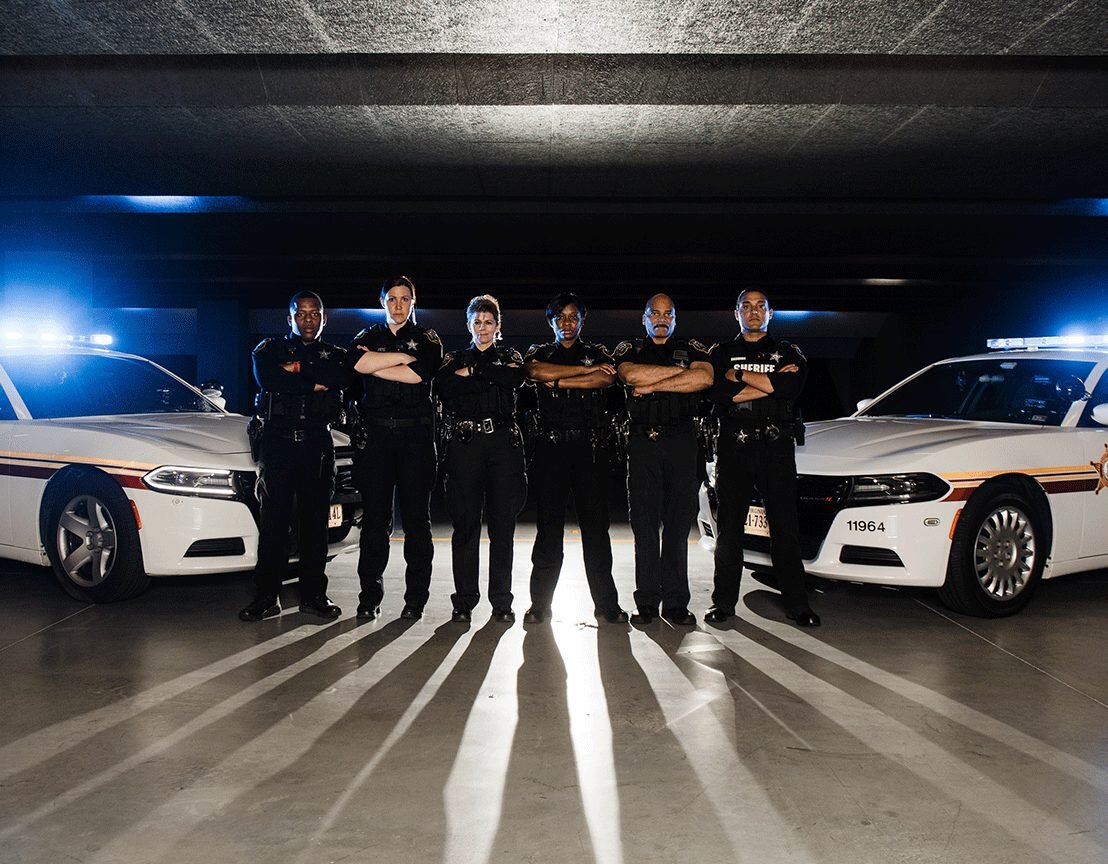
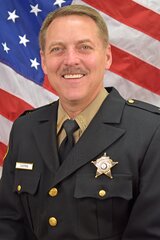
The Sheriff's Office got some new uniforms, so the sheriff decide to take a new official portrait. He also wanted to just flex the new threads -
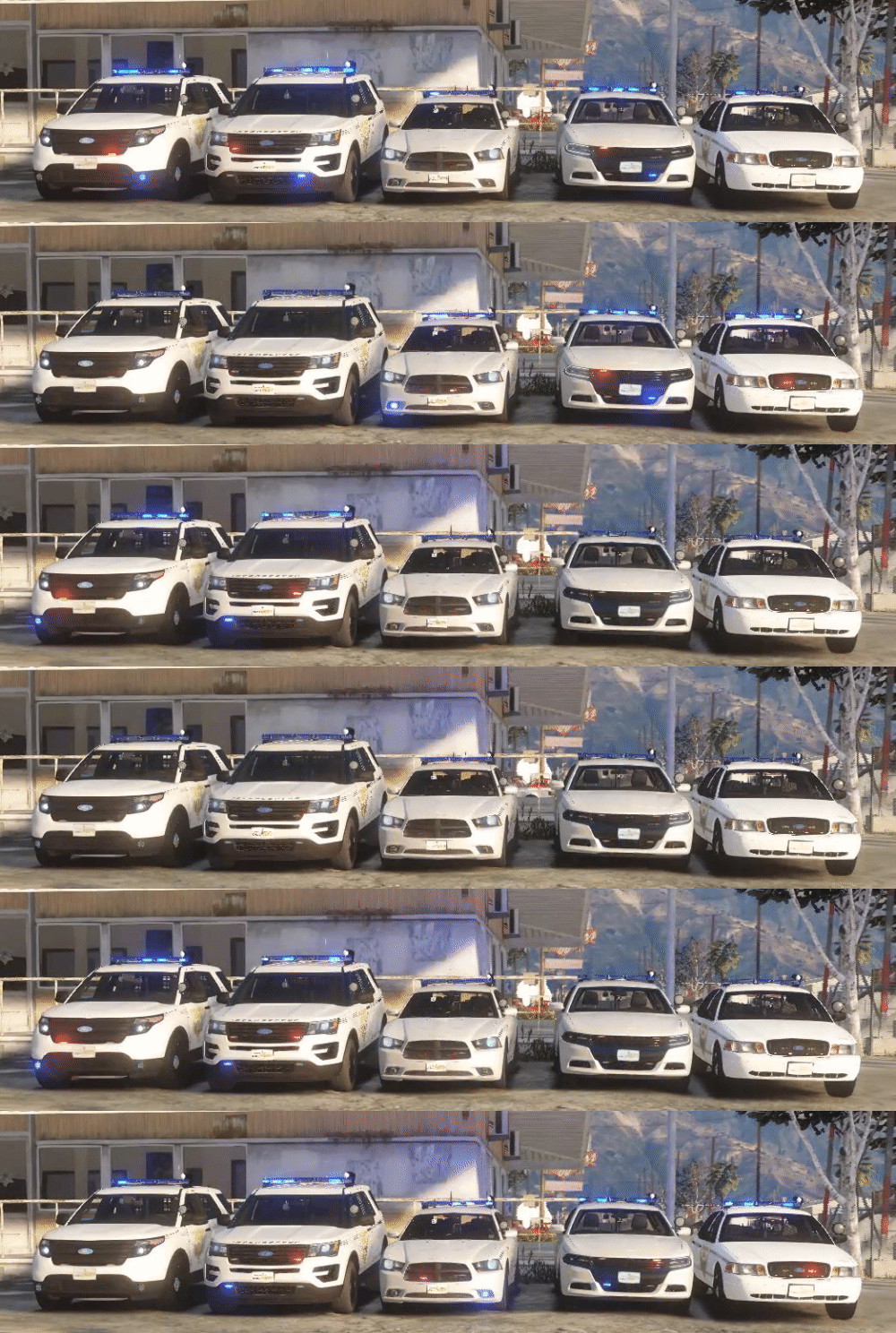
The Blaine County Sheriff's Office (based off of the real life Ventura County Sheriff's Office in California) is the County Sheriff of Blaine County, San Andreas. They patrol the unincorporated areas of the county and are contracted by the towns of Sandy Shores, Grapeseed, and Paleto bay to cover the law enforcement necessary and assist the small Paleto Bay Police Department. They were founded in 1873 and have not really evolved with the times. Many deputies can still be seen driving Crown Victorias even though they have been out of production for almost a decade. The department employs 800 sworn deputies and 500 support personnel. The rank structure is as follows: Sheriff Undersheriff Assistant Sheriff Commander Captain Sergeant Senior Deputy Deputy The current Sheriff is Josh Gilbert
-
.jpg.f62e3fb0e1b99ab0e34b758227708da4.jpg) Hi there, I haven't logged into into my account in a while. It is a part of our uniform pack on the fivem server I am the sheriff on. I also use it for LSPDFR.
Hi there, I haven't logged into into my account in a while. It is a part of our uniform pack on the fivem server I am the sheriff on. I also use it for LSPDFR. -
-
From the album: Blaine County Sheriff's Office
The Sheriff finally got himself a dress coat for his uniform. He liked it so much he requested to retake his official department photo. -
I used to use computer+ because I moved from LCPDFR to LSPDFR and it was similar to the stock computer that was in LCPDFR, but as time went on I had many issues with it. I originally was skeptical about Compulite as it was a lot less like the system from GTAIV but it was from Bejoijo and his plugins are usually great so I gave it a shot and never turned back since.
-
That would do it
-
Use stop the ped and all other bejoijo plugins, they perform way better than all of albo's in my opinion. Plus he isnt really updating them anymore whereas bejoijo is constantly updating.
-
I like how you spliced in ingame screenshots. Nice work.
-
Yep. It is under the EUP page called EUP config. Allows you to select those outfits when you go on duty too!
-
Look up some videos on how to do it on youtube. For addon car packs, you will need several things. 1. a new gameconfig that supports more dlcs 2. a packfilelimit adjuster and 3. a heaplimit adjuster. From there you drag in the new files into your mods folder under the right directory and then go to the dlclist and add that file name on to it.
-
You would do it like you said, export it out (make sure to save a backup) then work on it in paint. Basically use the color picker to pick both the background color so that you can override the number and the number color itself. Then find a font and size close enough to the rest and bingo you got a new division number! Hardest part is trying to find the right font.
-
I agree, this works way better. I used to be able to put my hand on my holster with copholster, but since the gun not being put back bug I removed the plugin so it would be nice to have this feature in base LSPDFR
-
I have had this problem in the past and still have it now and again. Its better to force duty as it wont load you into the locker room and wont get you stuck. As for having albo's stuff, I recommend ditching all of those plugins and switching to bejoijo's stuff. Albo does not keep his stuff up to date all the time and it takes way more resources to run. I have had a way better experience when I switched.
-
I have had this happen to me in the past a couple of times. I think it is some way the VCFs are configured, but never found a fix as it kinda magically went away. You could try to take a look at those.



.jpg.3476deeb00a547f722f6e254627bf39a.jpg)
.jpg.f62e3fb0e1b99ab0e34b758227708da4.jpg)