0taku
Friends of LSPDFR
-
Joined
Everything posted by 0taku
-
No set time frame for release as I don't want a looming date causeing issues to pop up, but I would like to have it out before the end of the year. -------------------- Also Updates Doing some work on the seats and they are looking very nice. (still need texuters though
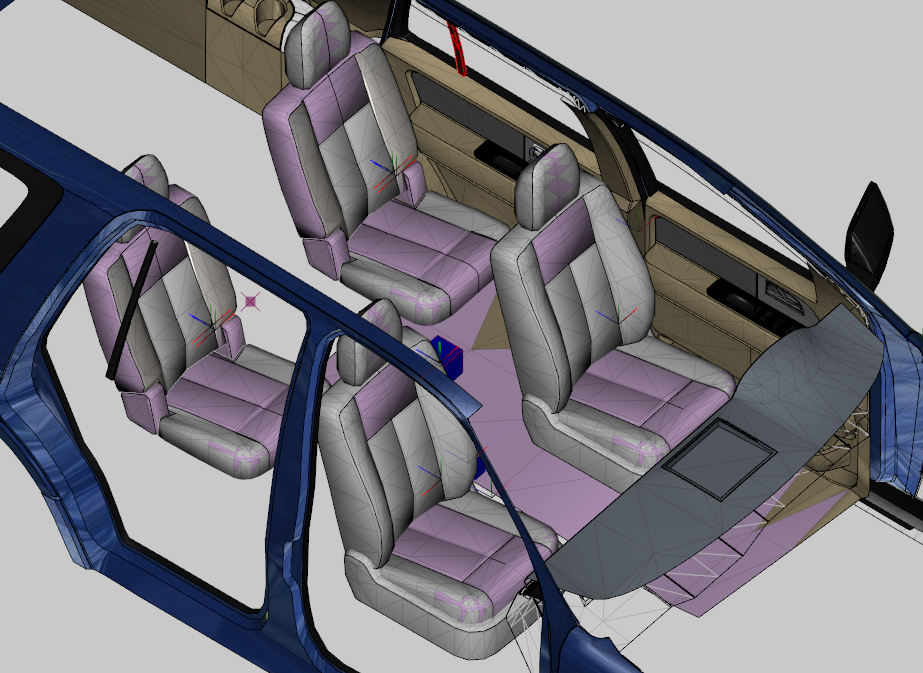
.thumb.png.17733f921ff97eaa0e4ae4935f5dd397.png)
-
-
-
Very nice bump map there.
-
From the album: 0taku media
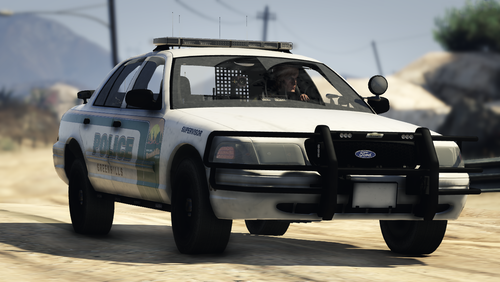
B.C.F.R. responding to a large farmhouse fire. -
 S'all good, I've missed a credit or two in my time. As long as you understand it's fine.
 -
Very nice. Love the livery, but I think your missing a credit, from looking at the model and texuters I can see this uses what looks to be the Avengers I made.
-
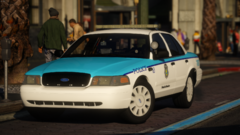 I think someone stole your front plate and mount bracket
 -
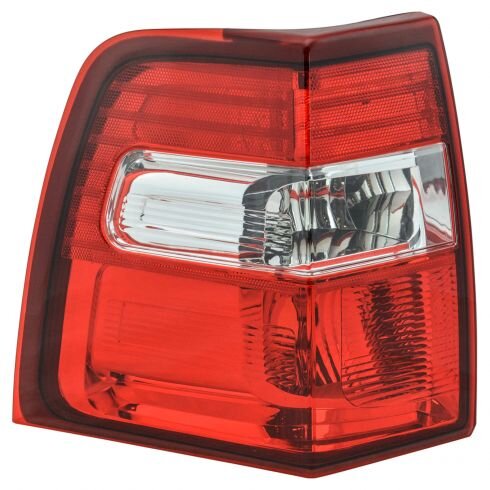
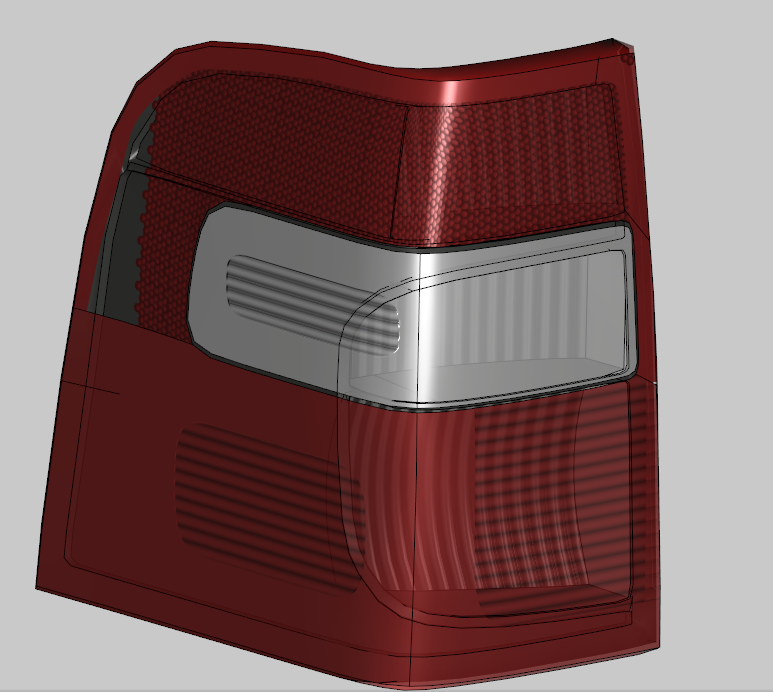
Another little update for you guys. Alot of the last few weeks have been alot of texture work and little tweaks. But I do have something to show. Been doing work on the taillight texture making a custom material for it and this is what I have so far, reflector part is still being worked on.
-
Ragehook & LSPDFR only work in single player. There's not really a story for it as it's more 'do what you see fit'
-
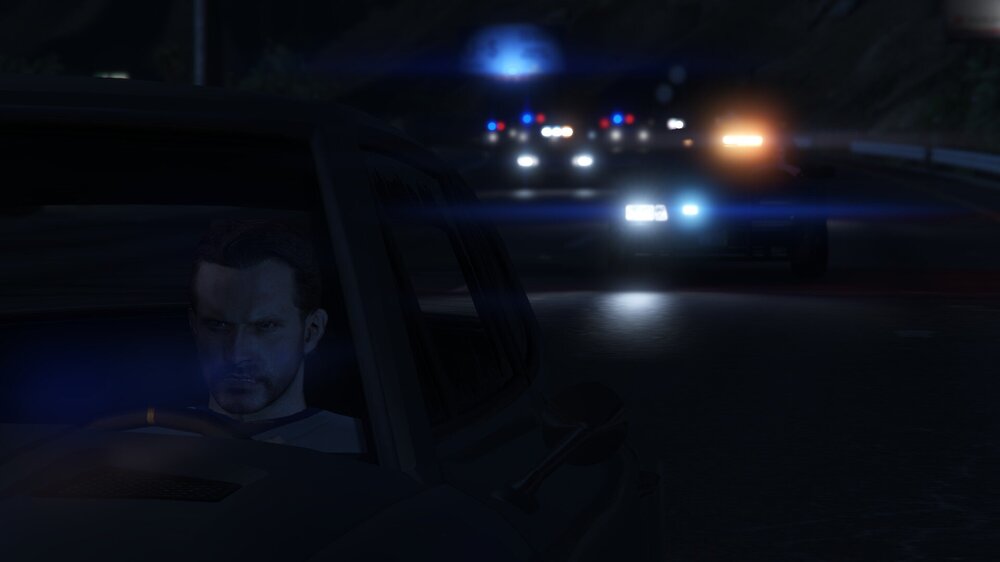
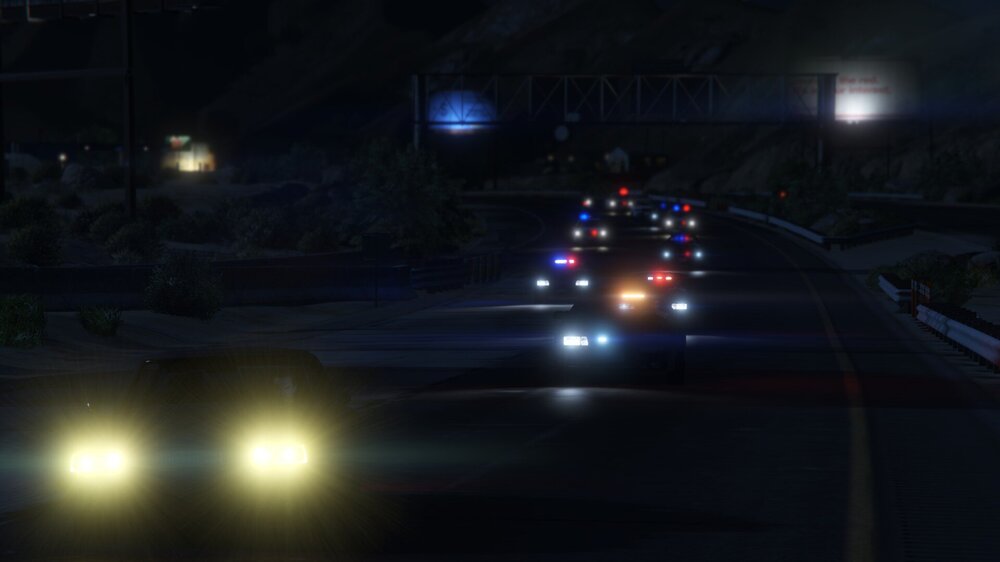
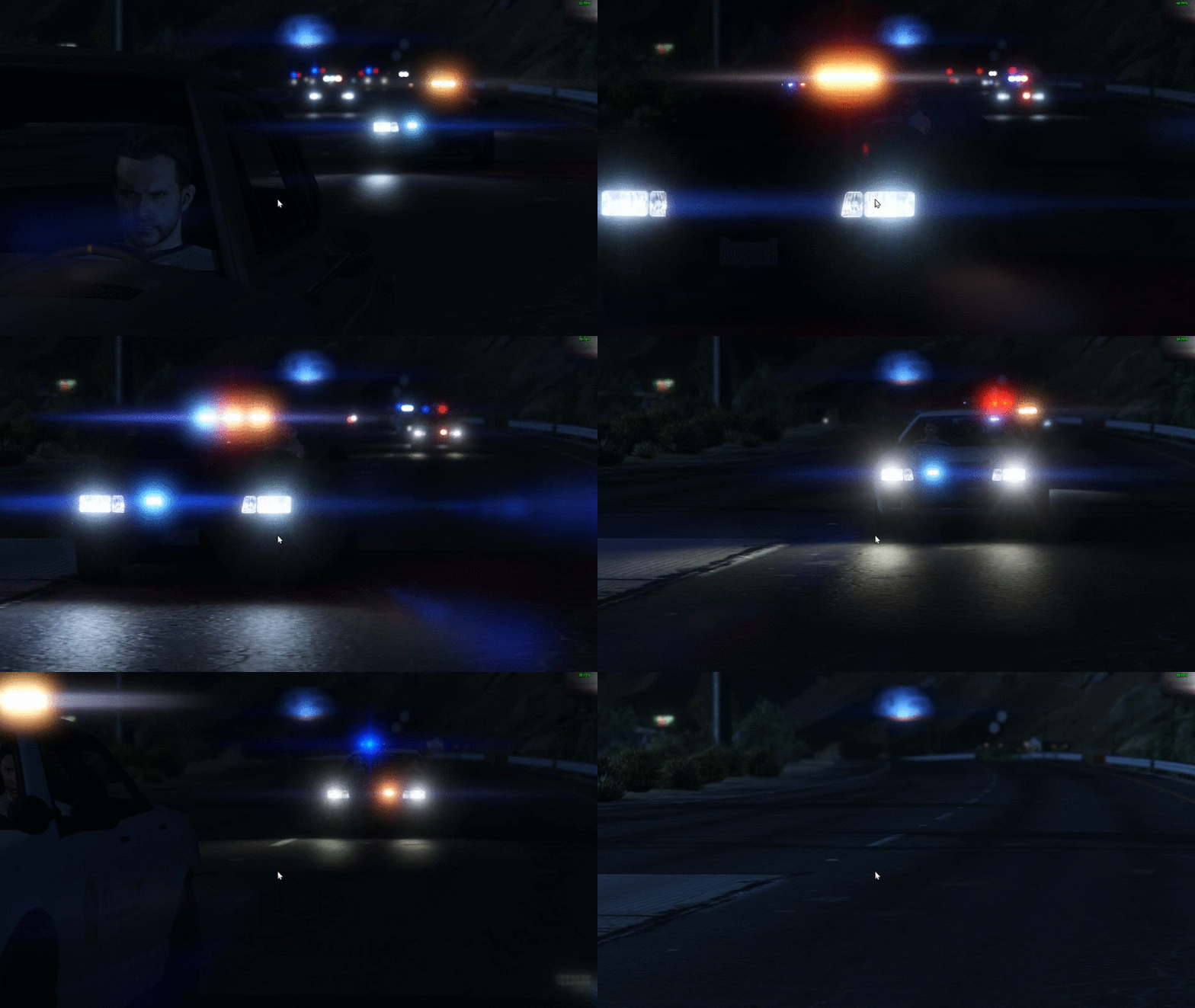
------------------------------ and for Fun a GIF
-
So you just edited the vanilla Rockstar one?
-
Very nice, what bike model is that one?
-
I would just like to say the all the work you guys are doing is amazing, It makes me smile seeing so much love being put into our Aussie stuff. I don't use much Aussie themed stuff as I tried at one point but it just felt 'out of place'. But it is still so wonderful to see Stuff that isn't being half arsed and I can see alot of the love being put into each model, ped and prop.
-
Currently an Unmarked Non-ELS. I have a friend in mind to work on an ELS one before the DEV release
-
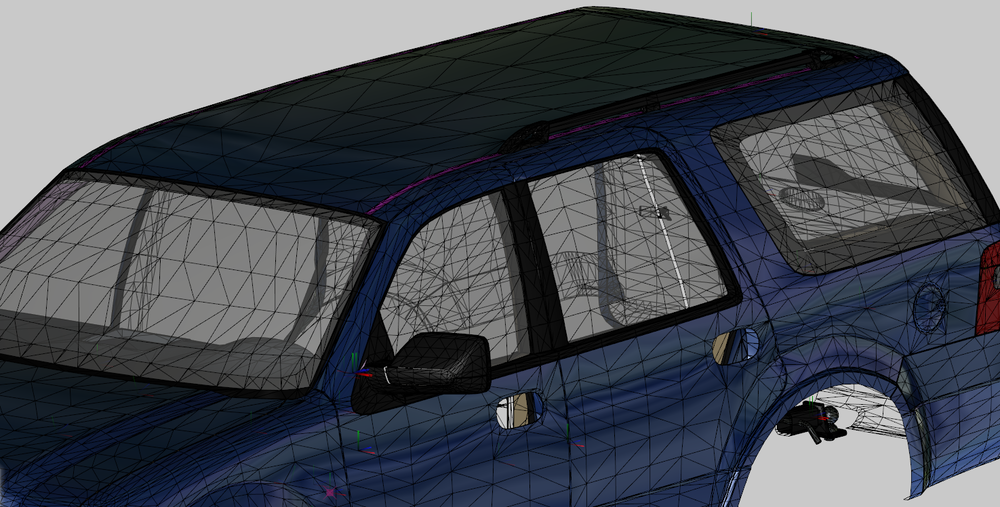
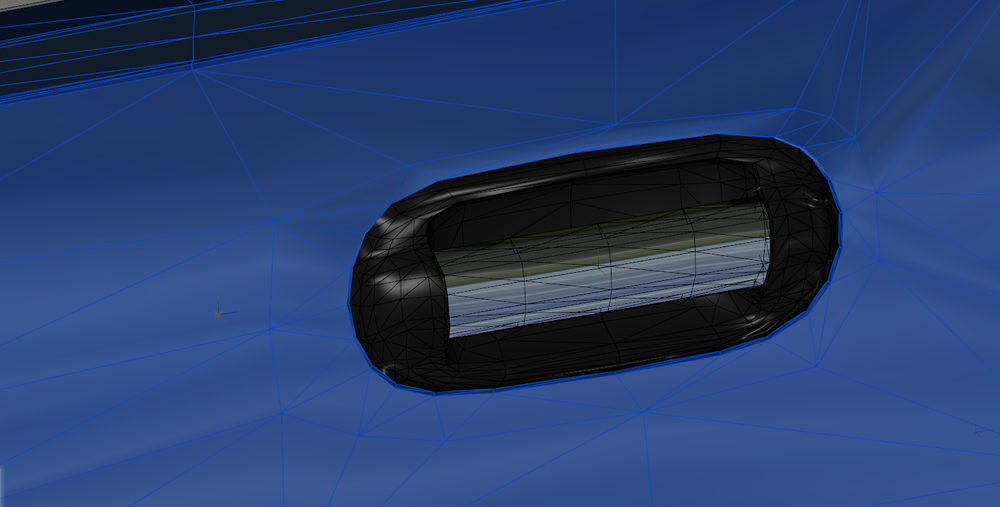
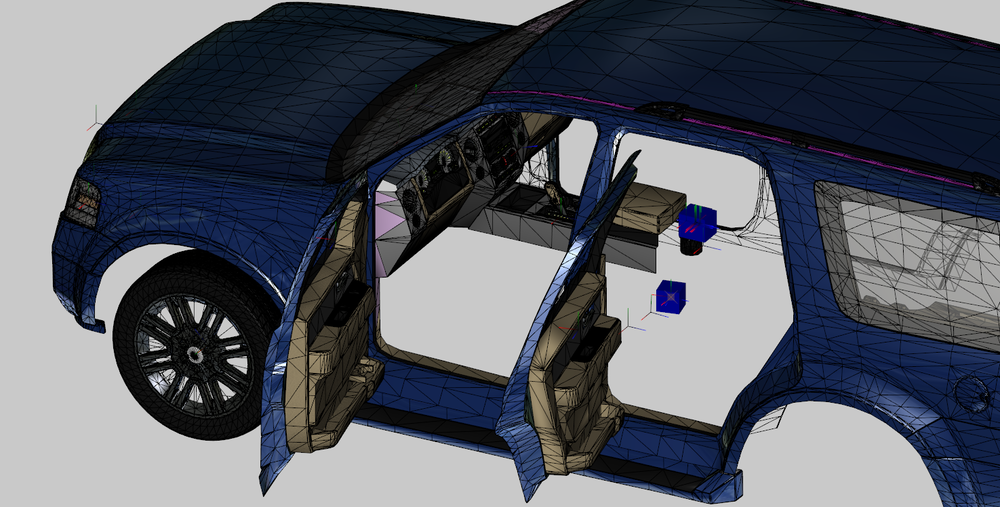
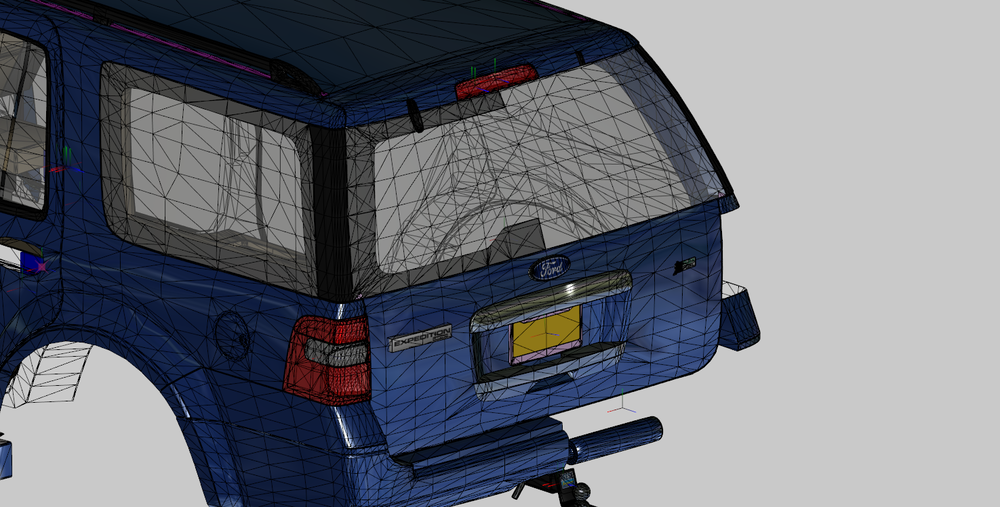
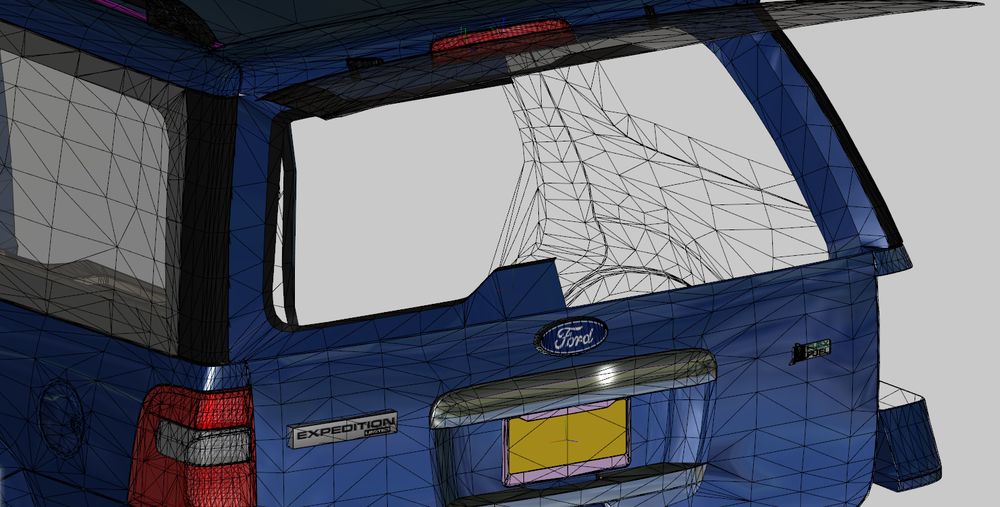
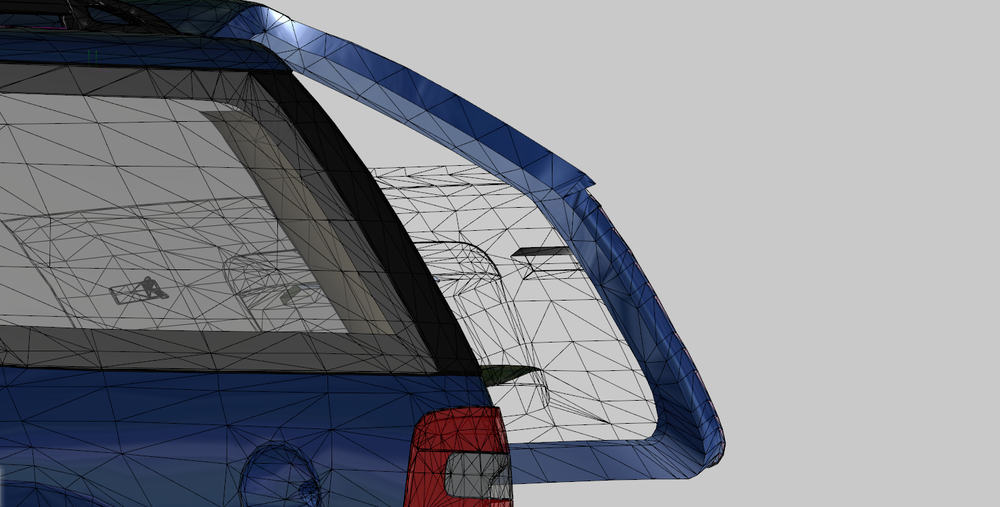
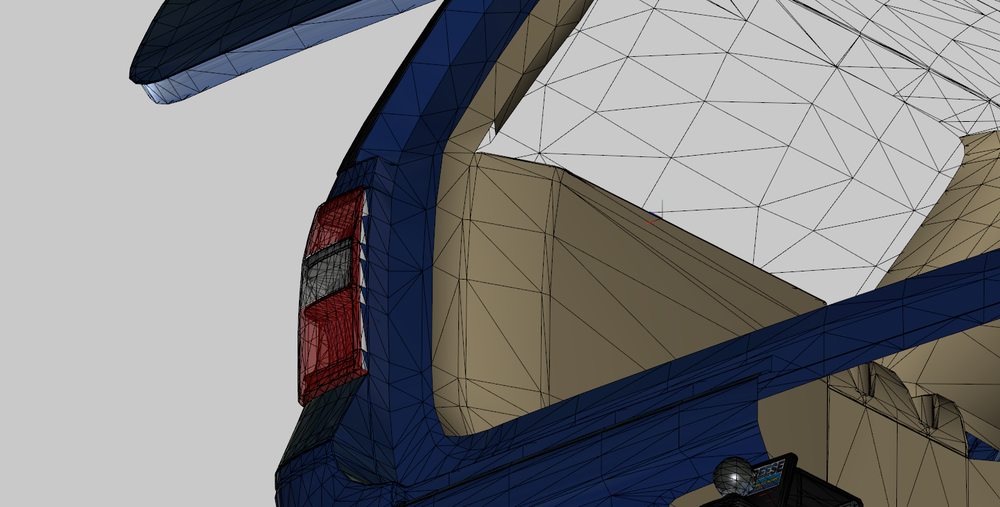
More stuff for you guys, I know I said I would be doing seats next, but I went with fishing up the exterior first. Done alot of work on the windows, had to scratch make the whole windscreen and window trim (Thanks Hum3d for your crappy models). Changed the colour to better show the door sills/Jambs better. Done alot of work on the trunk/rear windscreen Doing some work on making it so the Window can be open interdependently from the trunk. Work on the Trunk Sills/jamb (please note that the wheel/rim shown is not intended to be part of the model)
-
 about time someone dose an E-340 Van, something we needed for awhile.
 -
 Very nice.
 -
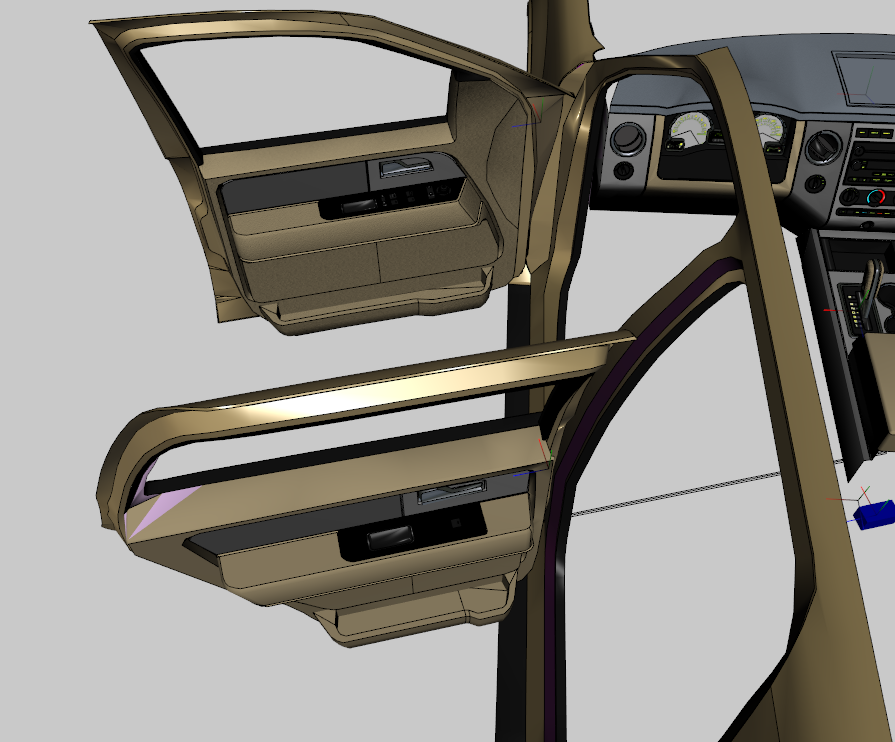
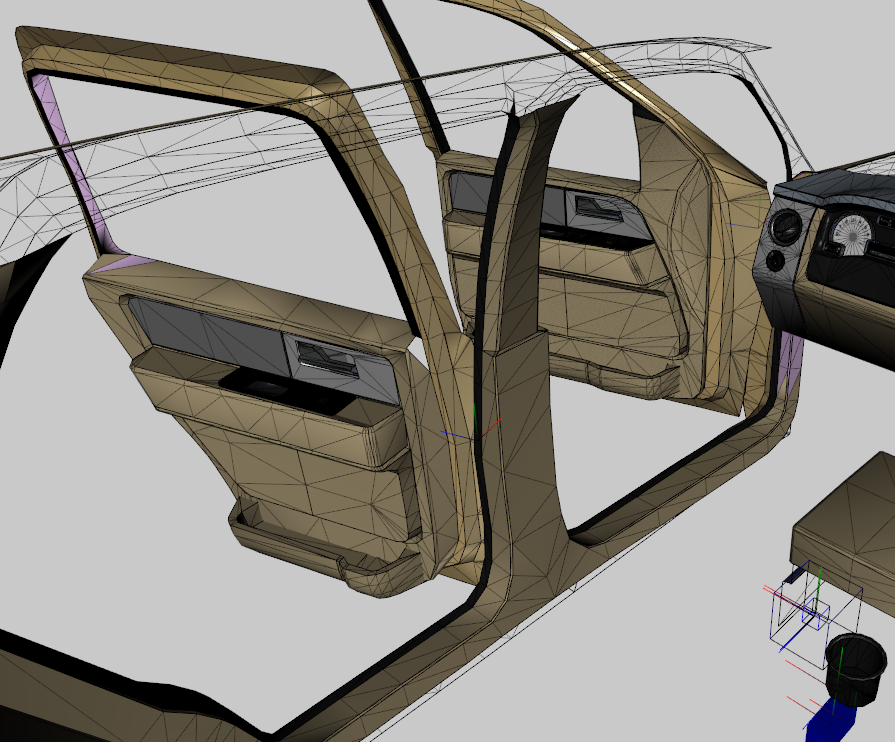
More update. Got more work done one both doors. after a little house keeping, like patching a missing poly or two and adding lock knobs I'm going to move to working on the seats... which means more stuff to make Yah. But my goal with this is to provide the most close to real life (with in my ability and the limitations of GTA) Because I think we have needed this car for the longest time. Also if anyone cares the poly count so far, it's about 20,000 for around for everything the mirrors (so stuff like the doors/body/light/ect) Thanks
-
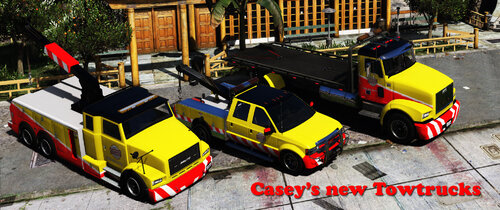 Excellent. They don't take away form the lore at all and look so great and best thing is I can tow the flatbed with the big truck and have the little truck towing both.
- 35 comments
- 10 reviews
-
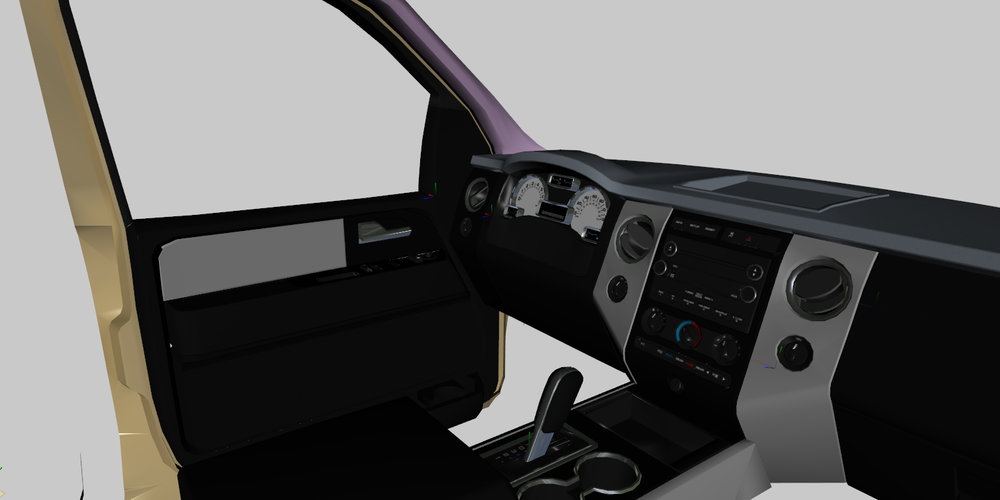
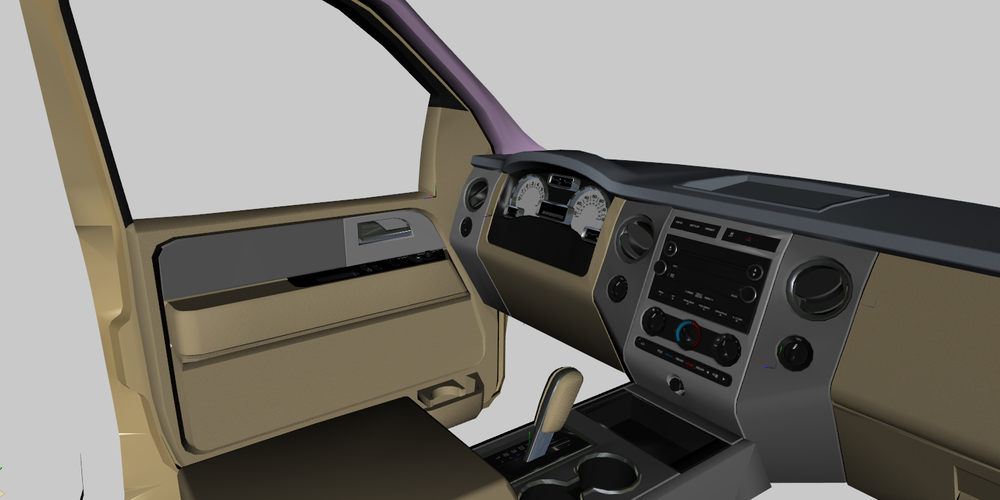
Been doing alot of work (when I could as life has been busy) but currently done more work on the interior and got the driver door mostly done. It's taking a while as I have to scratch make alot of parts and stuff.
-
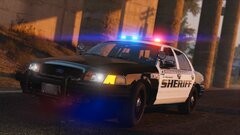 I don't like how the spotlights appear to be looking at me, and now I can't see it. Otherwise a beautiful image
 -
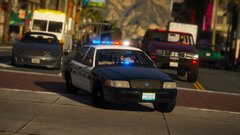 I always like to see how people use the models I put out. This is a simple light set-up but it is just beautiful
 -
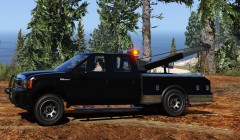 Are this one and the big heavy one (not the flatbed) add on ones or replace?
 -
The bigger pickup differently looks more closer to everyday towtrucks

.png.85ccc26253f99d64bbb94bd8a94ad130.png)