




GrandTheftPD
-
Joined
-
Last visited
Everything posted by GrandTheftPD
-
 Got it sounds like i have something new to look into lol Thanks @krul
 -
 Finally got around to installing and trying this plugin and i love it. Never noticed that you had added a slot for the fire extinguisher as well one more thing i dont have to carry now 👍 No brainer why this has been on the featured list for so long nice job @Sebo So my two main questions are: 1) Can we get a storeable pistol slot so I can stop getting shot when i hop out and he draws the radar gun instead of the handgun. I finally gave up and removed the radar gun (vintage pistol in my case) from my loadout because it would default to it over my handgun and this would constantly get me killed. Being able to store it in the vehicle when its not in use would resolve this problem without the need to spawn the weapon in and remove it from my loadout with a trainer everytime i wanted to use it. 2) Are there any vehicle models out there yet that have extras set up to work with this? @t0y @Jules Winnfield ?? Thanks again for this one nice job cant wait to see where it goes in the future✌️
- 135 comments
- 22 reviews
-
So how does that work exactly do you use the normal els controls and then trigger the back bar by clicking the stick like the vanilla version? As in two sets of controls at the same time? Looks cool and definitely got me curious lol could this be used to set up a traffic advisor bar or something without having it affect your normal els setup?
-
I dont know what you're up to but I like it lol 👍
-
.png.029216cb9c94eef22ec88aa91a57baeb.png)
-
.png.97ec57db0445e04dc7094cfd63ae01ab.png)
From the album: Custom Textures / Works In Progress
All blue lights and custom livery for @toy FPIU. Custom EUP uniform.© @GrandTheftPD
-
.png.3cfa27d196155bb06e632b93b441f78d.png)
From the album: Custom Textures / Works In Progress
Vehicle and Light re-texture / E.U.P Hat, Shirt, and Belt Re-textured© @GrandTheftPD
-
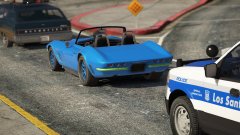
From the album: Citizens of San Andreas
-
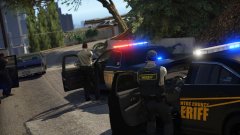
From the album: Just Doing My Job
-
-
.png.57f6272396717428fedf3f1f1e447b29.png)
From the album: Citizens of San Andreas
Felony stop for an outstanding bench warrant. Found in possession of narcotics and an illegal handgun. Further search of his vehicle also turned up a fake drivers license. -
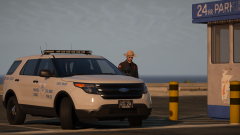
From the album: Just Doing My Job
Rhode Island State Police Big Thanks to @troopercharles for the EUP Textures Original vehicle file from @t0y can be found here -
From the album: Sight Seeing
-
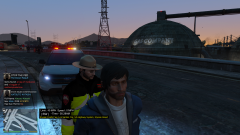
From the album: Citizens of San Andreas
Evading and Narcotics Possession RI State Police Ped by @troopercharles http://www.lcpdfr.com/files/file/14466-rhode-island-state-trooper/ -
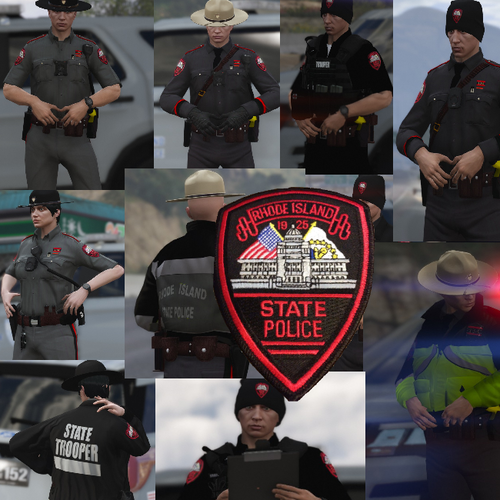 Well worth the wait thanks @Troopercharles Appreciate you. Also Bruins game 7 in the garden you ready? haha
- 36 comments
- 3 reviews
-
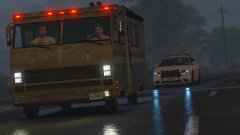
From the album: Just Doing My Job
-
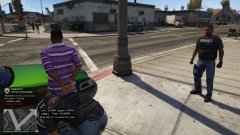
From the album: Citizens of San Andreas
Arrested for a warrant by the LSPD Gang Unit -
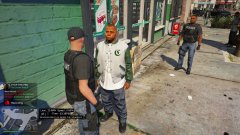
From the album: Just Doing My Job
LSPD Gang Unit make an arrest after witnessing a hand to hand narcotics sale outside a 24/7 store in Strawberry -
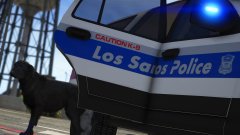
From the album: Just Doing My Job
boston based vehicle skin by @BradM -
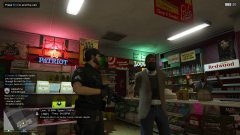
From the album: Citizens of San Andreas
In custody for an attempted liquor store hold up in Murrieta Heights -
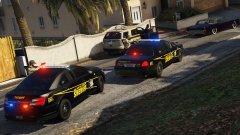
From the album: Just Doing My Job
-
-
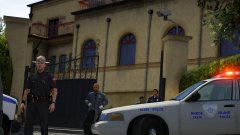
From the album: Just Doing My Job
RI State Police dealing with a homicide. RI State Ped and Vehicle skin by @troopercharles -
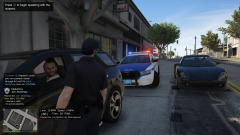
From the album: Citizens of San Andreas
Couple traffic citations -
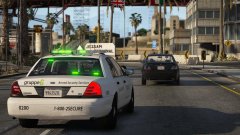
From the album: Just Doing My Job

.png.029216cb9c94eef22ec88aa91a57baeb.png)
.png.97ec57db0445e04dc7094cfd63ae01ab.png)
.png.3cfa27d196155bb06e632b93b441f78d.png)


.png.57f6272396717428fedf3f1f1e447b29.png)

