




GrandTheftPD
Members
-
Joined
-
Last visited
Everything posted by GrandTheftPD
-
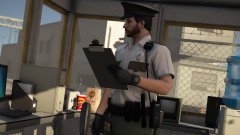
From the album: Just Doing My Job
-
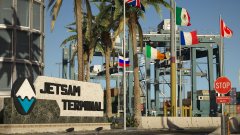
From the album: Sight Seeing
-
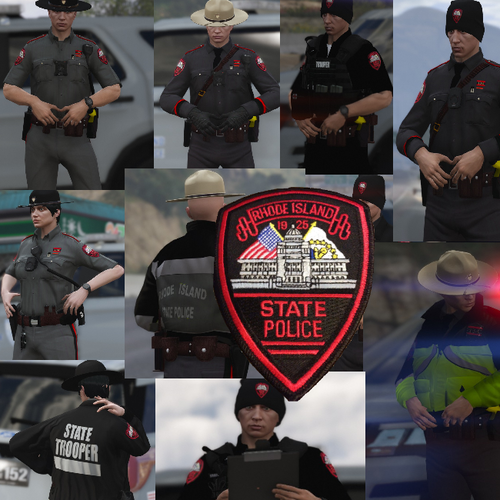 Born and raised @Troopercharles haha the real question is "were you a pats fan in the 90s?" lol separate the real fans from the brady bandwagon
- 36 comments
- 3 reviews
-
-

- 1
-
-
-
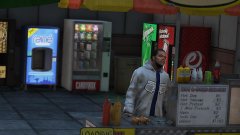
From the album: Citizens of San Andreas
-
.jpg.b361707ad96e3448222de19b82cb6ef0.jpg) Thanks man @LCPD McGee
Thanks man @LCPD McGee -
Yes sir one of the only Rhode Island skins ive found other than the state police @LCPD McGee
-
 @PotatoOfficer Sounds like you probably had it figured out but you werent in edit mode in openiv if i had to guess. Did you click the edit mode button at the top in openiv before you tried to drag and drop your files in? If your not in edit mode you will not be able to edit/replace any files. If your new or having trouble figuring it out try looking through this guide by @Hystery and the comments with it. I wish i had found it when i was first starting. Hope that helps you @PotatoOfficer
- 58 comments
- 37 reviews
-
-
- 1
-
-
From the album: Just Doing My Job
-
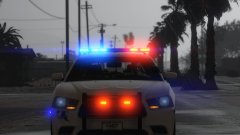
From the album: Just Doing My Job
2014 charger by @BradM -
Still jealous of those lol I have pawtucket and state police right now @J.J Designs Just made the all red light setup they use to go with Troopercharles RI state police cvpi might make one to go with his tahoe next. Are you ever going to make eup versions of any of your peds like you did with your mass pack? @Troopercharles Ive been watching for a version of that jacket you have in there but without the mass patches on it lol
- 36 comments
- 3 reviews
-
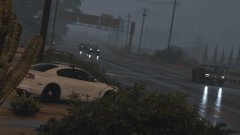
From the album: Just Doing My Job
2014 Charger by @BradM stealth vehicle skin by @jcpse -
.jpg.d16dcfa529b1e493efd9c7536106e0e0.jpg)
From the album: Just Doing My Job
-
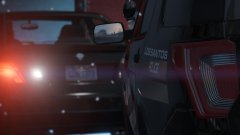
From the album: Just Doing My Job
-
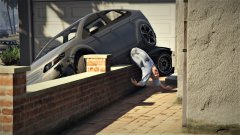
From the album: Citizens of San Andreas
-
From the album: Just Doing My Job
-
From the album: Just Doing My Job
Great replacement for the biff dumptruck uploaded by @Candice -
-
 So this is only 21 states at the moment with more on the way or am i missing something in the download? @TPaluzzi2019
- 27 comments
- 2 reviews
-
From the album: Just Doing My Job
-
I believe i had an issue like this when i first started out. Not sure if its mentioned here anywhere but i noticed you said you tried all the patchdays and still got vanilla vehicles @chaika. I copied my x64e.rpf from my GTAV folder into my mods folder and replace the vehicles in both the x64e vehicles.rpf as well as the patchday folder. If you copy x64e.rpf into you mods folder then go to mods/x64e/levels/gta5/vehicles.rpf . Try replacing the vehicles there as well as the patchday folder and see if it works. Hope that solves it for you.
-
-
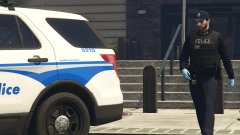
From the album: Just Doing My Job
-
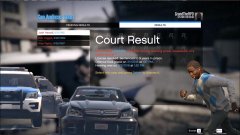
From the album: Citizens of San Andreas
Should have more charges for the crash and subsequent homicide but solid court results for an ambient stolen vehicle -
From the album: Citizens of San Andreas


.jpg.b361707ad96e3448222de19b82cb6ef0.jpg)
.jpg.d16dcfa529b1e493efd9c7536106e0e0.jpg)


