

Cyanotic
Members
-
Joined
-
Last visited
Everything posted by Cyanotic
-
 They happen automatically, (stealth variant will happen automatically in stealth mode) it will be the way you carry your gun.
- 83 comments
- 14 reviews
-
-

-

- 2
-
-
-
 While you're adding ini options, Enable/disable the character's voice during a traffic stop on foot or in a vehicle. EnablePulloverSound=false did not work for me. It still played the megaphone voice
- 38 comments
- 4 reviews
-
-
- 1
-
-
-
Yeah DDM4 is paid. A lot of people use it, myself included. I tried looking at the metas that come with it to see what needed to be edited to make it work with KTWR but I didn't have time to keep looking through them all.
- 83 comments
- 14 reviews
-
-
- 2
-
-
These are fantastic. Having trouble getting the stealth pistol (calm down) to work. It's possible that I've installed something in the past that's interfering though.
- 83 comments
- 14 reviews
-
-
- 1
-
-
-
I've been looking for him for years as well. Had all of his cars and loved his work. I remember talking to him before he disappeared and I do remember him going through some stuff. He's definitely missed in the community. I hope he's well.
-
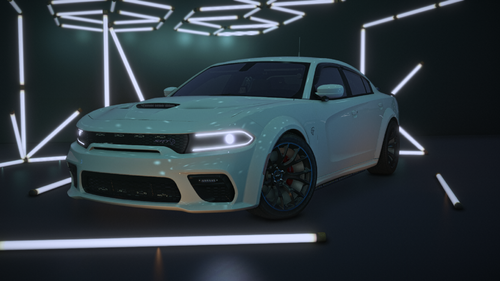 Ridiculously sick and well made as always.
 -
 These are VERY well made. I usually main State Trooper and having this in my game has made it SO much more enjoyable. Very well done Sir.
- 49 comments
- 8 reviews
-
-
- 1
-
-
-
 This is extremely game changing. Not having to use menus to talk to/command peds and having it integrate with STP and PR is OUTSTANDING. If you like immersion do yourself a favor and try this mod out!
- 321 comments
- 16 reviews
-
-
- 1
-
-
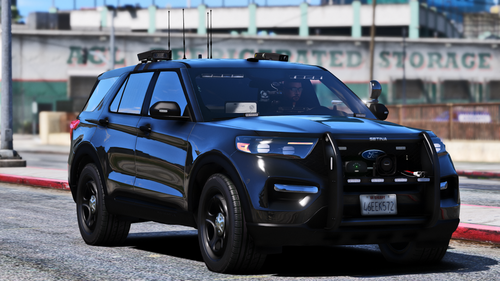 Good lord this thing is wicked.
 -
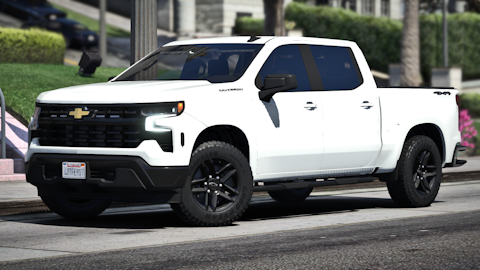 As always. The best vehicles on LSPDFR.
 -
I've had quite a bit of luck just tailoring the xml to the exact way I speak. Multiple variations for every question. I find it easiest to focus on one area you want to be able to speak about, note what works and what doesn't for you, leave the game, tailor your XML to your speech then move on to the next area you want to work on. It takes time, the same way it does with GP if you want it to be fluid, but, when it works it works really well. Excited to try with the new default response addition. I plan on reviewing soon. Great work man.
- 321 comments
- 16 reviews
-
-
- 1
-
-
-
If there was the ability in the xml to adjust the default phrase that would likely be your best bet. It gets very hard to please everyone in this community lol. Trust me, I've been there.
- 321 comments
- 16 reviews
-
-
- 1
-
-
It's live, just snagged it. That's why I thought it was so funny. Literally exited game and bam the update posted.
- 321 comments
- 16 reviews
-
-
- 1
-
-
I was literally just testing this out and thought "damn this would be perfect with xml support" hah. Awesome work man!
- 321 comments
- 16 reviews
-
-
- 1
-
-
 Thank god. Finally. Such a simple idea but can do wonders for your game.
 -
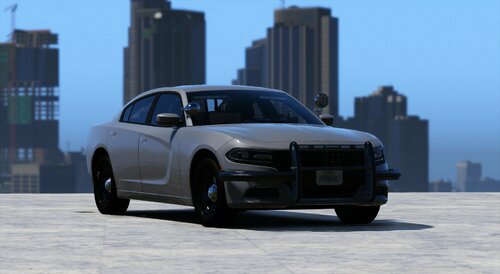 This is nice, really dig it. I only wish the antenna was a bobble.
 -
 Would love to know how you did it.
 -
 Loving these cars however, when opening the trunk a couple of lights just stay hovering in mid air and the TA lightbar goes off like the emissives are attached to the glass of the trunk itself.
 -
 @thatmaxplayle I have some various welfare check audio that I'm working on implementing if you would be interested in working together.
- 422 comments
- 25 reviews
-
-
- 1
-
-
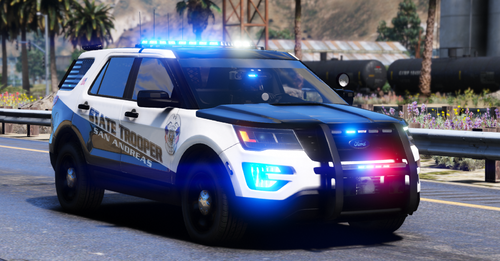 Only Rabbit could make me like a Valor lightbar.