


Tactical Donut
Members
-
Joined
Everything posted by Tactical Donut
-
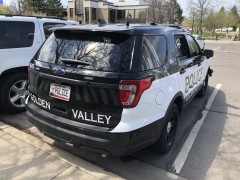
From the album: Yes, this vehicle does exist
-
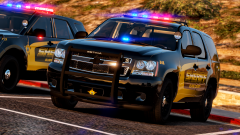
From the album: BCSO Mega-Pack (Integrity)
-
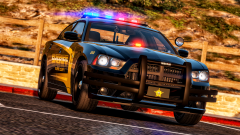
From the album: BCSO Mega-Pack (Integrity)
-
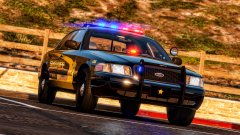
From the album: BCSO Mega-Pack (Integrity)
-
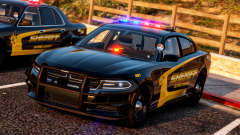
From the album: BCSO Mega-Pack (Integrity)
-
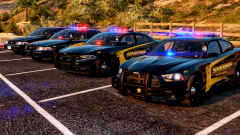
From the album: BCSO Mega-Pack (Integrity)
-
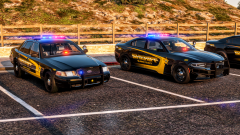
From the album: BCSO Mega-Pack (Integrity)
-
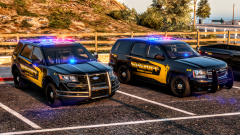
From the album: BCSO Mega-Pack (Integrity)
-
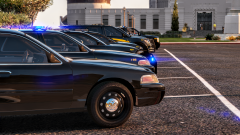
From the album: BCSO Mega-Pack (Integrity)
-
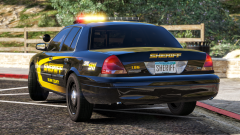
From the album: BCSO Mega-Pack (Integrity)
-
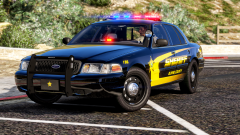
From the album: BCSO Mega-Pack (Integrity)
-
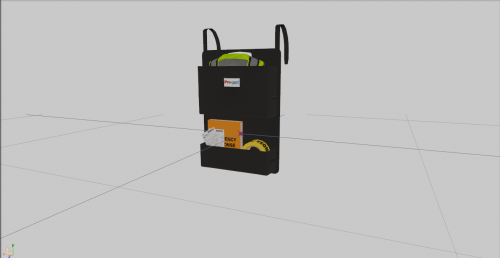 Thank you for converting this!
 -
Gee thanks for all of the amazing helpful answers
-
So I'm making the 2018 Charger for my SAHP mega-pack and it only has the ugly default plates, how do you add templated ones?
-
 I can finally use this now without update.rpf going over 4 gigabytes! Thank you very much for making this a DLC pack instead of shoving 600 megs into update.rpf!
- 2,341 comments
- 236 reviews
-
.png.ae56b2f25eb3c74869ee0337b9042c3f.png)
From the album: Minnesota State Patrol (SAHP) Pack
-
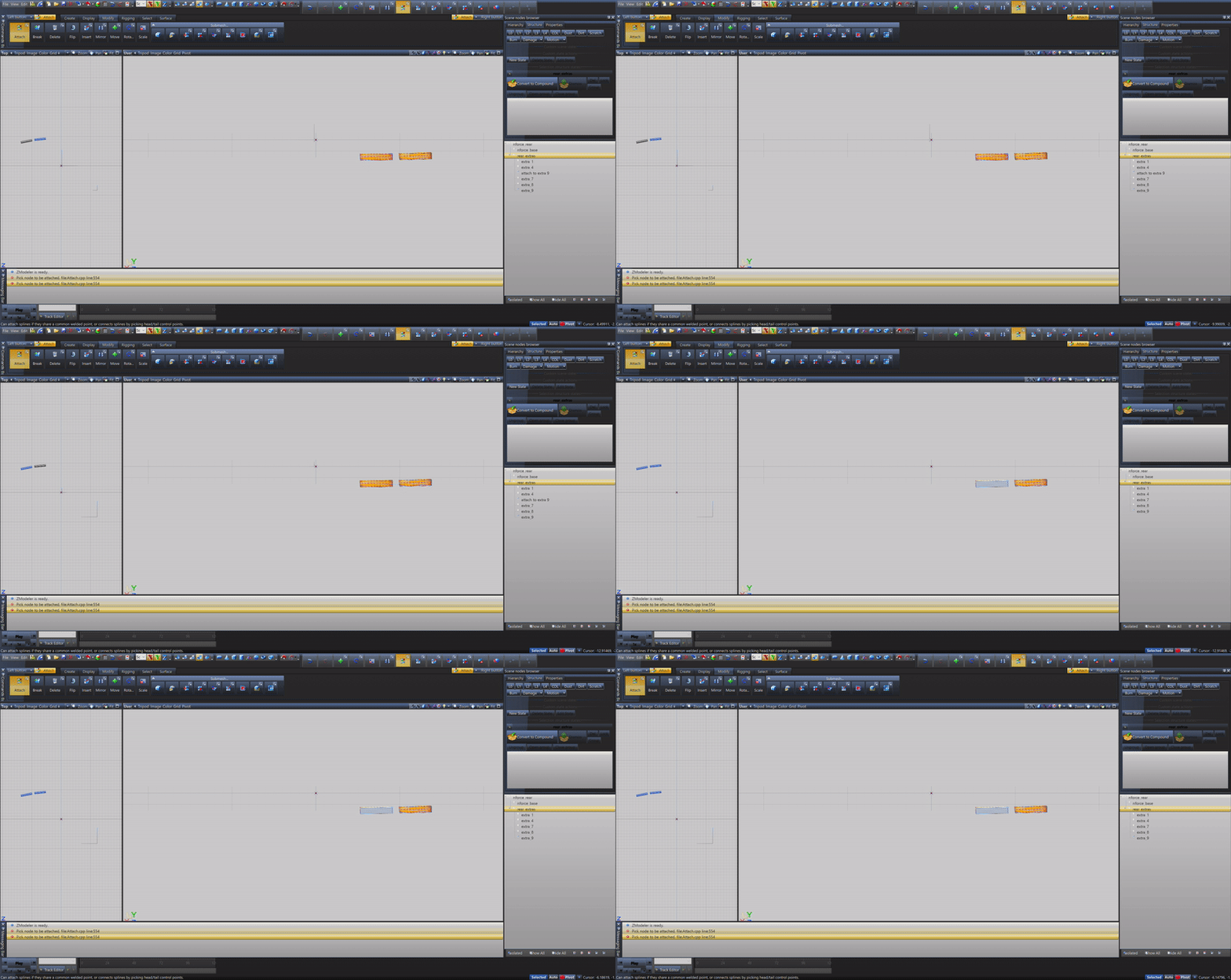
I know the title isn't clear so here's a GIF explaining it. How do you fix this crap.
-
Thank you very much!
-
Can someone please convert this https://www.lcpdfr.com/files/file/6902-dev-whelen-legacy/ to GTA V because unlike IV people actually play V. I would do this myself but godawful Windows can't run zmod 2 without literally blowing up. I really want to use it for my pack: https://www.lcpdfr.com/files/file/22437-els-2016-sahp-tahoe/ So if you're undecided, this lightbar will actually be put to good use and I'll give you like 500 shout-outs in the file.
-
Because this is for IV and no one can be bothered to convert it to a game that people actually play
- 13 comments
- 2 reviews
-
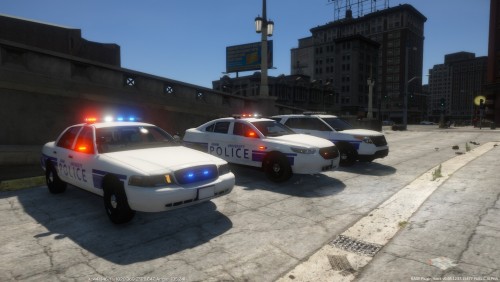 How the heck does that have 2000+ downloads after being up for five hours And it’s university police... That in itself makes it so there won’t be that many downloads
 -
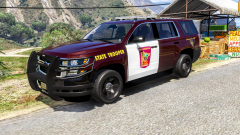
From the album: Minnesota State Patrol (SAHP) Pack
This has been uploaded and this photo is outdated... -
It's always like that... Check any other VCF on this site. I changed out the lightbar and it works (you might have seen the release)
-
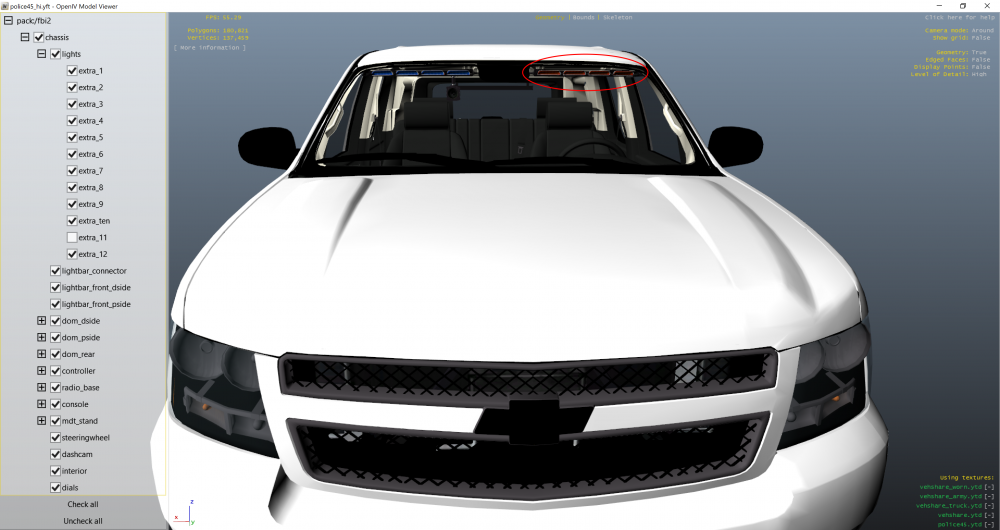
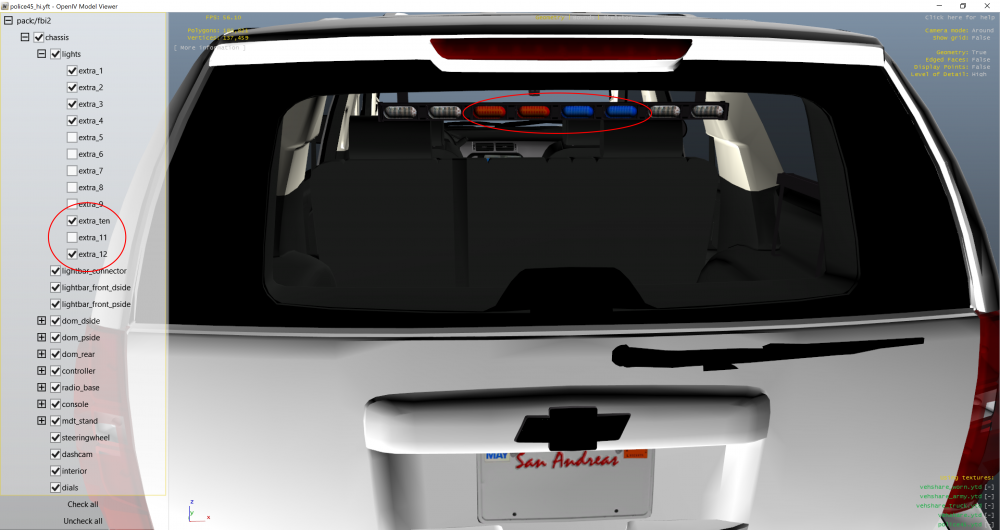
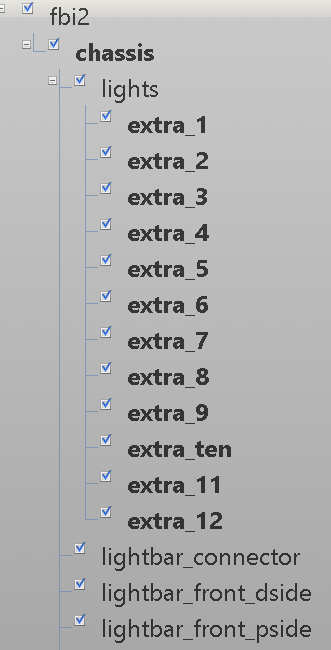
Ok, so I made this unmarked Tahoe, but extras 1-4, 10 and 12 refuse to show in game. They preview fine in zmod and OpenIV, but literally don't work at all, and are not recognized by ELS. As you can see in the video, they are treated as regular extras and not ELS extras. Some screenshots/videos are attached. For the video, I purposely deleted the driver's side headliner bar to see if the bar was blocking the extras, but it wasn't. If you need the z3d just ask. Video: https://youtu.be/JD3eB9ZxqLc This is my ELS extras VCF setup:
-
Doesn't work with GTA V v1604 or with newer versions of ENT, also don't use the one that has you install the GTAV.config file because it's bad


.png.ae56b2f25eb3c74869ee0337b9042c3f.png)


