Splodge123
Members
-
Joined
-
Last visited
Everything posted by Splodge123
-
-
-
-
-
-
-
-
-
Ok, thanks 'preciate it
-
Hey PNWParksFan, I know you (Or was is skyline?) posted some pics a while ago of a heli landing on a boat. Do you think that will be a think while the boat is moving?
-
Nice
-
Thanks for all the hard work to your brilliant mod. Can we expect the mini RIB to be attached to the 87' Marine Protector Class Patrol Boat or not
-
.png.14c10bd229b0d09d03719ab0a008b5cd.png) Nice, I love the 16/17 Tahoe
Nice, I love the 16/17 Tahoe -
-
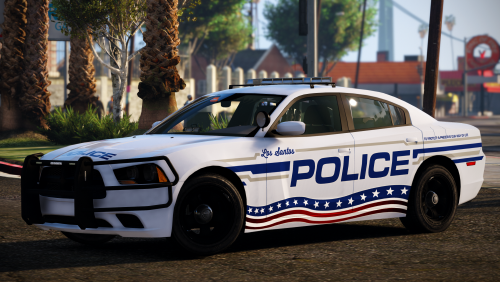 Hi could someone please link me the vehicles used for the Bay St Louis pack and the Missoula pack. I have been searching high and low and I can't find the vehicles anywhere. Thanks Edit: If possible could you get ELS cars please
- 16 comments
- 13 reviews
-
Dude, you're the best mod. Every time I have a problem, you've fixed it.
-
Thanks for your support but I have fixed it by reinstalling the OpenIV Tools.
-
Yup, they are all installed
-
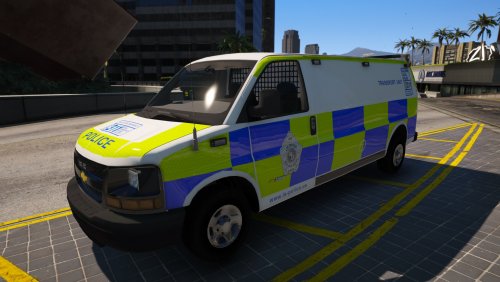
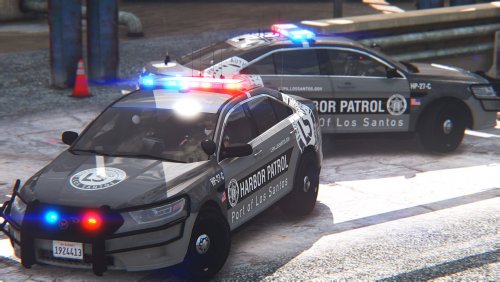
Hi, I have tried to install some new vehicles after reinstalling the game. I have put them in both the mods folder and Patchday 16; None of them show up in game, they are just replaced by the standard game vehicles. Is there some setting I need to toggle (Please note I have have working vehicles installed previously). Any help is appreciated, Thanks



.png.14c10bd229b0d09d03719ab0a008b5cd.png)