Him1250
Members
-
Joined
Everything posted by Him1250
-
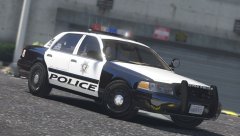 Let's just say it's a pretty cool feature.
 -
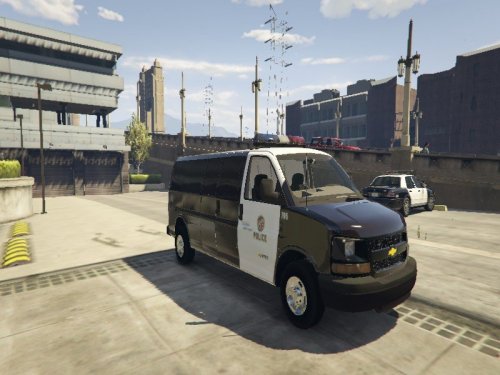 Could you not quote me? Thanks.
 -
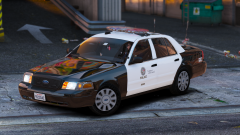 Okay, fine. LSPD based.
 -
Get rid of the ponies and you have probably 1 of the best LAPD based cars for V.
-
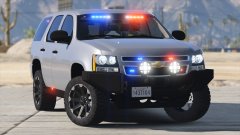 Why use his screenshot when you could have just taken your own?
 -
That's weird. Never had that problem.
-
Reinstall all your mods.
-
Enough is enough. This needs to end now.
-
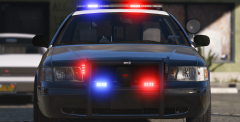 Screenshot looks awesome!
 -
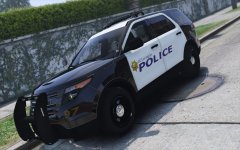 Send me a PM. I can help you set it up.
 -
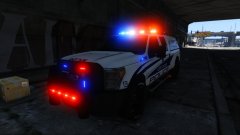 Not released yet.
 -
I was able to revert just fine.
-
LSPDFR itself (I'm assuming at least) is intended to work on any version of RPH but mods are updated with new features ect
-
We usually just install them in 1 dlc.rpf. Most of the time it's the most recent patch day so it's not that hard imo
-
Are you making a car for GTA IV or GTA V?
-
This.
-
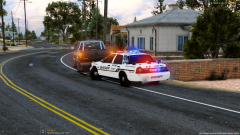 gayyyyyyyyyyyyyyyyyyyyyyyyyyyyyyyy luv u bby
 -
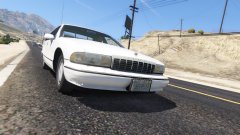 Looks a little old to be "fresh out the factory."
 -
That's actually not an error. It's just simply telling you that it may not function properly ingame if you wanted it to be an extra ect.
-
Glad I updated my keyboard when I did. I have the blackwidow chroma too!
-
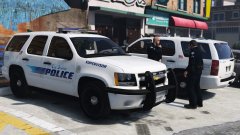 Didn't say he did. I was just simply stating that these are not "new vehicles."
 -
He made these tahoes probably 4 months ago.
-
-
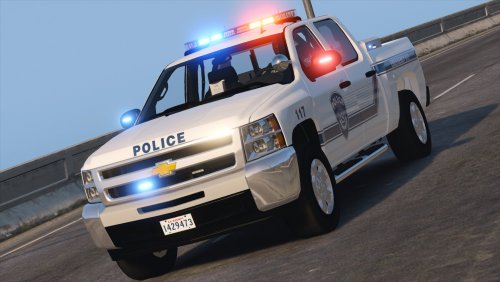 Unfortunately, that model cannot be released due to lack of permissions for that base model.
- 27 comments
- 19 reviews
-
-

- 1
-
-