


Him1250
Members
-
Joined
Everything posted by Him1250
-
It's almost there!
-
I believe it's time I post an update on the FPIS. It's currently about 96,000 triangles. I have a bit more polyfilling to do then I can begin the port to V.
-
Send me a PM if you need to.
-
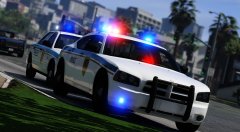 Looks good toastedscoops.
 -
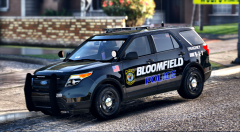 Can you not see the different light bar?
 -
Thank ya.
-
-
Almost ready for the last part of the conversion. I have to do the last bit of polyfilling then we're good.
-
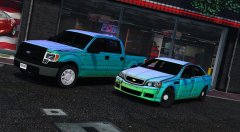 I know the caprice isn't as of right now. The base in general needs a lot of work.
 -
You didn't do anything. I fixed that issue but I haven't released the update.
-
Update on the taurus.
-
Brand new one.
-
Here's a sneak peak at a project.
-
Close as I can get them.
-
Just gonna leave this here.
-
Please refer to the description for any questions about models you may have.
-
They'll be released at some point in the future.
-
I believe it's time for an update on the NMSP pack. ALL the cars have been optimized for first person, they use their own ELS style patterns and are in a .oiv format. I'd like to give a HUGE thanks to @Captain14 for helping me over the last two months with the carcols and most recently .oiv formats. I'll hopefully post a video later today of the cars thus far.
-
BRAND new template for the tahoe. Window template is coming.
-
Nope.
-
You have to give the lights certain ID's. LIGHT IDS.txt
-
Sure, I'm down to beta test some new callouts ;)
-
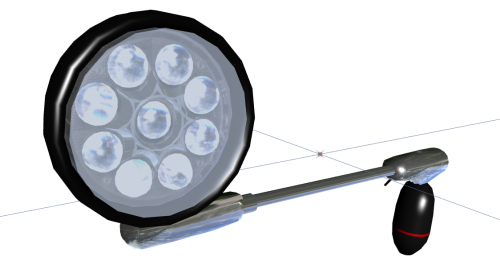 Awesome!
 -
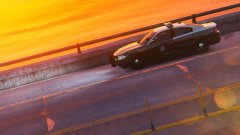 Like LVMPDFAN said, It's not his charger. The charger above is this charger from GTA5-Mods.
 -
It's going to be a completely separate model.


