


FCV96
Members
-
Joined
-
Last visited
Everything posted by FCV96
-
If I had to guess, I'd say that they're running a dual-siren setup. Other than that I have no idea.
-
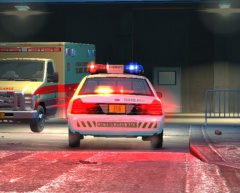 There is a reason that the Streethawk is one of Federal's most popular lightbars of all time. :D
 -
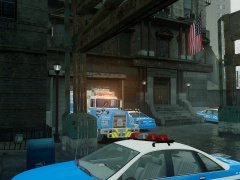 http://www.gta4-mods.com/vehicles/mack-r-bronx-1993-nypd-emergency-service-unit-f27615
 -
The default handling and vehicles.ide lines work for this truck, John.
-
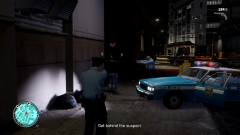
From the album: LCPDFR Escapades
After a lengthy chase, this suspect was apprehended without incident. -
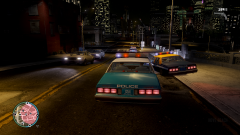
From the album: LCPDFR Escapades
It's always nice to know that neighboring agencies are there for you as well. -
Gotta love Compeast, haha. I don't see any of the '87-'90 Caprices around though - they were surely still in service around '93.
-
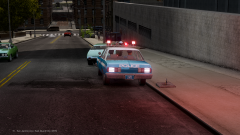
From the album: LCPDFR Escapades
Hitting a pedestrian and attempting to drive off isn't the brightest idea. This is especially true if the police vehicle behind you is occupied. -
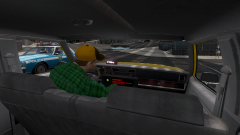
From the album: LCPDFR Escapades
Does that cabbie look suspicious to you? -
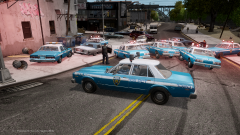
From the album: LCPDFR Escapades
The officers of Liberty City occasionally show tribute to the film; it's one of their favorites. -
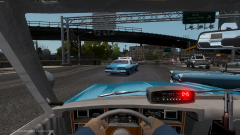
From the album: LCPDFR Escapades
You wouldn't want to cause a collision, now would you? -
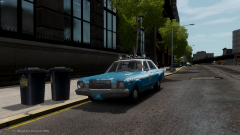
From the album: LCPDFR Escapades
Five bucks says that they're in those garbage cans. -
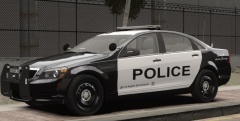 Eurostile is probably one of my favorite fonts for that matter.
 -
Simply put, there is no way that you can use DLC for The Sims 3 purchased through Steam on a non-Steam copy.
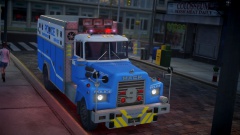 It sure is a beauty, and relatively accurate!
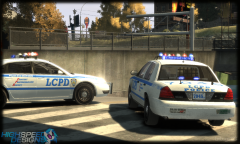 These look great!
 What are the chances of getting a version with the LCPD badge and citation bar?
- 18 comments
- 8 reviews
-
-

- 1
-
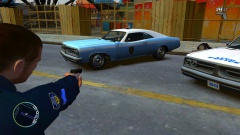 I'd make the LCPD patch a little bit larger and have it slightly over the line in order to emulate some of the early 1970s blue/white NYPD RMPs.
![[REL] New Mexico State Police 1987 Ford LTD Crown Victoria](//s3-gallery.int-cdn.lcpdfrusercontent.com/gallery/album_338/sml_gallery_14186_338_929617.png) Looks wonderful, as always. The red interior certainly is striking!
Looks wonderful, as always. The red interior certainly is striking!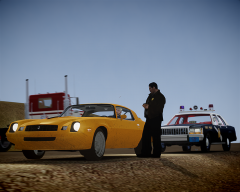 Looks like he won't be heading Eastbound and Down anytime soon!
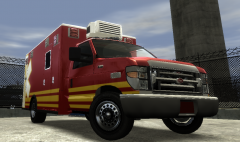 It's really starting to come together!
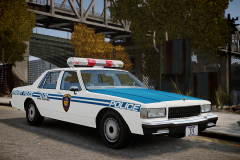 There is always a feeling of joy that I get whenever I see one of Strike's photos in the gallery. :D

![[REL] New Mexico State Police 1987 Ford LTD Crown Victoria](http://s3-gallery.int-cdn.lcpdfrusercontent.com/gallery/album_338/sml_gallery_14186_338_929617.png)
