
Trp. Keaton
Members
-
Joined
-
Last visited
Everything posted by Trp. Keaton
-
 You'll have to edit the agency.xml file for that, I am pretty sure. I was going to be releasing a pre-edited one with a beta update, that will be coming soon
- 300 comments
- 22 reviews
-
-
Hi, so the pack is something called Hybrid. It is using ELS, but it's also using NON-ELS for things such as the lightbar. So while the pack requires ELS to use, the lightbar and some other lights (if configured) don't require ELS and will work with or without it. But for ALL of the lighting to work, you do need to use ELS. The lightbars are being used with NON-ELS to get the real life light pattern in game, we can not recreate it using ELS as it's just not possible.
- 300 comments
- 22 reviews
-
-

- 1
-
-
Some will suggest resource limit adjuster. I recommend you try that first. But having alot of these cars in one area will cause that issue as well.
- 300 comments
- 22 reviews
-
-

- 1
-
-
-
-
-
20240616145736_1.jpg
-
 20240616145712_1.jpg
-
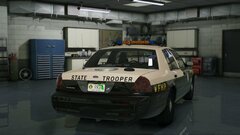 20240616145642_1.jpg
-
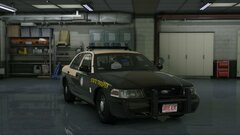 20240616145635_1.jpg
-
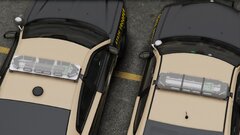 20240325005128_1
-
 20240316060802_1.jpg
-
 20231207020407_1.jpg
-
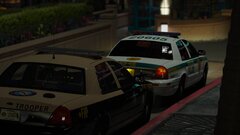 20231206180542_1.jpg
-
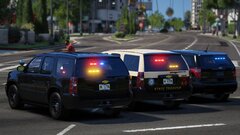 20231207024608_1.jpg
-
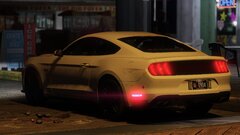 20231117023550_1.jpg
-
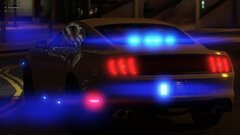 20231113003839_1.jpg
-
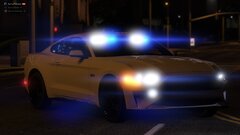 20231113003827_1.jpg
-
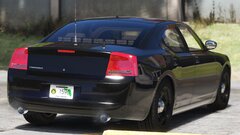 20230805151805_1.jpg
-
 20230805151706_1.jpg
-
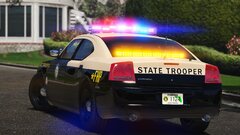 20230723153514_1
-
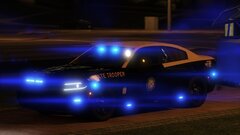 20230721003235_1.jpg
-
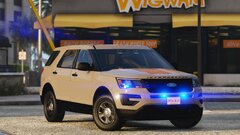 20230717210044_1.jpg
-
 20230707191200_1.jpg
-
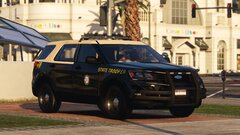 20230517232325_1.jpg
-
 20230430104112_1.jpg
-
-
-
-
-
I use a handling line that changes GTA's default, so I don't notice these things, but I am trying everything to get it to no flip so easily. Over the next several updates there will be changes made to hopefully correct that issue.
- 300 comments
- 22 reviews
-
-

- 1
-
-
-
I haven't heard of this issue before, ill have to look into it, thank you for bringing it to my attention. Also I am glad you enjoy the pack!!
- 300 comments
- 22 reviews
-
-
- 1
-
-
-

-
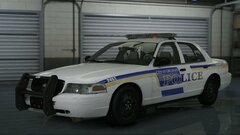
-
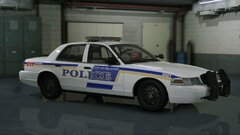
-
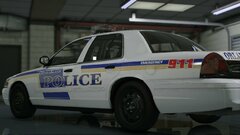
-
A text document telling you which car is which is being worked on right now, a few changes have have to be made first, but it should be done soon. But I am happy to hear that you are enjoying the new pack!!
- 300 comments
- 22 reviews
-
-
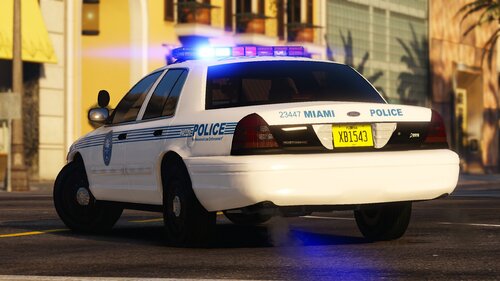 The pack is in the process of being rebuilt so this issue will be fixed...... hopefully
 -
-
-
-