



Trp. Keaton
Members
-
Joined
-
Last visited
Everything posted by Trp. Keaton
-
 Which department is that? DLS is also just as easy to install too, just like ELS and functions the exact same way. I get that your comfortable using ELS and that’s fine. The main difference between the two is ELS requires a vehicle that uses extras to have emergency lighting, and since there is only about 10 usable extras, the creator is very limited on how many lights to use and the patterns. With DLS, the car is non-els, using the in-game sirens and allows up to 32 sirens to be used to give the creator a wide range of ability for light placements and light patterns too! Not to mention with DLS, you can have cars with halogen lights, which is amazing!
 -
You should give DLS a try, it’s absolutely amazing. You give the most realistic lighting pattern with vehicles, have more control than any car with ELS, plus, you don’t have to wait for scripthook v to update to use vehicles after an update. Once LSPDFR is updated, you can right back to patrolling! Plus not to mention with a DLS vehicle, the environmental lighting is astounding
-
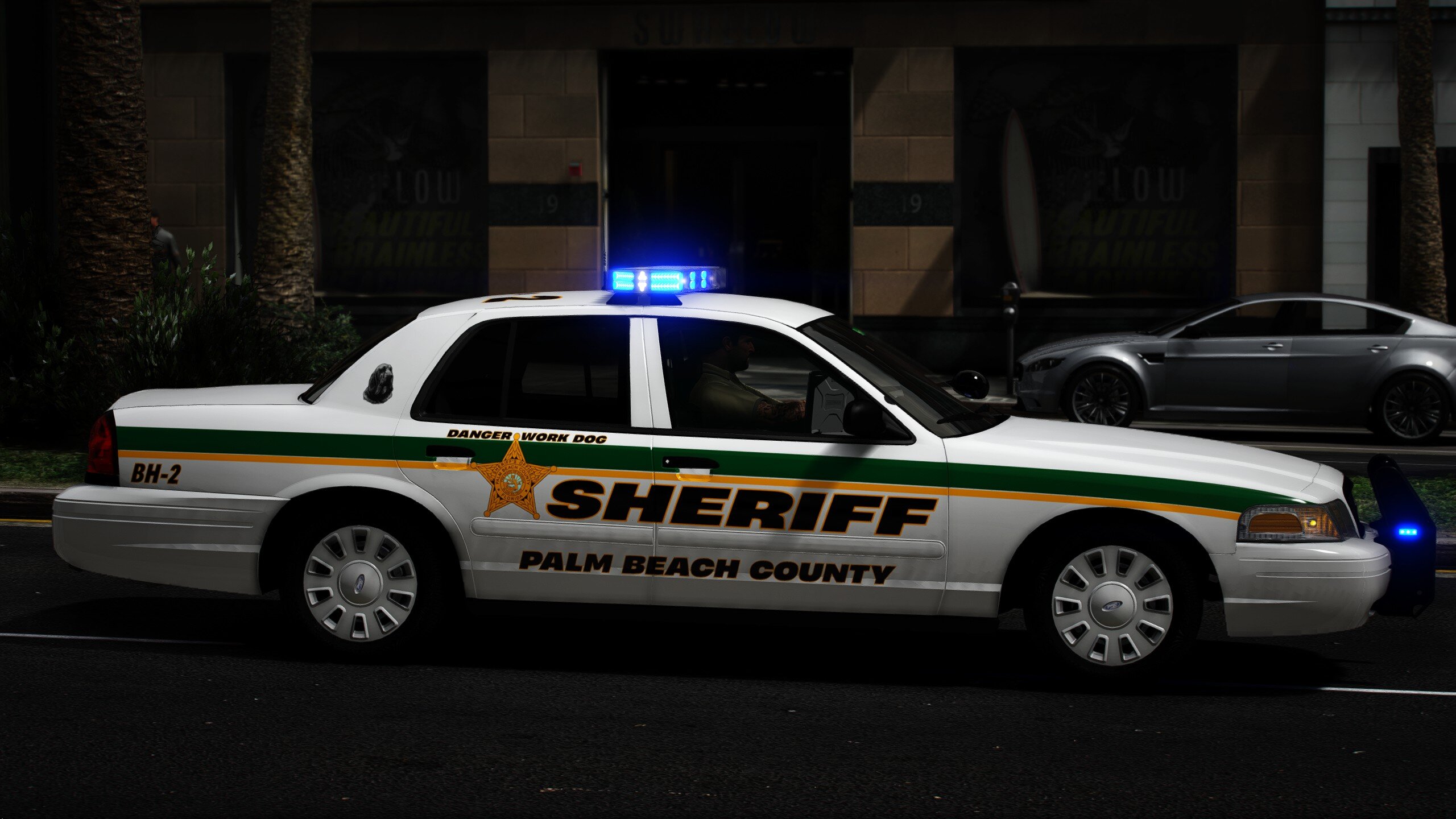
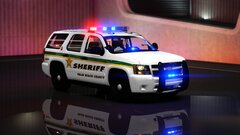
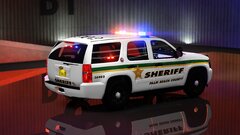
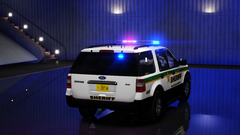
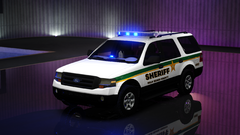
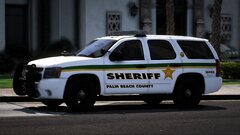
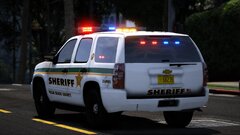
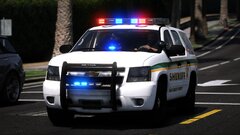
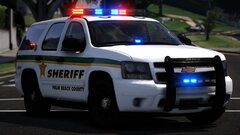
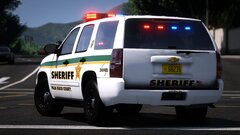
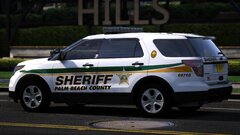
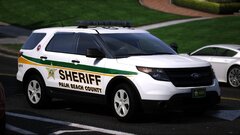
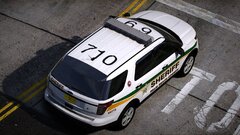
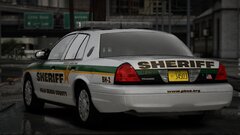
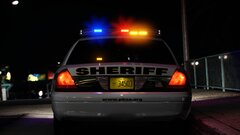
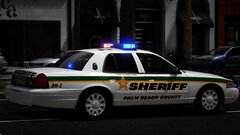
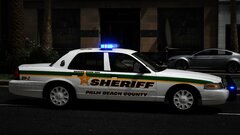
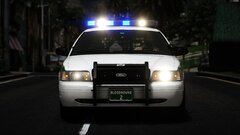
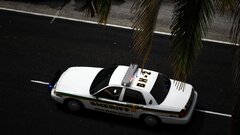
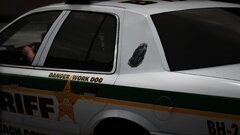
Hello everyone! My first release in I think a year or something, this is my Palm Beach County Pack. I have decided to release this pack into Public Beta since I believe I have enough cars in it to release it to the public for testing. This pack should have been further along that it was but motivation just kind of wore me thin, and other life events kind of hit the nail on the head, but here I am, new release and have another one coming too! This is a DLS only pack, meaning this pack will ONLY work with DLS, you can also use it in FiveM too, but I don't provide support for that.
-
-
-
20260914192802_1.jpg
-
 20260914192846_1.jpg
-
 271590_20260915030357_1.png
-
 271590_20260915030331_1.png
-
 20260310111839_1.jpg
-
 20260310111911_1.jpg
-
 20260310111920_1.jpg
-
 20260310111957_1.jpg
-
 20260310112008_1.jpg
-
 20260309183752_1.jpg
-
 20260309183931_1.jpg
-
 20260309184002_1.jpg
-
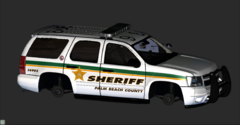 image.png
-
 271590_697.jpg
-
 271590_698.jpg
-
 20260118214612_1.jpg
-
 20260118214621_1.jpg
-
 20260118214635_1.jpg
-
 20260118214709_1.jpg
-
 20260118214719_1.jpg
-
-
-
From the album: Palm Beach County Sheriff
© 2026 TKP
-
From the album: Palm Beach County Sheriff
© 2026 TKP
-
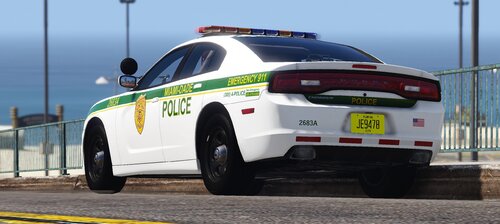 I will be going to Miami in the first week of September, so I will be trying to get as many pictures of their units as possible
 -
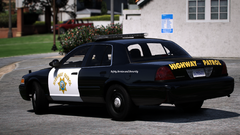
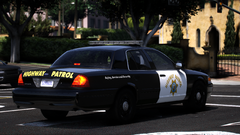
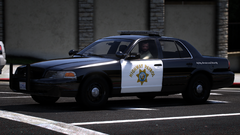
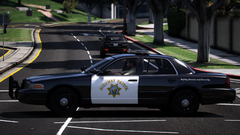
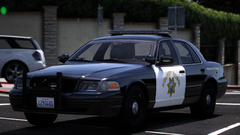
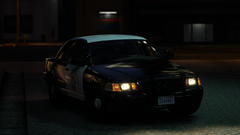
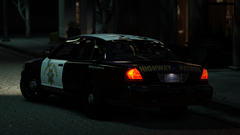
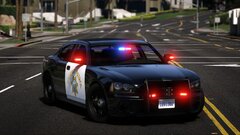
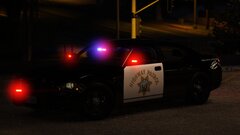
From the album: Retro California Highway Patrol
© 2026 TKP
-
-
271590_20260804154640_1.png
-
 271590_20260804154713_1.png
-
 271590_20260804154730_1.png
-
 271590_20260804154801_1.png
-
 271590_20260804154815_1.png
-
 271590_20260820185311_1.png
-
 271590_20260820185331_1.png
-
 20260714060445_1.jpg
-
 20260714060506_1.jpg
-
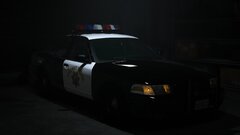 20260604214840_1.jpg
-
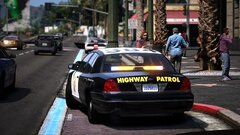 20260525155951_1.jpg
-
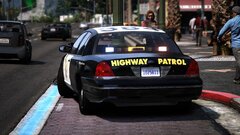 20260525155912_1.jpg
-
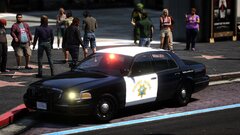 20260525155901_1.jpg
-
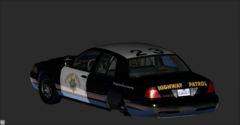 Screenshot 2026-06-05 220534.png
-
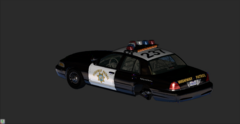 Screenshot 2026-04-27 142824.png
-
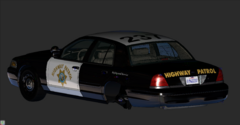 Screenshot 2026-04-26 034909.png
-
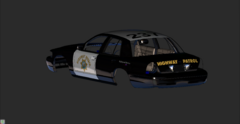 Screenshot 2026-04-26 033200.png
-
-
From the album: Retro California Highway Patrol
© 2026 TKP
-
From the album: Retro California Highway Patrol
© 2026 TKP
-
From the album: Retro California Highway Patrol
© 2026 TKP
-
From the album: Retro California Highway Patrol
© 2026 TKP
-
-
-
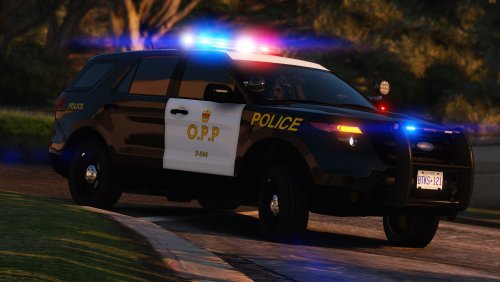
 The FPIU's are a low-quality base that are going to be replaced real soon, I am still working on releasing a much-needed update to the pack They are in the 40's
- 300 comments
- 22 reviews
-
-

- 1
-
-
 So, when you install replace vehicles in patchday24ng, there is no police files in there. You can add them in, and they will still work in game. And when it says latest patchday, it's referring to the latest one in your mods folder.
 -
-
-
Yes, I plan on refreshing the pack!
-
-
-


