



Trp. Keaton
Members
-
Joined
-
Last visited
Everything posted by Trp. Keaton
-
 Yeah, I've been seeing that lately. It comes down to I believe it's the graphics mod, and the texture to the emissives that are casing that issue. I am looking into fixing it soon.
 -
-
-
 Yeah they were removed to be rebuilt. I am changing the bases and I have to redo them
- 300 comments
- 22 reviews
-
Try taking the texture, make it 1K with I think is 1096x1096 and put it in the normal .ytd, the ones not labeled +hi.ytd
-
Go into the .+ytd in openiv and change the compression on the texture to DTX5. Also if you are running NVE, for whatever reason, 4K textures don’t always work on it.
-
 The pack is eventually going to be rebuilt. But I’ll look into replacing those cars to fix the pack for now. Thank you for telling me
- 164 comments
- 17 reviews
-
I don't think that's a problem with the pack, just more or less an issue with your game
- 164 comments
- 17 reviews
-
I’ll be sure to fix that in the next update! Lore liveries will be coming, they are still being worked on.
-
-
 20240624015629_1.jpg
-
 20240624015622_1.jpg
-
 20240624015612_1.jpg
-
 20240624015604_1.jpg
-
 20240624015558_1.jpg
-
 20240801191242_1.jpg
-
 20240801191228_1.jpg
-
 20240801191215_1.jpg
-
 20240731032457_1.jpg
-
 20240731032439_1.jpg
-
 20240731032421_1.jpg
-
 20240710134938_1.jpg
-
 20240624015703_1.jpg
-
 20240624015644_1.jpg
-
 20240610011933_1.jpg
-
 20240610011926_1
-
 20240610011918_1.jpg
-
 20240610011947_1.jpg
-
-
-
-
-
-
-
-
-
-
-
-
-
-
-
-
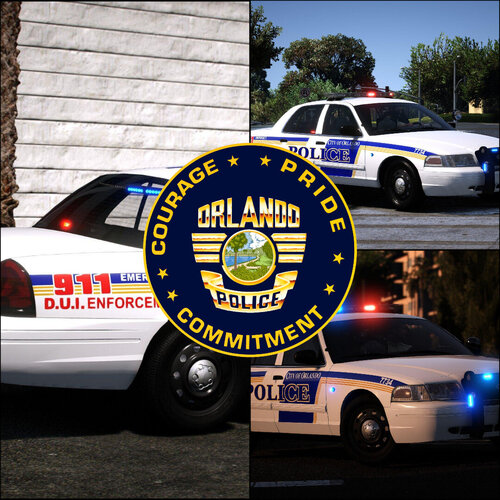
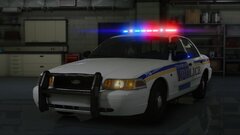
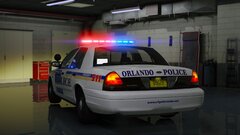
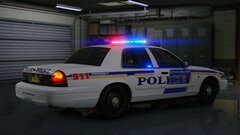
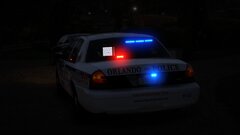
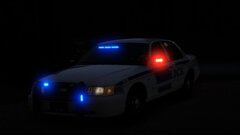
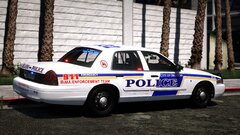
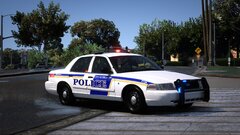
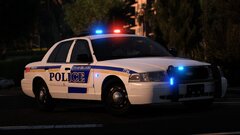
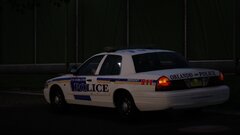
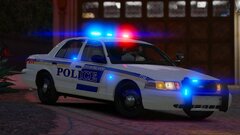
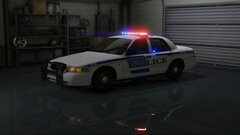
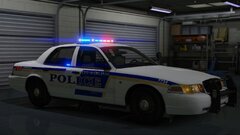
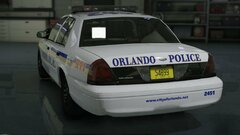
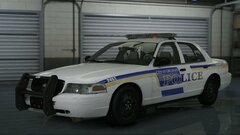
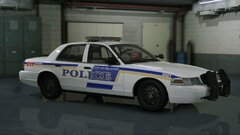
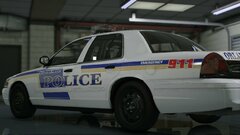
Hello everyone! Tonight I am releasing to you my mini pack for Orlando Police that is just all crown vic's! This was sort of a request, and not something I was going to originally do, but it came to be, and with some help by Jank, it came to fruition. As stated, this is a mini pack for Orlando Police, and features only crown victoria's. It is unlikely that it will every include any other cars since the pack was made to work with @Skys Development Orlando Police pack once he releases it. Currently the pack is completed and fully useable, there will be some updates coming to it, like a few skins needing to be changed, or if something isn't working properly. Also like I said, I want to give a huge thanks to @JankModding for giving me his Orlando Skins to release this pack with, without him, this honestly probably wouldn't be on here! I also want to give a huge thanks to @Skys Development for custom making a setina pushbar for this pack to have cutouts for the lights, thank you bro! I hope everyone truly enjoys this pack, and I can't wait to see everyone patrolling with them! Have fun!



